Do I Need a VPN for Firestick? Quick guide
Do I Need a VPN for Firestick? A practical, balanced guide
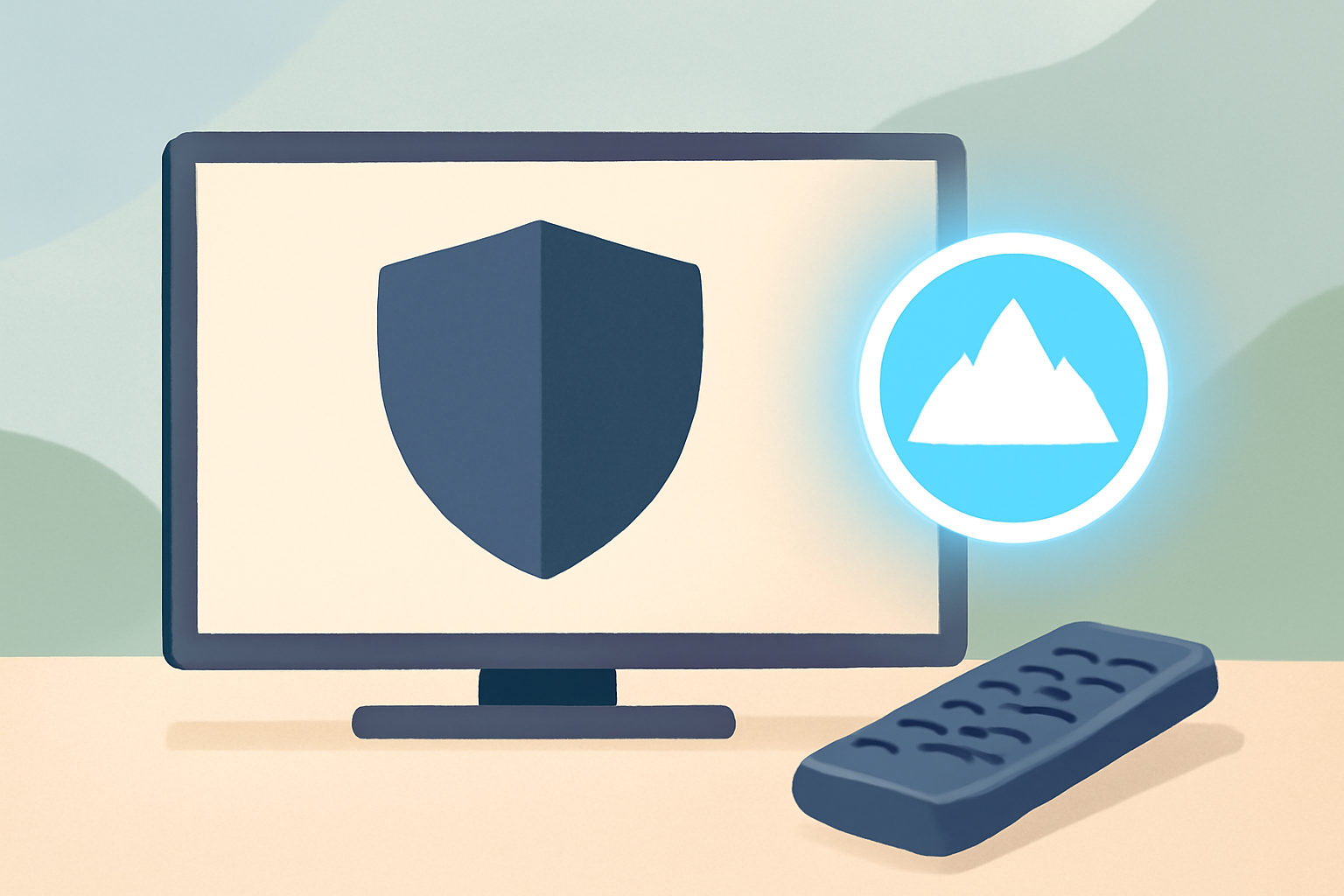
If you own a Firestick or Fire TV device, you may have wondered do i need a vpn for firestick. The short answer is that a VPN can improve privacy and expand content options, but it is not a mandatory tool for every household. This guide explains when a VPN helps, how to set one up on a Firestick, and what to watch out for. You will also find practical tips on reducing buffering and preserving streaming quality. For more on streaming privacy basics, check our VPN & Privacy section and our guide on VPN for streaming.
What a VPN does for Firestick users
A virtual private network creates an encrypted tunnel between your Firestick and a VPN server. That tunnel hides your IP address from the streaming service and provides a different outward address. The result is enhanced privacy by design and the ability to access content that may be limited to other regions. If you are curious about how VPNs work in practice, see our VPNs for Streaming: What They Do, When You Need One. For device specific guidance on Android based devices, which include Firestick, we also link to our guide on the best VPNs for Android devices. You can read more about the Android approach here Best VPN For Android Devices. In addition, some users want to improve privacy at the network level by changing DNS. If that topic interests you, our article DNS for Streaming: Does Changing It Actually Help? covers the basics and trade offs.
When a VPN adds real value
- Accessing region-locked entertainment: Some streaming catalogs vary by country. A VPN can enable access where permitted by licensing agreements. Always respect terms of service and local laws.
- Protecting public Wi-Fi use: If you are streaming on public networks, a VPN can shield your traffic from eavesdropping.
- Limiting data collection by networks: In some cases a VPN reduces exposure by masking traffic patterns from the network provider.
When a VPN is not essential
- If you only use official apps and services available in your region, a VPN may not be necessary.
- If you rely on high speed without encryption overhead, some VPNs can add slight latency. If you experience noticeable buffering, reassessing your setup helps.
- If your primary goal is parental controls or simple privacy, a basic router security setup and trusted apps may suffice.
How to set up a VPN on a Firestick
Setting up a VPN on Firestick is generally straightforward because Firestick runs Android. The goal is to install the VPN app from the Amazon Appstore, sign in, and connect to a server. If you want a step by step, many VPN providers offer dedicated tutorials. For a broader picture of Android based devices, see our guide Best VPN For Android: Phones, Tablets & TV Boxes. If you prefer a quick read on how to optimize streaming with VPNs, our overview VPNs for Streaming: What They Do, When You Need One is a solid starting point.
Quick setup checklist
- Choose a reputable VPN service with a Firestick compatible app. A good option is to pick from the list in our 3 Best VPNs for Firestick & Fire TV.
- Install the VPN app from the Firestick or Android app store.
- Sign in with your VPN account and allow necessary permissions.
- Pick a server location that fits your streaming goal. If you want to watch a specific library, choose a server in that region.
- Test by loading a streaming app and verifying your new IP address using a site or a tool from your provider.
Troubleshooting common setup issues
- The app does not install: Ensure you are connected to the internet and use the official app from the Amazon Appstore. If needed, sideloading is possible in some cases, though it should be done cautiously and with legitimate sources.
- Slow connection after connecting: Try a nearby server or a different protocol. Some providers offer LightWay, WireGuard, or OpenVPN options. If buffering persists, check your network as described in our buffering guide.
- VPN disconnects during streaming: Enable a feature called kill switch if available; this prevents data leakage if the VPN drops momentarily.
Performance considerations: speed, latency, and stability
Speed matters a lot when you are streaming high quality video. A VPN can slightly impact connection speed because data is routed through an extra server and encryption is applied. However, the degree of impact varies by provider and server location. A well optimized VPN will minimize ping and jitter and help you maintain smooth playback most of the time. If you notice persistent speed issues, the Dos and Don’ts below can help.
Practical tips to preserve streaming performance
- Choose a nearby server to reduce latency.
- Use a protocol that balances speed and security. Many providers offer WireGuard or OpenVPN options.
- Ensure your home network is stable and not congested. If you have many devices, consider upgrading your router or upgrading to a wired connection where feasible. Our article on Ethernet vs Wi Fi for streaming discusses how a wired connection can improve consistency.
- Check your device firmware and update apps to the latest versions.
Using a wired or wireless connection
If you want a more predictable experience, you might consider a wired link for your Firestick whenever possible. Ethernet connections tend to be more reliable for streaming than Wi Fi. For a deeper dive on this topic see our piece Ethernet vs Wi Fi for Streaming: Which Should You Use?. It explains the trade offs and how to set up a stable connection that can complement a VPN.
How to balance privacy with convenience
You do not have to sacrifice simplicity to gain more privacy. A few best practices can help you stay private without complicating your streaming routine.
Privacy basics you can apply today
- Use official apps and services from reputable providers. Avoid third party sources that could carry risks.
- Be mindful of account permissions and what data is shared with apps. Review app settings for privacy options.
- Consider a DNS option that maintains reliability and speed. If DNS decisions matter to your streaming, our article DNS for Streaming: Does Changing It Actually Help? can help you weigh the pros and cons.
- Use a VPN with a clear no logs policy and transparent privacy terms. For a curated look at VPNs that work well on Firestick, our guide 3 Best VPNs for Firestick & Fire TV is a good starting point.
Notable myths to avoid
- A VPN will always instantly get every service. Licensing and regional rules are complex and can affect what is accessible. A VPN is a tool that can help with privacy and access in legitimate ways, but not a silver bullet.
- A VPN guarantees faster streaming. In fact, encryption and routing add some overhead. The right VPN provider and server choice can minimize the impact, especially for HD or 4K content.
Table: VPN feature comparison for Firestick use
| Feature | What it means for Firestick users | Why it matters for streaming |
|---|---|---|
| App availability | Official Firestick compatible apps from major providers | Easier setup, fewer compatibility issues |
| Speed optimization | Servers optimized for streaming, protocols like WireGuard | Reduces buffering and improves quality |
| Privacy policy | Clear no logs or independent audits | Builds trust and reduces data exposure |
| Simultaneous connections | Number of devices that can run on one account | Useful in households with multiple streaming devices |
| Kill switch | Keeps traffic from leaking if VPN drops | Protects privacy during interruptions |
| Server network size | Number and distribution of servers | More options for accessing regional content and avoiding congestion |
Choosing the right VPN for your Firestick
Not all VPNs are created equal for Firestick use. You want a provider that offers a dedicated Android app, reliable performance, and transparent policies. A practical approach is to review credible sources and user reviews, then test the service with a free trial or money back guarantee if available. Our page on the best VPNs for Firestick provides a curated list and explains why each option works well with Fire TV devices. For a broader Android device viewpoint, take a look at our Best VPN For Android: Phones, Tablets & TV Boxes article.
How to evaluate VPNs for streaming
- Look for a provider with an official Fire TV app and clear setup instructions.
- Check for fast, stable servers, with a balance of regional options.
- Read the privacy policy to confirm the absence of unnecessary data collection.
- Confirm they offer a kill switch and DNS leak protection.
- Consider if they support the streaming apps you use most often.
Realistic expectations and how to avoid overhype
A well chosen VPN can improve privacy and help access content, but it does not magically remove licensing restrictions or guarantee access to every title. If you encounter limitations, you can try alternate servers or check if the content is blocked by the service itself. For practical steps to optimize your streaming setup, see our guide on buffering and diagnostics How to Fix Buffering: The Complete Diagnostic Guide and our article on optimizing Wi Fi for streaming and network layouts Router Placement & Wi Fi Optimization for Streaming. For additional background on how to approach streaming privacy in general, you can explore our VPN & Privacy hub.
When to skip a VPN on Firestick
- If you do not need region unlocks and your streaming choices are local to your country.
- If you are streaming only from official apps with no privacy concerns and you rely on your ISP’s network for speed.
- If VPNs cause noticeable slowdowns that degrade your viewing experience. In those cases, testing a different server or protocol might help, but if the loss remains significant you might keep things simple.
Practical privacy and setup tips for households
- Plan your network layout so all your devices have strong access. If your household has many streaming devices, consider a router with strong throughput and solid features. Our article on bandwidth planning for a streaming household can help you map your needs.
- Keep firmware and streaming apps updated. Updates often include performance and security improvements that help both VPN users and non VPN users.
- Use a monitoring approach to manage streaming quality. If you notice persistent buffering or quality drops, the diagnostic guide can help you locate the root cause quickly.
Bottom line
Do i need a vpn for firestick depends on your goals. If privacy, security on public networks, or bypassing regional limitations are important for you, a reputable VPN provides tangible benefits. If you decide to try one, follow a step by step setup on your Firestick, monitor performance, and adjust server choices to maintain a smooth viewing experience. For more on the subject, consult our VPN for streaming guide and related resources on Android devices and streaming optimization.
Bottom line: a VPN can be a valuable tool for Firestick users who want privacy and flexibility, but it is not required for everyone and does not guarantee access to all content. If you want to explore specific VPN recommendations or a side by side comparison, start with our curated guides and then test a couple of options to see what works best in your home.
Frequently Asked Questions
Do I need a VPN for Firestick to watch geo-restricted content?
A VPN can help access content available in other regions by masking your location, but always follow licensing rules and terms of service.
Will a VPN slow down my Firestick streaming?
Some VPNs may reduce speed a bit due to encryption and routing, but reputable providers optimize routes for streaming.
Which VPN features matter for Firestick?
Look for reliable apps, fast servers, no-logs policies, and easy setup on Android devices.
This is an independent editorial site. We do not host, sell, or distribute any streams or subscriptions. Always verify that a service is properly licensed in your country. Some links may earn us a commission at no cost to you.