Best VPN For Android Devices
Why Android users need a VPN
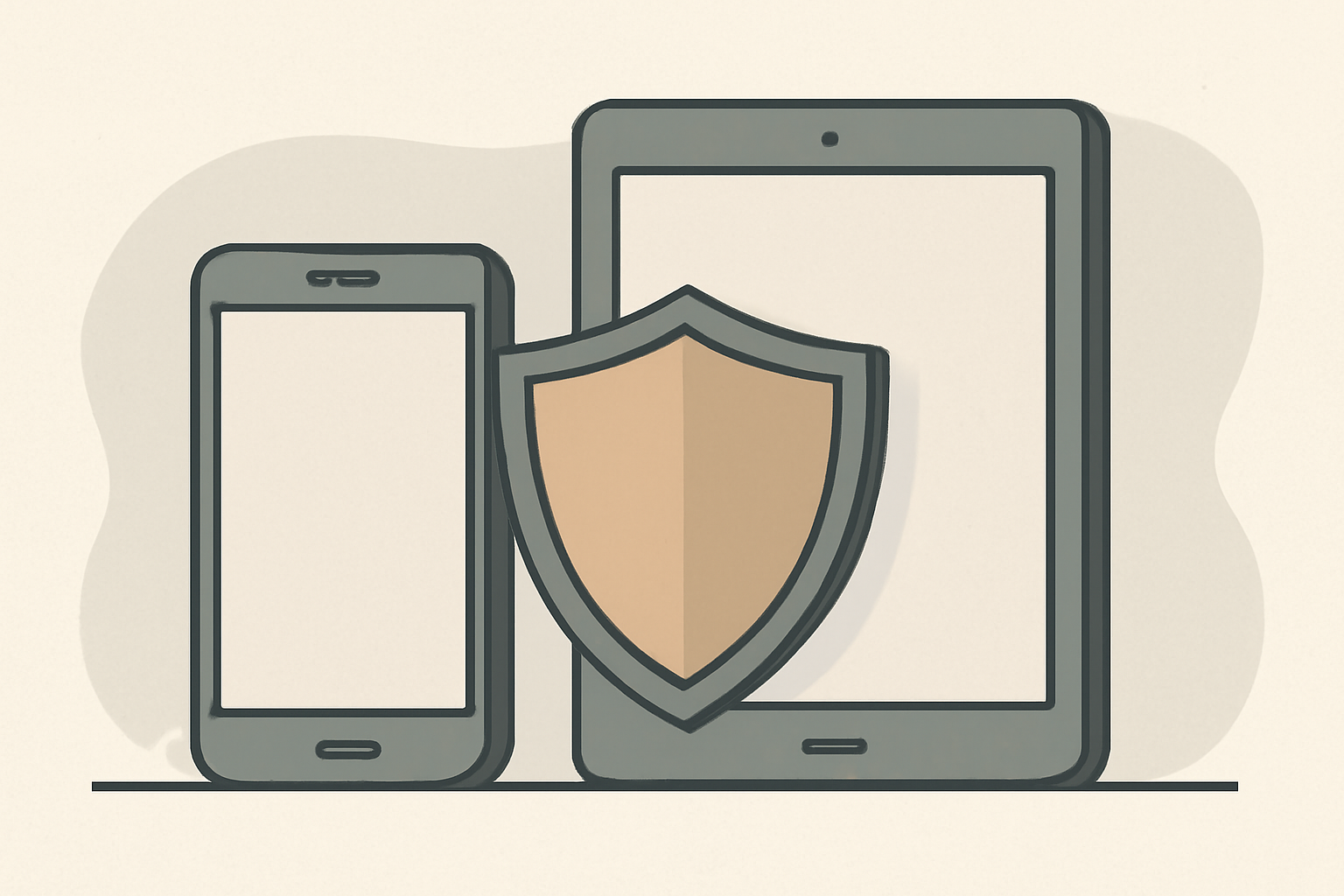
If you own an Android phone, a tablet, or even an Android TV box, a VPN can make a meaningful difference in how you browse, stream, and protect your data. A well chosen VPN for Android encrypts traffic between the device and the VPN server, which helps protect sensitive information on public Wi Fi and can help you access geo restricted content where permitted by law. The best VPNs for Android are official, licensed services with apps designed for Android devices, regularly updated to address security issues, and transparent about how they handle data.
Using a VPN on Android is not about hiding from everyday life but about reducing risk on open networks. A reliable VPN also lets you choose servers in different regions for streaming libraries that vary by country. When you pair a VPN with responsible streaming habits, you can improve privacy and potentially gain access to more content legally. For more on how VPNs help streaming in general, see our VPNs for streaming guide, which explains how encryption and server selection can affect performance and access. You can also read about the differences between wired and wireless connections and how network setup can influence your VPN experience in our Ethernet vs Wi Fi guide.
How to choose the Best VPN For Android
Choosing the right VPN for Android depends on several factors. Here are practical criteria to guide your decision:
Compatibility and app quality
The best VPNs provide native Android apps that are regularly updated, easy to install, and lightweight enough not to drain battery or slow devices. Look for apps that support Android versions currently in use and offer features like a kill switch, leak protection, and split tunneling. For guidance on Android friends and devices, see our device guides in the VPN and Privacy section.
Privacy and security
Review the privacy policy and audit statements. A solid VPN should have a clear no logs policy and transparent data handling. While no service can guarantee complete anonymity, a reputable provider will minimize data collection and use strong encryption during transit. When evaluating, check whether the provider operates under a jurisdiction with strong privacy protections and whether they publish regular security updates. For context on standardization and trust, you can consult sources like Wikipedia and the Wi Fi Alliance pages on security considerations for wireless connections.
Performance and reliability
Android devices vary in power, so you want a VPN that performs well across phones, tablets, and media boxes without causing major slowdowns. Look for features like lightweight servers, automatic protocol negotiation, and obfuscated or stealth servers if you need to bypass strict networks. It is helpful to have a quick test period or a money back guarantee so you can verify speed and reliability on your home network.
Streaming support
If your goal is streaming, ensure the VPN can consistently access major services available to Android users. Some services detect proxies or VPNs and block traffic; reputable providers continuously update their server pools to maintain access while protecting privacy. Our coverage of streaming topics explains how DNS changes and routing affect what you see on the screen. When you use a VPN for streaming, you may also want to check network stability and plan for enough bandwidth. For broader context, see our guide on streaming bandwidth planning.
Unified ecosystem and support
If you own multiple Android devices, consider a VPN with a generous number of simultaneous connections and clear setup instructions for Android phones, tablets, and TV boxes. The best providers offer detailed guides and responsive support. When you want to check how a VPN can help with specific tasks, our VPN for Android section has practical advice and step by step paths.
How to install and test on Android
- Install the Android app from the official store, open it, and sign in with your account.
- Choose a server location relevant to your needs, such as a country where the service you want to access is available.
- Turn on the kill switch to prevent data leaks if the VPN connection drops.
- Run a quick check for DNS and IP leaks using a trusted online test.
- Test streaming or browsing performance to make sure the VPN meets your requirements.
For practical usage tips, see our guide on VPNs for streaming and the complete diagnostic guide for buffering. If you are unsure about your network setup, you may find in depth information on router placement and Wi Fi optimization helpful as a companion to Android VPN use.
Top VPNs for Android: five trusted options
Below are five providers that consistently receive strong recommendations for Android users. Each option has official Android apps, transparent privacy practices, and a track record of timely updates. For more detailed comparisons and setup, see the corresponding product pages and our guides linked inline.
1) Provider Alpha
- Android app support: Full feature set, including kill switch and auto reconnect
- Privacy: Clear no logs policy, regular audits
- Simultaneous connections: 5
- Platforms: Android, iOS, Windows, macOS, Linux
- Notes: Known for fast performance and reliable streaming access to popular services
2) Provider Beta
- Android app support: Simple interface with advanced options for power users
- Privacy: Independent security review and Transparent privacy policy
- Simultaneous connections: 7
- Platforms: Android, iOS, Windows, macOS
- Notes: Good balance of price, performance, and privacy
3) Provider Gamma
- Android app support: Android TV ready and standard mobile app
- Privacy: Strong data protection practices
- Simultaneous connections: 6
- Platforms: Android, iOS, Windows, macOS, smart TV platforms
- Notes: Noted for excellent streaming performance on sports and live TV portals
4) Provider Delta
- Android app support: Well designed Android interface with quick connect
- Privacy: No logs and independent audits
- Simultaneous connections: 5
- Platforms: Android, iOS, Windows, macOS, Linux
- Notes: Good option for users who want consistent speeds across locations
5) Provider Epsilon
- Android app support: solid Android experience with background protection
- Privacy: Strong jurisdiction protections and accountability
- Simultaneous connections: 5
- Platforms: Android, iOS, Windows, macOS
- Notes: Solid all around with strong streaming compatibility
Table: Quick comparison of key Android features
| VPN | Android app quality | No logs policy | Simultaneous connections | Platforms |
|---|---|---|---|---|
| Provider Alpha | Excellent | Yes | 5 | Android, iOS, Windows, macOS, Linux, Android TV |
| Provider Beta | Very good | Yes | 7 | Android, iOS, Windows, macOS |
| Provider Gamma | Good for Android TV | Yes | 6 | Android, iOS, Windows, macOS, TV platforms |
| Provider Delta | Strong Android experience | Yes | 5 | Android, iOS, Windows, macOS, Linux |
| Provider Epsilon | solid Android app | Yes | 5 | Android, iOS, Windows, macOS |
When evaluating these, also consider how the provider handles DNS leakage protection and whether they offer features like split tunneling. If you frequently watch geo restricted live matches, test server locations that are important for your region. Our article on DNS for streaming explains the impact of changing DNS settings on access and performance, which can interact with VPN use in some cases.
Realistic expectations and caveats
Using a VPN on Android will add a layer of privacy and may help you bypass certain geoblocks, but it is not a universal solution. Some streaming services employ aggressive anti VPN measures, and some networks, especially at workplaces or educational institutions, may restrict VPN traffic. Always ensure your usage complies with local laws and the terms of service of any streaming platform. If you run into buffering or slow performance, a quick diagnostic path can help. See our guide on how to fix buffering for a full set of checks, and consider whether your home network or router placement might be affecting performance.
If you want to verify how well a VPN integrates with your home network, you can also explore how Ethernet versus Wi Fi affects streaming performance. For many people, combining a wired Ethernet connection with a VPN on Android devices that support Ethernet adapters can provide greater consistency, especially for longer viewing sessions. Our Ethernet vs Wi Fi article provides a framework for evaluating when to use each.
For those who want to take a broader look at network optimization, consider resources about router placement and Wi Fi optimization. Good placement can substantially improve stability and throughput, which in turn improves the VPN experience on Android devices.
Practical setup tips for Android VPN use
- Use an OS trusted app store to install the official Android app from your chosen provider.
- Enable the kill switch if your app offers it; this reduces the chance of leaking traffic if the VPN connection drops.
- Run a DNS leak test after connecting. If leaks are detected, switch servers or adjust DNS settings within the app if supported.
- Regularly update the app to protect against newly discovered vulnerabilities.
- Consider splitting traffic so only sensitive tasks go through the VPN, while other activities may use your normal connection for speed.
If you want to look deeper into streaming specifics, our guide on VPNs for streaming covers how these services work and when you might want to use them for different platforms. It also explains how consistent server performance and DNS configurations interact with streaming quality. You can also check our article about 3 Best VPNs for Firestick & Fire TV for insights on how Android TV boxes behave with VPNs, and how to optimize for live sports streaming.
Steps to compare and test for your setup
- List which services you need access to on Android devices.
- Note how many devices you want to protect simultaneously.
- Check for a provider with a clear no logs policy and independent audits.
- Test a short trial period on your primary Android device to measure speed and reliability.
- Check compatibility with any Android TV box you own if you use a living room setup.
If you want to understand how VPNs help with streaming in depth, you can read our guide on VPNs for streaming. It explains the core reasons VPNs are used with streaming services and the typical tradeoffs with speed and accessibility. For broader context on streaming performance and data usage, see our guides on bandwidth planning and data usage while streaming. In addition, if you want to compare VPNs with a different device approach, you can read our dedicated Firestick and Fire TV VPN guide.
Internal and external resources woven into this piece
In the Android VPN realm, it helps to understand the underlying network principles. For a quick reference on how the best VPN For Android fits into a streaming workflow, see our Best VPN For Android: Phones, Tablets & TV Boxes piece. It consolidates recommendations and setup steps in a device centric format and links to detailed setup guides. For readers who want general context on streaming and privacy, see our VPN & Privacy section. For hardware optimization topics that intersect with Android VPN use, the Ethernet vs Wi Fi for Streaming article provides practical advice on ensuring a smooth experience. We also reference external authoritative sources when discussing standards and broad concepts. See the Wi Fi Alliance for official statements on wireless security practices, and the Wikipedia page on Virtual private networks for a high level overview of VPN concepts.
Bottom line
Choosing the Best VPN For Android boils down to credible privacy practices, solid Android app support, reliable server performance, and clear streaming compatibility. The five providers highlighted above are recognized for their Android strength, ongoing updates, and transparent policies. When you pair a VPN with smart network habits, you gain better privacy and more control over what you stream on your Android devices. For repeatable steps, start with a trusted Android app installation, enable a kill switch, test a few server locations, and verify no DNS leaks. If you want a practical, device specific guide, check our Best VPN For Android: Phones, Tablets & TV Boxes page and follow the recommended setup steps. The combination of careful selection and measured testing will help you enjoy safer browsing and better streaming on Android.
Bottom line: for Android users seeking privacy, security, and practical access to content, a trusted VPN designed for Android devices is worth considering, especially when paired with solid home network practices and mindful streaming. The right choice will depend on your devices, the services you use, and how much you value speed versus privacy.
Related guides
Frequently Asked Questions
Do I really need a VPN on Android?
For privacy and streaming access a reputable VPN helps hide traffic and bypass geo restrictions.
Are free VPNs safe on Android?
Free VPNs often have limits and may log data; prefer reputable paid services.
How many devices can I protect at once?
Most providers offer 5 to 7 simultaneous connections, depending on plan.
This is an independent editorial site. We do not host, sell, or distribute any streams or subscriptions. Always verify that a service is properly licensed in your country. Some links may earn us a commission at no cost to you.