Best VPN For Android: Phones, Tablets & TV Boxes
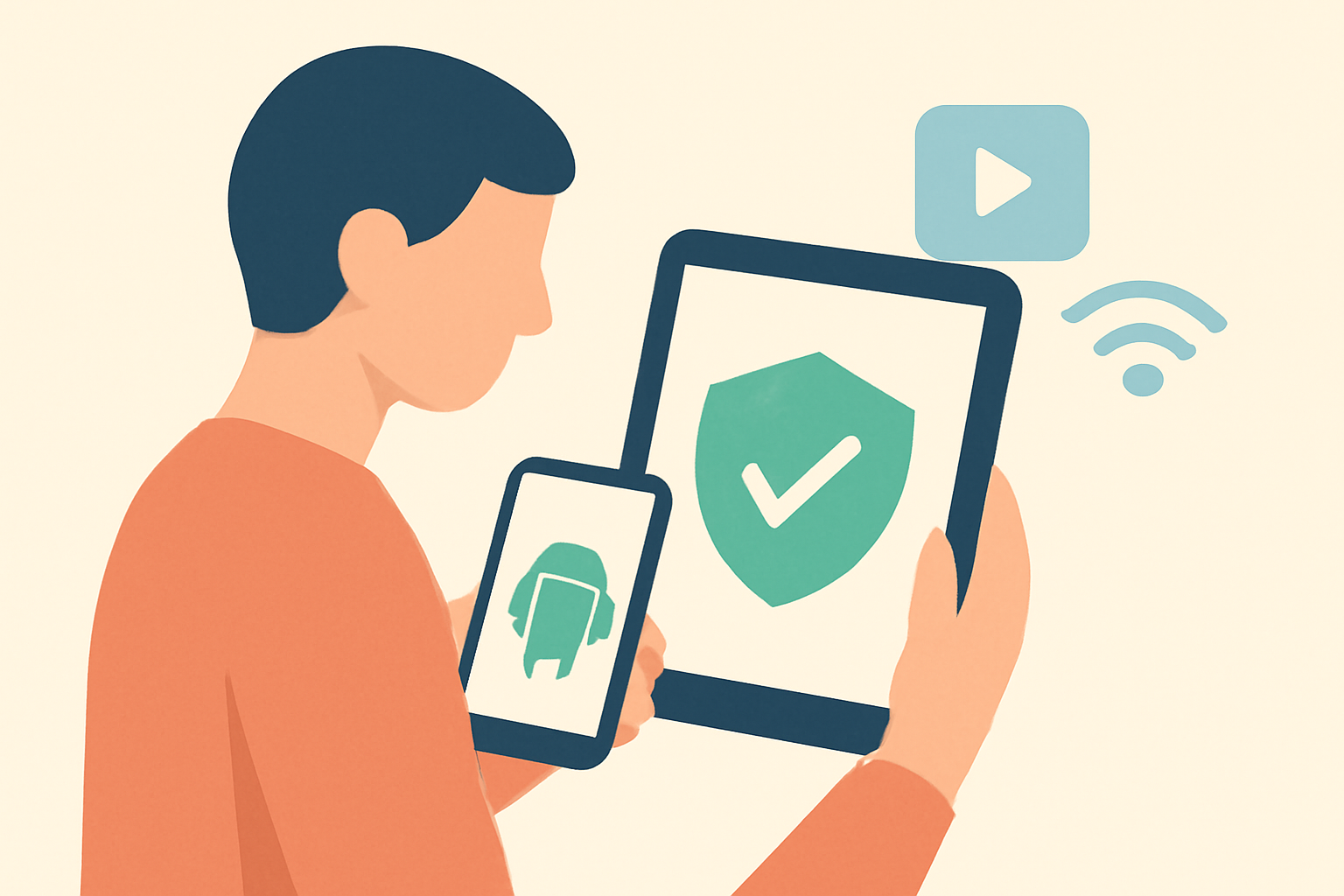
Choosing the best VPN for Android means looking at how well the service integrates with Android platforms, how it handles privacy, and how it affects streaming performance. Android devices include phones, tablets and TV boxes that run Android or Android TV. The right VPN app should install from the Google Play Store, support standard Android security features, and offer a clear privacy policy. When you pick a service, verify that it is a licensed provider with transparent terms and published security practices. For streaming users, a VPN is not just about privacy; it can help you access geo restricted libraries and protect you on public Wi Fi when out and about. If you want to understand the general role of VPNs in streaming check our VPNs for Streaming: What They Do, When You Need One guide and consider how to apply those ideas to Android devices. For more device oriented tips see our Device Guides (section) and keep privacy considerations in mind as you explore streaming options.
How Android VPNs differ from desktop options
Android devices have unique IP handling, background task limits, and battery considerations. A good Best VPN For Android should have:
- A native Android app that is easy to install and uses minimal battery while protecting traffic.
- Clear kill switch that stops traffic if the VPN disconnects to avoid unprotected exposure.
- DNS leak protection so your true DNS queries are not exposed if the VPN connection drops.
- WireGuard and OpenVPN support for a balance of speed and compatibility.
- Split tunneling or app exclusion options so you can route only certain apps through the VPN if you want to maintain local network access for devices like printers.
Some services also offer a dedicated Android TV app, which helps simplify setup on a TV box. If you are setting up a VPN for streaming on an Android TV device, our related guides can help you optimize the process. See how to improve buffering and streaming performance with practical guidance in our diagnostic and optimization resources. If you want to understand broader streaming trade offs for Android devices, check our Ethernet vs Wi Fi for Streaming: Which Should You Use? and Powerline vs Mesh vs Ethernet: Getting Wired-Grade Streaming Anywhere articles for context.
How to choose the best VPN for Android devices
Here is a practical checklist to help you pick a service that works well on phones, tablets and TV boxes:
- Platform support and app quality: Confirm a well designed Android app with regular updates and an easy onboarding flow.
- Privacy and jurisdiction: Look for a clear no logs policy, independent audits if available, and a transparent privacy statement.
- Protocols and performance: The best Android VPNs offer WireGuard by default and optional OpenVPN; they should advertise consistent speeds suitable for streaming.
- Leak protection and security features: A reliable VPN will include DNS leak protection, a kill switch, and strong encryption standards.
- Connection limits and device coverage: Check how many simultaneous connections are allowed and whether Android TV boxes count toward the limit.
- Customer support and documentation: Look for accessible setup guides, FAQs and responsive support channels.
- Price and licensing: Use official, licensed services with clear pricing and renewal terms. Do not rely on unverified sources for pricing.
If you want to see practical examples, you can compare how different providers implement these features on Android. Our comparison table below highlights typical capabilities you may encounter when evaluating the best VPN for Android.
Practical guidance for Android app setup
Setting up a VPN on Android usually follows a straightforward path:
- Subscribe to a licensed provider and download the Android app from the Google Play Store.
- Sign in and grant required permissions for the app to monitor network activity and configure solid security settings.
- Connect to a server in a desired location. For streaming, pick a server near the source library to reduce buffering.
- Test the connection for DNS and IP leaks using reputable diagnostic tools.
- If you use Android TV or a TV box, install the provider’s Android TV app or cast the app from a compatible phone or tablet to the TV.
If you encounter buffering or streaming latency after enabling the VPN, consult our diagnostic guides to identify potential bottlenecks and adjust server locations. For more on buffering checks see How to Fix Buffering: The Complete Diagnostic Guide. You can also read about how to optimize your home network to support streaming by visiting our router and Wi Fi optimization resources like Router Placement & Wi Fi Optimization for Streaming.
Recommended features to look for in top Android VPNs
- Native Android and Android TV apps with responsive interfaces
- Fast and stable servers optimized for streaming
- Kill switch and DNS leak protection enabled by default
- Privacy policies that explain data collection clearly
- Transparent independent audits or strong public commitments to user privacy
- Easy to use split tunneling for devices needing local network access
- Clear troubleshooting and setup guidance
To deepen your understanding of how VPNs support streaming, you may want to explore our broader guide on VPNs for streaming and how they help preserve access to content while protecting your privacy. See our high level overview at VPNs for Streaming: What They Do, When You Need One. If you are curious about how VPNs relate to your overall privacy strategy, our VPN & Privacy (section) offers more context about how these tools fit into a safe online workflow.
Feature comparison table for Android VPNs
| VPN provider | Android app availability | Protocols supported | Kill switch | DNS leak protection |
|---|---|---|---|---|
| ExpressVPN | Yes | WireGuard, OpenVPN | Yes | Yes |
| NordVPN | Yes | WireGuard, OpenVPN | Yes | Yes |
| Surfshark | Yes | WireGuard, OpenVPN | Yes | Yes |
| Private Internet Access | Yes | WireGuard, OpenVPN | Yes | Yes |
The table above presents a quick snapshot of common features available in popular licensed Android VPN apps. Real world performance varies with server load, time of day and your home internet connection. If you’re seeking guidance on optimizing speed and stability on Android, our Internet Speed for Streaming: How Much You Really Need article can help you set expectations and plan bandwidth usage.
Common pitfalls and how to avoid them on Android
- Expect occasional disconnects on congested networks. Use the kill switch to prevent traffic leaks.
- Some apps may consume more battery during active VPN use. Adjust settings or try a lighter protocol if you notice rapid drain.
- When using a VPN on Android TV devices, ensure the VPN app supports the TV interface or use a compatible casting method from a phone or tablet if there is no native app available.
- If you experience buffering after connecting to a VPN, try a nearby server in the same region or a different location with lower latency. For a broader look at buffering remedies see our diagnostic guide and streaming optimization references.
If you want to explore related topics, you can browse our section on the basics of streaming and privacy. For example, you can read about the legality and policies around streaming with VPNs in our Is Streaming Legal? The Rules, Plainly Explained article, or review data use considerations in How Much Data Does Streaming Use? (With a Cap Survival Guide).
Setup on different Android devices
- Android smartphones and tablets: Most providers publish a dedicated Android app that installs through Google Play. Sign in and choose a server for the desired region.
- Android TV boxes: If the app is not natively available on your device, verify whether your model supports sideloading or use a compatible Android TV version of the app.
- Other Android devices: Chromebooks with Android support can also install mobile VPN apps from Google Play, enabling secure browsing on those devices as well.
If you want to verify compatibility with streaming devices, consult our device guides for more specific steps and checks. You can also read about how to maximize streaming performance with a fast and reliable network in our broader 4K Streaming Explained: What You Need and When It’s Worth It guide.
Privacy considerations when using a VPN on Android
- A reputable VPN service should publish a clear no logs policy and provide information about how data is handled.
- Some VPNs offer additional privacy features such as obfuscated servers, which help conceal VPN traffic in restrictive networks.
- Always review the terms of service and the privacy policy to understand how your data is managed when using the Android app.
For broader privacy practices and network security context, you might explore relevant resources in our VPN and privacy overview. Our aim is to help you make informed choices about Android privacy and streaming while avoiding gray area practices.
Real world usage tips
- If you regularly stream on Android devices, consider creating a dedicated streaming profile or profile switcher in the VPN app so you can quickly connect to a preferred server during peak hours.
- Maintain a separate default DNS configuration for streaming in cases where DNS changes affect content availability on certain networks. For related DNS considerations, see our article on DNS for streaming and whether changing it helps.
- Regularly check for app updates and read changelogs to stay on top of security fixes and improved compatibility for Android devices.
Related sections and further reading
- Live TV Streaming (section) for more streaming specific guidance.
- IPTV (section) if you use IPTV services on Android platforms.
- VPN & Privacy (section) for deeper privacy best practices and policy explanations.
Best practices summary for Android users
- Use only licensed VPN providers with clearly stated privacy policies.
- Prefer VPN apps with WireGuard support for speed and OpenVPN as a fallback option.
- Enable kill switch and DNS leak protection to prevent data leaks when the VPN fluctuates.
- Test streaming performance after connecting to a VPN and adjust server location as needed.
- Regularly review app permissions and privacy terms.
On device setup quick tips
- For quick setup on Android phones and tablets, install the official provider app from Google Play, sign in, and start with a nearby server for best latency.
- For Android TV boxes, confirm app compatibility or use the provider’s cast option from a mobile device if the TV app is limited.
Best VPN For Android: final thoughts
When you look for the best VPN for Android, you should consider the combination of app quality, privacy safeguards and streaming performance. The right provider will offer a strong Android app, solid security features and a straightforward setup flow that suits phones, tablets and TV boxes alike. If your aim is to protect privacy while streaming and to access geofenced libraries without sacrificing speed, a competent Android VPN should enable this without creating a headache. For hands on guidance with practical steps and troubleshooting tips, explore our broader streaming privacy resources and device oriented guides.
Bottom line
A well chosen VPN for Android can deliver stronger privacy and smoother streaming on mobile devices and TV boxes. Use verified, licensed services, verify that the Android app supports your device, and follow setup steps carefully. When in doubt, consult our Android oriented guides and use the diagnostic steps in our buffering and speed optimization articles to keep your streams running smoothly.
Frequently Asked Questions
Do I need a VPN for Android streaming?
If you want privacy and to bypass geo restrictions, a reputable VPN for Android helps. Check our VPN for streaming guide for details.
Can I use a VPN on Android TV boxes?
Yes. Many providers offer Android TV compatible apps and instructions for sideloading if needed.
Is there a free VPN for Android?
Free VPNs exist but often come with limits. A paid, licensed service usually offers better privacy and speeds.
This is an independent editorial site. We do not host, sell, or distribute any streams or subscriptions. Always verify that a service is properly licensed in your country. Some links may earn us a commission at no cost to you.