NordVPN vs ExpressVPN: Which Wins?
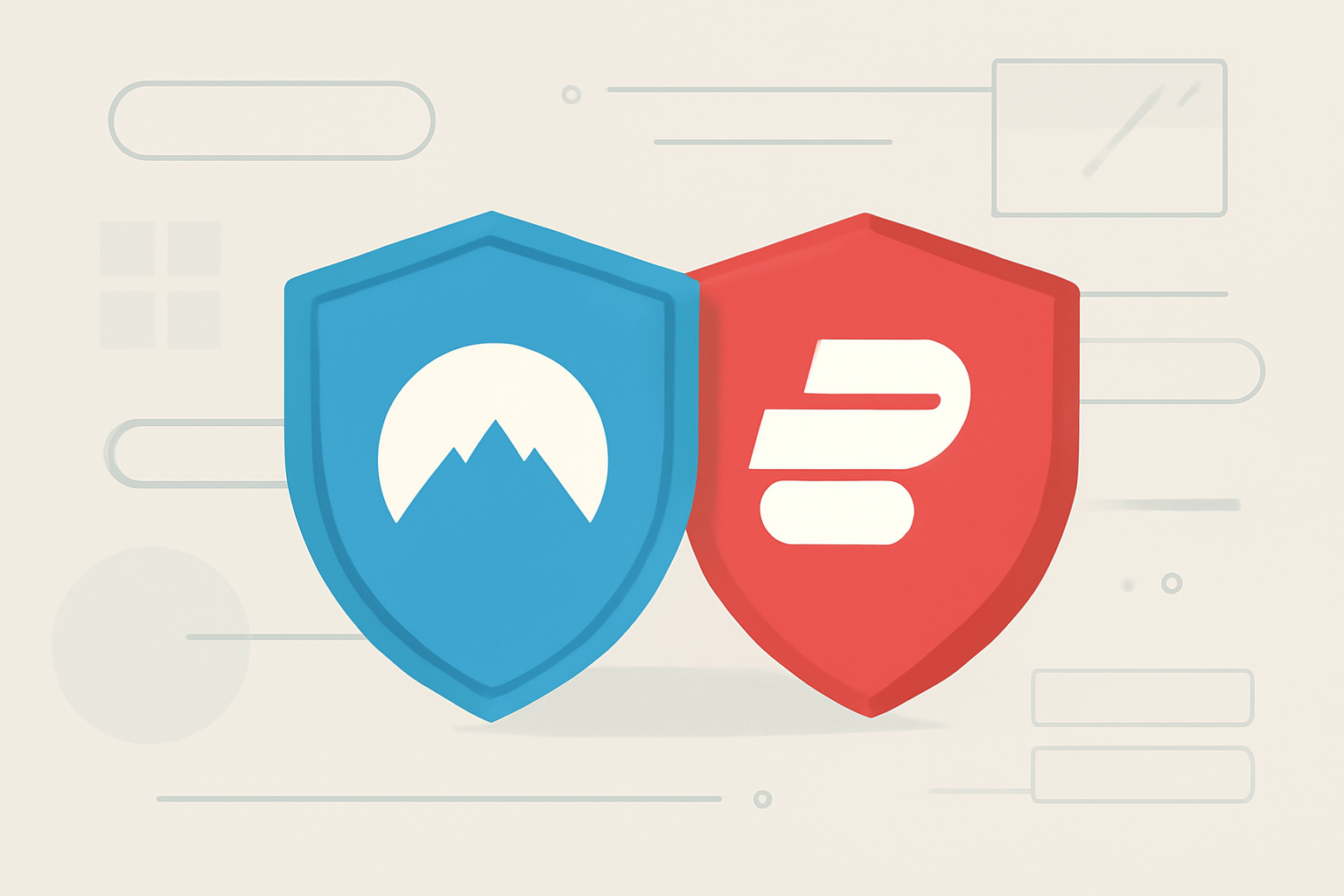
NordVPN vs ExpressVPN: Which wins?
When you are choosing a VPN, the decision often comes down to speed, privacy, price, streaming reliability, and the quality of apps across devices. NordVPN and ExpressVPN sit near the top of the market for many users, but each has its own strengths. This guide compares NordVPN vs ExpressVPN across key dimensions and helps you pick the option that best fits your needs for speed, privacy, streaming, and ease of use.
Speed and performance you can rely on
Speed is a top concern for most VPN users. A VPN adds an extra hop to your internet traffic, and the result depends on server load, distance, and the encryption protocol chosen. Both NordVPN and ExpressVPN regularly refresh their networks to optimize performance, but there are practical differences worth noting.
- NordVPN uses a broad network with many country options. In general, you will find fast connections on nearby servers and good performance on medium distance routes. For users who run multiple devices at once, NordVPN can offer a balance of speed and simultaneous connections.
- ExpressVPN emphasizes consistent performance across a smaller set of premium servers that are tuned for speed. Many users report stable streaming performance and reliable gaming connections when connected to ExpressVPN servers in favored locations.
Choosing the best option for your situation might involve testing a few servers. If you manage a household with several streams and devices, you may want to run throughput tests while connected to different servers. A practical approach is to monitor real world results using typical activities like streaming HD or 4K video, video calls, and online gaming. For streaming, you can read guides about VPNs for streaming to understand how these services optimize routes for video delivery. See our VPN for streaming guide for more details. The general takeaway is that ExpressVPN tends to deliver more predictable speeds on a wide range of servers, while NordVPN can offer excellent speeds on well selected nodes.
How to evaluate speed on your own
- Test different servers within both providers’ networks close to your location.
- Use a speed test tool to measure baseline and VPN-assisted speeds.
- Try different encryption settings. Lowering encryption can improve speed, but you may want to maintain strong privacy standards.
If you want to dive deeper into how to optimize streaming with a VPN, check our VPNs for Streaming: What They Do, When You Need One. For device specific performance, see our guides on Best VPN For Android Devices and Best VPN For Android: Phones, Tablets & TV Boxes.
Privacy and security foundations
Privacy is a fundamental reason many people use a VPN. NordVPN and ExpressVPN both promote strict no-logs policies and strong encryption, but the specifics matter for your peace of mind.
- NordVPN markets itself with features like a strict no-logs policy and advanced security options. It maintains a large server network and supports modern cryptographic standards. NordVPN also offers a suite of privacy oriented features, including double VPN and obfuscated servers in select locations.
- ExpressVPN positions itself around simplicity plus strong privacy protections. It operates a smaller, carefully curated server network and emphasizes independent security audits and transparent privacy practices.
In terms of cryptography, both use industry standard protocols. You may choose OpenVPN or WireGuard based protocols depending on your device and needs. If privacy is the primary goal, you may want to review the provider’s transparency reports and third party audits. For broader context on privacy related concerns and protections while online, you can consult sources from Wikipedia or the Wi-Fi Alliance for general security standards.
If you want a deeper dive into how VPNs protect privacy during streaming and everyday use, our VPN & Privacy (section) offers practical explanations. For device specific privacy considerations, see our coverage like Best VPN For Android Devices.
Price and value
Pricing is a practical driver for most buyers. NordVPN and ExpressVPN each offer multiple plans, with discounts typically tied to longer commitments. The exact price you see will depend on promotions, region, and subscription length.
- NordVPN frequently emphasizes long term value with multi year plans and occasional promotions. Pricing fluctuates, and many users appreciate the ability to add extra devices and features in the same bundle.
- ExpressVPN generally positions itself as a premium option with straightforward monthly and annual plans. The emphasis is on simplicity and consistent performance rather than tiered pricing.
A final decision on value should weigh not just the sticker price but the features you actually need. If you want to compare value in a more structured way, consider evaluating the features you care about and mapping them to the plan options. Our guidance on planning a streaming household can help you estimate how much VPN capacity you need across multiple devices, as discussed in the article on Bandwidth for Multiple Devices: Planning a Streaming Household.
If you want a quick look at how to budget for VPNs while keeping streaming smooth, you might also find our discussion of the best budget routes useful in the article Best VPN For Android: Phones, Tablets & TV Boxes.
Streaming compatibility and content access
One of the main reasons to use a VPN is to access content that may be restricted by region. Both NordVPN and ExpressVPN support streaming from major platforms, but user experiences can vary by library and server.
- ExpressVPN has a reputation for a strong track record with streaming services and a numerous optimized servers build for video delivery. Many users report reliable access to popular libraries, though regional restrictions and platform changes can occur.
- NordVPN also supports streaming well with a broad server network and offers streaming optimized servers. It is often a good option for households that want to ensure access to multiple libraries across different regions.
If streaming quality is your top priority, you should test a few servers on both networks and compare video playback quality, buffering, and library access. For practical steps you can follow to improve streaming performance, read our guide on Ethernet vs Wi-Fi for Streaming and our How to Fix Buffering: The Complete Diagnostic Guide. These resources help you identify if the issue lies with network setup or provider side behavior.
Apps and cross platform experience
The user experience of native apps across devices is a major consideration because you may use VPNs on phones, tablets, streaming devices, and desktop PCs.
- ExpressVPN is known for its polished apps across Windows, macOS, iOS, Android, and widely compatible browser extensions. The app experience tends to be straightforward and reliable for quick connections and on the go.
- NordVPN also provides apps for a broad set of platforms, including desktop and mobile devices, plus compatibility with certain routers. The apps include a variety of security features that can be toggled by experienced users or left to defaults for a straightforward experience.
If you want to understand how to optimize the setup on different devices, check our device guides in the Device Guides section and read about Best VPN For Android Devices for a broad look at app performance on Android. If you are a Firestick or Fire TV user, you can explore our guide 3 Best VPNs for Firestick & Fire TV for a quick sense of compatibility and setup considerations.
Privacy audits, transparency, and how they handle data
Legitimate VPN providers publish privacy policies and may undergo independent audits to verify claims. Both NordVPN and ExpressVPN emphasize privacy and security, including independent audits and transparent practices in their official disclosures. However, you should review the current audit reports and privacy documentation directly on their sites to confirm the present state of affairs.
For broader context on how VPNs fit into overall online privacy, you can consult external references on security standards and summaries from credible sources like [Wikipedia] and organizations documenting privacy practices. You can also review our privacy oriented guidance in the VPN & Privacy section to understand common practices and what to look for in a privacy policy.
If you want to explore more general privacy topics, see DNS for Streaming: Does Changing It Actually Help? to understand how DNS choices interact with streaming and privacy, or check our broader Privacy focused pieces in the VPN & Privacy section.
Device and network setup considerations
Your home network, device mix, and streaming habits influence which VPN works best for you. A few practical setup tips can help you get the most from either NordVPN or ExpressVPN.
- For a household with many devices and a mix of streaming boxes, you may want to consider a router level VPN. This can ensure consistent protection across devices without relying on individual app setups. If you plan to go this route, read our router and Wi-Fi optimization guidance for streaming to minimize bottlenecks. See Router Placement & Wi-Fi Optimization for Streaming.
- If you are primarily using mobile devices and laptops, ensure the apps are up to date and configure auto connect for when you join new networks. Our guide on Best VPN For Android Devices covers mobile considerations, privacy features, and performance tips.
- For a more wired home environment, compare Ethernet, Wi-Fi and powerline networking to avoid buffering or latency issues. See Powerline vs Mesh vs Ethernet: Getting Wired-Grade Streaming Anywhere for options that complement VPN use in streaming households.
Quick comparison at a glance
| feature | NordVPN | ExpressVPN |
|---|---|---|
| network size and server count | Large server network with many country options | Curated set of fast servers focused on reliability |
| common streaming performance | Strong across multiple regions, good for several platforms | Very reliable for popular streaming services on many servers |
| supported platforms | Windows, macOS, iOS, Android, Linux, browser extensions | Windows, macOS, iOS, Android, Linux, browser extensions |
| privacy and audits | No-logs policy and independent audits; additional privacy features | No-logs policy; independent audits and transparent privacy practices |
| price model | Often offers long term value with multi year plans | Premium pricing, straightforward plans |
| apps and features | Additional security features such as double VPN and obfuscated servers (where available) | Clean apps focused on reliability and ease of use |
If you want to map these features to your own usage, you can compare them against your typical streaming load and device count by looking at our guide on Bandwidth for Multiple Devices: Planning a Streaming Household. If you are looking for a broader look at streaming and VPNs, you might also review VPNs for Streaming: What They Do, When You Need One to see how different providers handle streaming tasks.
Which one should you pick based on your needs
- If you want a simple, high confidence setup with predictable performance across devices and a broad server network, NordVPN offers a strong value proposition with many features that appeal to privacy focused users.
- If you want a straightforward, consistently fast experience with a user friendly app and strong streaming compatibility, ExpressVPN is a solid option. It tends to be favored by users who want a smooth, no fuss setup and a smaller but high quality server network.
In either case, it can be wise to take advantage of trial periods or money back guarantees to test how well each service performs on your devices and with your preferred streaming services. If you plan to test these on a Firestick or Fire TV, start with our guide 3 Best VPNs for Firestick & Fire TV to ensure a clean setup.
For more practical setup guidance on streaming performance and your home network, take a look at our recommendations on Ethernet vs Wi-Fi for streaming and buffering troubleshooting. For troubleshooting help if you experience buffering or connection issues, you can follow the steps in How to Fix Buffering: The Complete Diagnostic Guide and consider network improvements like Powerline vs Mesh vs Ethernet: Getting Wired-Grade Streaming Anywhere.
Real user needs, real world decisions
- If your primary goal is privacy and you frequently connect from different countries, NordVPN’s broader server footprint and privacy options may deliver more flexibility in long term use.
- If you regularly stream from a fixed library and want a dependable, easy to manage setup, ExpressVPN offers a streamlined experience with strong performance for the major streaming platforms.
- If you want to optimize for Android devices specifically, our coverage on Best VPN For Android Devices can help you anticipate the best app features and performance on phones, tablets, and TV boxes.
When you weigh speed, privacy, price, streaming reliability and app quality, the choice between NordVPN vs ExpressVPN often comes down to whether you prefer a broad feature rich approach or a straightforward, consistently fast experience. Both are legitimate options with strong security practices and reputable reputations.
How to decide in practice
- List your devices and streaming services. 2) Check current prices for annual plans and note any available promotions. 3) Test both services using their trial periods or a money back guarantee to see how they perform on your network. 4) Audit privacy settings and review the latest independent audits published by the providers. 5) Confirm compatibility with your most used platforms and ensure there are no policy changes that would affect your usage.
If you need a broader context on how VPNs can help with streaming and online privacy, you can read our general guidance on VPN & Privacy and our specific articles on streaming optimization and device compatibility.
Bottom line
NordVPN vs ExpressVPN each have strengths that suit different user priorities. If you want maximum versatility and features with a vast server network, NordVPN is a strong choice. If you want a simpler, consistently fast experience with reliable streaming across major platforms, ExpressVPN makes a compelling option. Test both in your real world environment to confirm which one meets your needs for speed, privacy, price, streaming, and apps.
Bottom line summary: choose NordVPN for broad coverage and feature rich privacy controls; choose ExpressVPN for straightforward, reliable streaming and a polished app experience.
Bottom line
- For broad privacy controls and extensive server options, NordVPN shines.
- For a streamlined setup and dependable streaming, ExpressVPN delivers.
- Use trial periods or money back guarantees to compare performance in your home network.
- For streaming specifics and device optimization, consult our related guides in the VPN and streaming sections.
Check our related guides for practical context and setup tips: DNS for Streaming: Does Changing It Actually Help? and 3 Best VPNs for Firestick & Fire TV and Best VPN For Android Devices. For a broader understanding of how VPNs help with streaming, see VPNs for Streaming: What They Do, When You Need One. You can also review device specific considerations in Best VPN For Android: Phones, Tablets & TV Boxes.
Bottom line: NordVPN vs ExpressVPN is a close call, but your choice should hinge on which features you value most and how you use your devices across your home.
Frequently Asked Questions
Do NordVPN and ExpressVPN work for streaming services?
Both services support popular streaming platforms, but performance varies by region and server.
Are there differences in logging policies between the two?
NordVPN and ExpressVPN claim no logs, but users should review each provider’s official privacy policy for details.
Which is cheaper long term, NordVPN or ExpressVPN?
Prices change periodically. Check current plans on official sites to compare annual vs monthly rates.
This is an independent editorial site. We do not host, sell, or distribute any streams or subscriptions. Always verify that a service is properly licensed in your country. Some links may earn us a commission at no cost to you.