Is My ISP Throttling Me
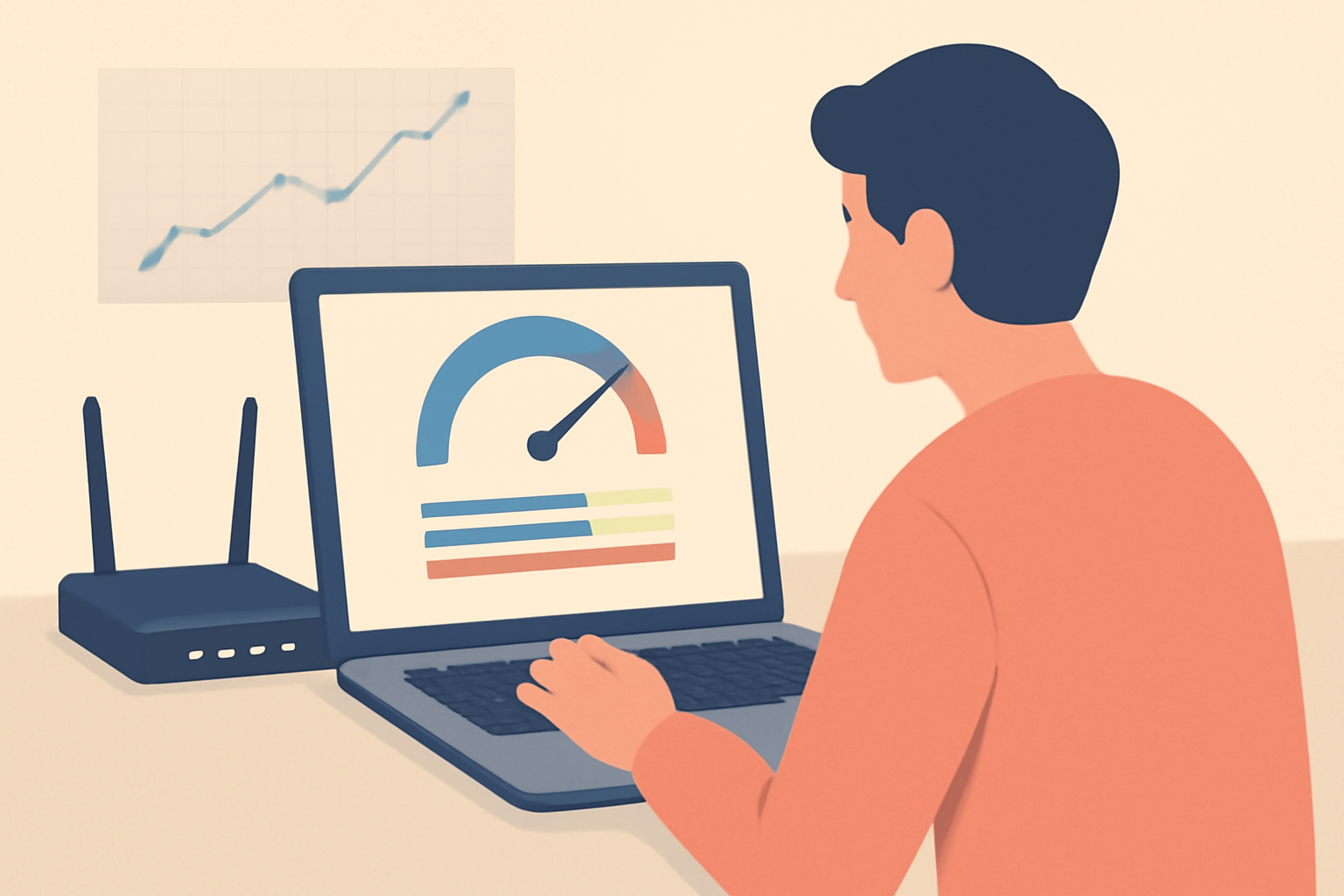
What you are about to read is practical guidance for a common question many viewers ask: is my isp throttling me while I stream? You want to know if the slowdown is from the network itself, a busy time of day, or a policy by your provider. This guide walks through concrete tests you can run, how to interpret the results, and realistic steps to take. It focuses on legitimate approaches and mentions services that are officially licensed and reputable. By the end you should have a clear picture of your streaming performance and what to do next.
Understanding throttling and what it is not
Throttling is the intentional slowing of network traffic by an internet service provider. In practice you may notice buffering, longer start times for video, or inconsistent quality when you try to watch sports, movies or live channels. Throttling can target specific applications or categories such as video streaming, VPN traffic, or even certain protocols. It can also occur during peak usage hours when many customers are online at once. It is not the same as a general network congestion problem that affects everyone equally, and it is not the same as a temporary outage.
Official sources describe throttling in various terms, but the core concept remains the same: a provider applies a rate limit to certain traffic after a threshold is reached. If you suspect throttling you want to compare several scenarios to separate it from plain network variability or device limits. For context on how this is viewed in policy and practice, you can review resources from regulatory bodies and standards groups like the FCC and technical references from Wikipedia on bandwidth throttling. You can also read up on how VPNs are treated with respect to throttling and why some people use them to mitigate observed slowdowns Does a VPN Slow Down Internet.
Baseline speed test versus VPN test
The practical way to start is to establish a baseline. Perform a speed test when you are not using a VPN and at a time you commonly watch streaming content. Use a reliable speed testing site or app. Record the following core metrics:
- Download speed in Mbps
- Upload speed in Mbps
- Latency (ping) in ms
- Jitter if the tool provides it
Run the baseline test at several times during a typical day to capture natural variation. It is normal for speeds to dip during peak hours or due to neighbor Wi‑Fi interference if you are on a shared band.
Next, run the same speed tests while connected to a reputable VPN. The VPN should divert your traffic through a different path. If your speeds improve significantly when the VPN is on, that can indicate that your ISP is slowing specific traffic types, a sign of throttling. If the VPN makes things worse, it might point to VPN-related overhead or that the VPN is not well optimized for your connection. In many cases, the difference is within a reasonable range, but a large gap between baseline and VPN speeds is a red flag.
You should also test with a different VPN service if you can. This helps confirm whether the observed slowdown is tied to a specific provider path or a general policy by your ISP. For context on VPN performance, see resources about VPN speed behavior and how it interacts with streaming tasks Best VPNs for Android: Phones, Tablets & TV Boxes and Best vpn for streaming in 2026.
When you document your testing, keep notes of:
- Test dates and times
- The exact service you tested (baseline or VPN)
- The streaming service you are trying to reach
- Your device and connection type (Wi-Fi or Ethernet)
- The server location of the VPN if applicable
Time of day patterns and per service slowdowns
A telling sign of throttling is a consistent pattern that lines up with the provider’s peak usage windows. If your speeds drop regularly in the evenings or on weekends while other activities remain fine, that can point to ISP management of traffic during busy times. Some throttling policies are described by service providers as network optimization and others are not clearly disclosed. You may notice that certain streaming services fail to buffer well at those times, while others work normally. This can indicate that the throttle is applied to specific types of traffic, such as video streaming.
Per service slowdowns are another clue. If you compare streaming from one service to another and find one is noticeably slower during the same time window, you may be seeing traffic shaping targeted at that service. To explore this, run a quick compare test using two streaming services you use often, both with baseline and VPN paths. The goal is not to accuse but to assemble concrete evidence that you or your household can review with your ISP if necessary.
External sources on network performance and how providers could structure service management can help you interpret your test results. The emphasis should be on objective data rather than assumptions. You can also read up on how changing DNS can affect streaming and whether it helps in your setup DNS for Streaming: Does Changing It Actually Help? for context about alternative routing options.
How to organize a simple test plan
A clean test plan helps you separate what you are seeing from normal variability. Here is a practical template you can adapt:
- Step 1: Run a baseline speed test with no VPN at 9 a.m. 1 p.m. 6 p.m. And 10 p.m. On non-wifi channels if possible. If you must use Wi-Fi, note the channel and signal strength.
- Step 2: Run the same tests with a VPN connected to a country you trust for good routing. If your VPN has multiple servers, run tests from two different server locations to see if results vary.
- Step 3: Repeat with a different streaming service, ideally one you watch regularly and one you do not rely on as much. This helps determine if the issue is service specific or provider wide.
- Step 4: Compare to an Ethernet connection if available. Switching from Wi-Fi to Ethernet reduces local interference and gives a clearer view of the ISP’s behavior. If you want to learn more about the tradeoffs between Ethernet and Wi-Fi for streaming, see our guide Ethernet vs Wi-Fi for Streaming: Which Should You Use?.
If you want a broader context on how VPNs interact with streaming performance, you can explore the pages that discuss when a VPN helps and when it slows you down. This helps you interpret the VPN test results without expecting miracles from any single solution Does a VPN Slow Down Internet and Best VPNs for Firestick.
Legal background: what throttling means in practice
Throttling itself is a network management practice. In many places around the world there are laws that govern how telecom providers operate and disclose their practices to customers. In the United States the FCC looks at broadband performance and consumer protection issues, but it does not typically micromanage throttling decisions on a day to day basis. The legal landscape varies by country and by the type of service. If you are unsure of your rights, you should consult your provider’s terms of service and local consumer protection authorities for guidance. It is important to distinguish throttling from general network congestion or technical limitations that affect a broad group of users.
If you want to deepen your understanding of throttling from a standards and policy perspective, you can read about throttling concepts in reliable sources such as Wikipedia and official regulatory bodies. In practical terms this means you should document your findings with clear data rather than relying on anecdotal reports alone. For more about how some people use VPNs to address perceived throttling while also acknowledging that VPNs can slow you down in other scenarios, consult Does a VPN Slow Down Internet and Best vpn for streaming in 2026.
What you can do about suspected throttling
If your tests align with throttling patterns, here are constructive steps you can take. The goal is to improve your streaming experience while staying within legal and policy boundaries.
Optimize your home setup
- Improve your local network: reduce interference on your Wi-Fi by using the 5 GHz band, placing the router in a central location, and updating firmware. If you are curious about optimizing network paths for streaming, our guide on DNS and routing options can be helpful DNS for Streaming: Does Changing It Actually Help?.
- Prefer wired connections for streaming when possible. Ethernet generally provides more stable throughput than Wi-Fi, which can help with consistent streaming quality even if the ISP is limiting certain traffic types. See our comparison on Ethernet vs Wi-Fi for Streaming: Which Should You Use? For more details Ethernet vs Wi-Fi for Streaming: Which Should You Use?.
Use legitimate tools to mitigate speed issues
- A reputable VPN can help if your ISP enforces application based throttling. It is essential to pick a trusted provider with transparent privacy practices and a clear no-logs policy. Check our other guides to choose a VPN that fits your needs Best VPN For Android: Phones, Tablets & TV Boxes and Best VPNs for Firestick. Remember that VPNs can also slow you down if the connection to the VPN server is congested or far away, so test multiple servers and settings Does a VPN Slow Down Internet.
- If you decide to experiment with a VPN, avoid free VPNs for streaming. Free options often come with data limitations, throttled speeds, and questionable security practices. For context on what to watch out for with free services, see Are free vpns safe? What you should know and general VPN safety considerations.
Consider service level and plan changes
- Check your current streaming plan and bandwidth allocation. Some providers offer higher speed tiers or unlimited data options that improve consistent streaming performance during peak hours. If you have questions about your plan options, review your provider’s official plans and terms on their site.
- Look into using a streaming service that aligns with your region’s content and performance profile. If you want a broad assessment of live TV streaming options, see our comparison content for the best live TV streaming services in 2026 Best live tv streaming service: 2026 comparison.
Privacy and security considerations
- When testing throttling, you expose your network behavior to the VPN provider. Choose a service with transparent privacy policies and solid encryption. For a sense of what questions to ask about VPN safety and privacy, you can read Are free vpns safe? What you should know and Best VPN for Netflix That Actually Works to understand streaming specific use cases.
- Always verify that any VPN you use has servers in trusted locations and avoids unnecessary data collection. If you want a guidance on a strong VPN selection with streaming in mind, the pages linked above can help.
Practical checklists and quick wins
- Ensure your device is not overwhelmed with background apps during streaming. Close other bandwidth heavy apps when testing streaming performance.
- If you are on a shared network, coordinate with others on the network and test when fewer devices are active.
- Restart your router periodically to clear minor cache issues that can affect throughput.
- Update your streaming apps and firmware regularly to benefit from performance fixes and compatibility improvements.
Realistic expectations and what throttling can and cannot do
Throttling is seldom the lone cause of a poor streaming experience. It is one factor among several, including local network conditions, device performance, server load on the streaming service, and the efficiency of your routing path. Even when throttling is present, VPNs can offer relief by taking a different route for your traffic. However, VPNs may introduce overhead and reduce speeds in some cases, especially if the VPN server is far away or congested. The best approach is to test thoroughly and avoid assuming guilt on the ISP without solid evidence from multiple controlled tests.
If your tests show a consistent difference that aligns with VPN use and not with time of day or service type, you may be dealing with traffic management at the ISP level. In that case you can present your data and questions to the provider, and consider alternatives that fit within your privacy posture and budget. You can also read up on how others approach the topic from reputable sources and guides on streaming performance.
Comparison table: common causes and remedies
| Cause or factor | Baseline test result | VPN test result | Practical remedy |
|---|---|---|---|
| Network congestion during peak hours | Speed dips during evenings and weekends | VPN speeds improve or remain stable | Try streaming during off-peak hours; negotiate a higher tier or plan with provider; consider a wired connection when possible |
| Service specific slowdown | One service buffers or stutters while others are fine | VPN reduces or eliminates the issue for that service | Test alternative servers or services; ensure the service is officially supported by the device and provider |
| Full throttle on streaming traffic | Persistent slowdowns across most streaming apps | VPN speeds improve across several services | Use a reliable VPN with fast servers; check DNS routing options and ensure settings are optimized for streaming |
| General home network issue | Wi-Fi shows high interference or poor signal | VPN cannot fix local network issues | Improve router placement, upgrade to a better router, reduce interference, switch to Ethernet when feasible |
| VPN overhead | Baseline speeds are normal but VPN is slow | VPN is consistently slower than baseline | Try a different VPN provider or server; ensure you use the right protocol and server location |
Practical next steps for readers
- Start with a baseline speed test at several times of day using a reliable tool. Then repeat with a VPN connected to a nearby server. Compare results across at least two streaming services to see if the issue is service wide or service specific.
- Review the content in your streaming app’s quality settings. Sometimes modest adjustments to playback quality can reduce buffering and provide a smoother experience while you investigate throttling.
- If you discover a pattern that strongly suggests throttling, collect your test data and contact your provider’s support with a concise summary. Share your dates, times, and results from the baseline and VPN tests. Include notes about your streaming service, device, and network setup.
- Consider legitimate privacy tools with a clear policy and no misleading claims. If you plan to explore VPN options, refer to our guides on reliable VPN choices for streaming Best VPNs for Firestick and Best VPN For Android: Phones, Tablets & TV Boxes.
Additional quick reads and related topics
- For those thinking about DNS changes as a potential lever for streaming, we cover what DNS changes can and cannot do and how it interacts with streaming performance DNS for Streaming: Does Changing It Actually Help?.
- If you are evaluating VPN options for different devices, including Firestick, read through our curated guides to identify good choices for home streaming setups 3 Best VPNs for Firestick & Fire TV.
- For a broader view on streaming options and privacy considerations, check our overview pages on Live TV Streaming and Sports Streaming sections. They provide context on how to balance privacy with performance while watching live content Live TV Streaming (section) and Sports Streaming (section).
Closing thoughts
The question is is my isp throttling me, but the answer is rarely a single yes or no. A careful approach uses measured tests across baseline and VPN paths, time of day analysis, and per service comparisons. The results tell you whether you are dealing with a provider specific policy, a local network problem, or general congestion. Then you can decide the most practical path forward, whether that means adjusting your home setup, testing with a reputable VPN, or exploring plan options with your provider.
Bottom line
- Do methodical tests: baseline and VPN, across multiple times and services.
- Look for repeatable patterns that align with traffic management rather than random fluctuations.
- Use legitimate tools and trusted services when testing and adjusting your setup.
- Keep privacy and performance considerations in mind, and rely on official sources and proven testing methods to guide your decisions.
Frequently Asked Questions
What is throttling exactly
throttling is when an internet service provider slows down certain types of traffic or users after a threshold is met.
Can I really tell if my streaming is throttled
Yes, with baseline tests, VPN tests and time of day analysis you can spot patterns that suggest throttling.
What can I do if I suspect throttling
Check your service terms, test with a VPN, and consider changes to equipment or plan if allowed by your provider.
This is an independent editorial site. We do not host, sell, or distribute any streams or subscriptions. Always verify that a service is properly licensed in your country. Some links may earn us a commission at no cost to you.