IPTV Smarters Pro Review: Features, Setup and Limits
IPTV Smarters Pro is commonly described as a player rather than a service. The app is designed to load a user supplied, licensed playlist and to present the channels in a clean interface. In this review we cover the interface, EPG behavior, multi screen options, platform availability, common issues and how to configure the app safely. If you want practical setup steps, check our iptv smarters pro setup guide and read how to choose a legal IPTV service when you are deciding on sources for your playlist How to choose a legal IPTV service. Throughout this piece we reference real, licensed usage rather than any unverified streams.
What IPTV Smarters Pro is and what it isn’t
IPTV Smarters Pro, sometimes called iptv smarters player or smarters iptv pro, is a universal player that runs on several devices. It does not host or supply channels on its own. Users must obtain a licensed M3U playlist or a compatible XMLTV guide from an authorised provider and load it into the app. This distinction matters for privacy, reliability and legality. If you are mining for free channels or third party lists, you should pause and verify the license status of every stream. For background on how IPTV guides work, you can read our guide on M3U playlists explained here. If you want to understand the safety aspects, see Is IPTV Legal and Safe here.
Interface and usability
Design and navigation
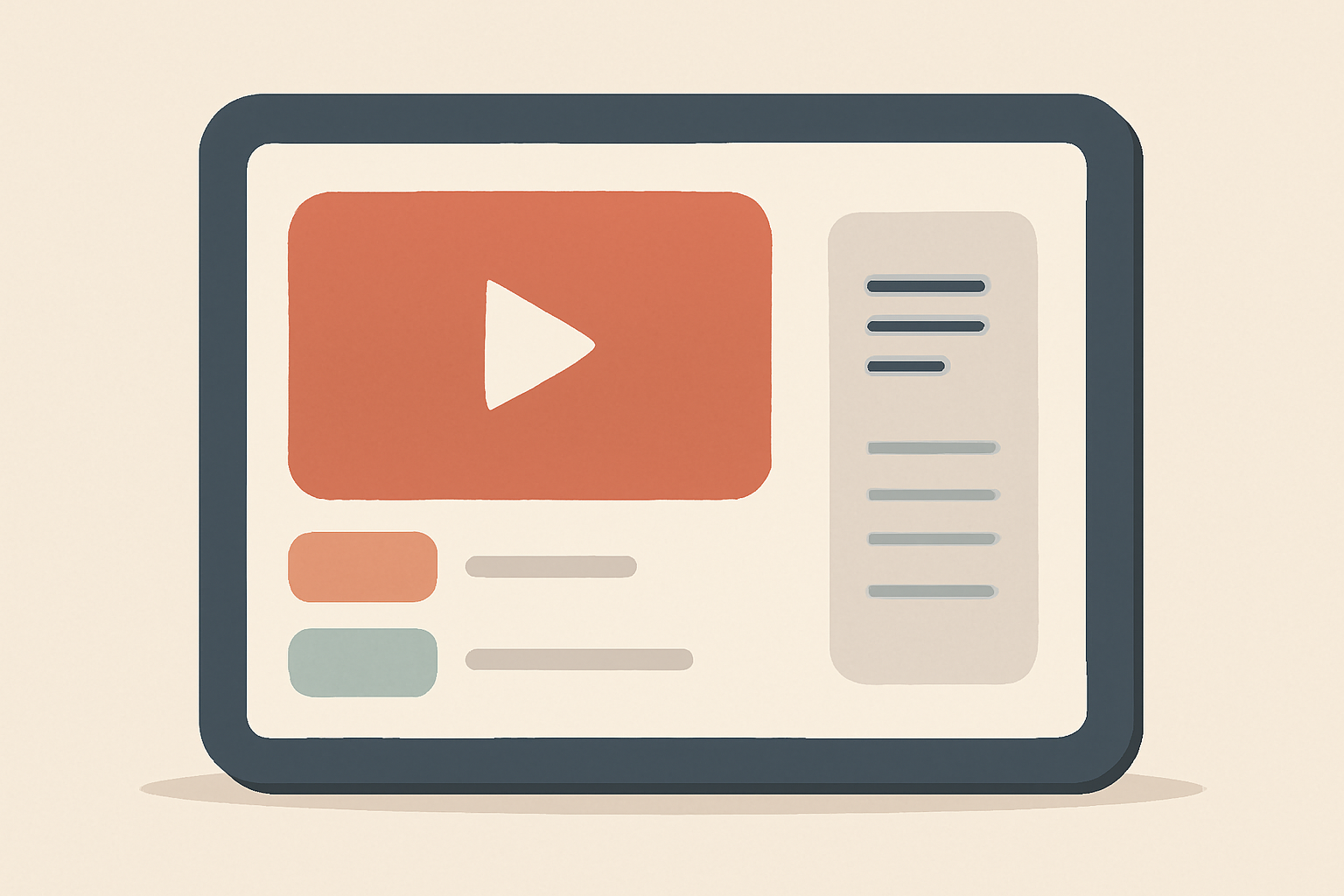
IPTV Smarters Pro emphasizes a straightforward layout. The home screen typically shows a grid of channels or a list view depending on how the playlist is configured. The player includes basic controls for playback, a channel list, and a program guide when the EPG data is present. Because the app functions as a player, you will see fewer system level options than a full IPTV service would offer. For new users, the setup flow mirrors other player apps and tends to be consistent across platforms. If you want a beginner friendly onboarding reference, Tivimate has a dedicated setup guide for beginners Tivimate setup guide for beginners, which shares some universal navigation concepts useful for Smarters Pro too.
EPG and program guides
EPG availability relies on the playlist and the included EPG data. Some playlists carry rich guide data for each program, while others provide limited mapping. In practice you should expect most real world playlists to show basic program titles and start times, with extended information occasionally missing. If correct EPG mapping is critical for you, review how IPTV program guides work and common fixes in our piece EPG Explained: How IPTV Program Guides Work (and How to Fix Them). This is a helpful context for understanding what to expect from Smarters Pro with your chosen provider.
Multi-screen and device support
Cross platform availability
IPTV Smarters Pro is available on multiple major platforms. You can typically use it on Android devices including phones and boxes, iOS devices via compatible builds, and some versions of smart TVs or streaming boxes through side loaded apps or official stores where supported. The app’s flexibility makes it attractive to households with mixed hardware. If you are comparing overall platform experiences, you might also consider how the experience differs from dedicated players on the same device. Our Apple and Android cross platform reference is not device specific but helps explain cross platform dynamics in streaming apps.
Multiscreen layout and user experience
The app supports multi screen in the sense that you can run a single playlist across devices and switch between screens as you move through rooms. It is not a built in broadcast style multi-user account system, so you should plan your household usage around how your license permits simultaneous streams. For practical multi screen setup techniques on other players, see our Tivimate related guidance Tivimate setup guide for beginners, which covers how to configure multiple devices with one playlist.
Platforms and performance
Devices and OS considerations
As a player, IPTV Smarters Pro tends to play well on contemporary devices that can run a modern media app. On Android TV boxes, streaming sticks and mobile devices, performance will depend on device hardware, network speed and the quality of the M3U playlist. For context on streaming performance and device based decisions, our broader IPTV comparison resources can help you evaluate how Smarters Pro stacks up against other options. For a sense of the broader landscape, check our article IPTV vs Cable TV: What’s the Difference? here.
Networking and privacy considerations
A stable connection improves channel switching speed and reduces buffering. When using any IPTV player, you should ensure you have secure access to your playlist and consider a privacy focused network setup if you want to minimize exposure to ad trackers or data collection. Our VPN and Privacy section has practical guidance on protecting your streaming activity while using IPTV players VPN & Privacy (section).
Setup steps and tips
Initial installation
Begin by installing IPTV Smarters Pro from an official app store where available or from the legitimate developer distribution channel on your device. Do not sideload unverified builds from unknown sources as these can introduce risks. Once installed, open the app and choose the option to add a new user or load a playlist. You will then be prompted to provide your M3U URL or local playlist file along with an optional EPG URL if your provider provides one.
Load a licensed playlist
The critical step is loading your licensed playlist. The app cannot supply channels on its own, and using unauthorized streams can violate terms of service or local laws. If you are unsure about licensing or legality, read our buyer focused guides on how to choose a legal IPTV service How to choose a legal IPTV service and the companion checklist How to Choose a Legal IPTV Service: A Buyer’s Checklist.
Troubleshooting common issues
- If channels fail to load, verify the M3U URL and ensure your license is active. Some playlists may require a refresh or reload to fetch updated channel lists.
- If EPG data is missing or inaccurate, confirm that the playlist provider supports EPG mapping and consider using an alternative EPG URL if provided by the provider.
- If you experience buffering, check network bandwidth. IPTV performance is sensitive to inconsistent Wi Fi or congested networks. For a broader look at streaming options and performance, see our comparison guide Best live tv streaming service: 2026 comparison here.
Safety and legality reminders
Always verify the legality of the playlists you use and avoid content that is not licensed for your region. The broader context about IPTV legality is discussed in our article Is IPTV Legal and Safe: What You Need to Know. For a deeper dive into how to evaluate providers before buying, see How to Choose a Legal IPTV Service: A Buyer’s Checklist.
Features and limitations
Core features
- Playlist based streaming: IPTV Smarters Pro functions as a player for your own licensed M3U or XMLTV data.
- Basic program guide: Some EPG data may appear if provided by your playlist.
- Cross device support: Works on several platforms, allowing you to reuse the same playlist across devices where permitted.
- User friendly interface: Clean navigation designed to minimize extra steps to reach channels.
Important limitations
- It is not a full service: You do not get a content catalog or built in subscriptions from the app itself.
- EPG consistency varies: Depending on your playlist, the program guide may be incomplete or inconsistent.
- Licensing required: You must obtain a legitimate, licensed playlist from a provider to use the app legally.
Comparing IPTV Smarters Pro to other player options
Table: a quick feature snapshot to help you compare at a glance
| Feature | IPTV Smarters Pro | Other common players | Notes |
|---|---|---|---|
| Source type | User supplied playlist | May integrate subscriptions or catalogs | Always confirm licensing for any service |
| EPG support | Presenter depends on playlist | Varies by app and provider | EPG accuracy depends on data source |
| Platform support | Android, iOS, some TVs | Varies by app | Check the official store for your device |
| Multi device use | Yes across devices with license | Often yes but with account limits | Licensing governs simultaneous streams |
| Setup complexity | Moderate, depends on playlist | Varies by app | Earlier guides help you get started |
Realistic expectations and best practices
IPTV Smarters Pro shines for users who already have a licensed playlist and want a straightforward player with a familiar layout. If you value having a single app that you can move between devices without paying per month, Smarters Pro makes sense. However, you should not expect the app to function as a stand alone entertainment service. To maintain clarity, you can pair Smarters Pro with our guidance on selecting legal services and keeping privacy intact. For a broader market view comparing IPTV players and traditional cable, our article IPTV vs Cable TV: Which Is Better in 2026? Provides context here.
Privacy and security considerations
Like any streaming setup, be mindful of the network you use and the sources for your playlists. Use a reputable provider for your playlist and consider network privacy practices to minimize exposure to tracking. Our VPN and Privacy section offers practical steps to improve privacy while streaming VPN & Privacy (section). For readers curious about legal and safe usage, see the dedicated article Is IPTV Legal and Safe here.
Practical onboarding tips
- Start with a small, known channel list to ensure the playlist loads reliably before expanding.
- If a channel or guide entry does not appear, attempt a reload of the playlist and verify the URL.
- Check your device’s storage and memory if the app lags during navigation or when loading the EPG.
For more on how IPTV guides work and how to fix common issues, the EPG guide is a valuable resource EPG Explained: How IPTV Program Guides Work (and How to Fix Them). If you want to compare IPTV players in general, the 2026 live TV streaming comparison is a good starting point Best live tv streaming service: 2026 comparison.
Summary and final thoughts
IPTV Smarters Pro is a capable player that fills a niche for users who already hold licensed playlists and want a clean, cross platform interface. It is not an all in one service with a built in catalog or subscription model. The experience scales across devices and can be stable when used with properly licensed sources and reliable networks. If you are assessing whether Smarters Pro fits your setup, make sure you have a legal playlist and understand the limits of a player only solution. For a broader context on IPTV licensing and how to choose sources, revisit our buyer guides and legal considerations linked earlier in this piece.
Bottom line
IPTV Smarters Pro delivers a solid, license based viewing experience as a player. It suits households with a prepared playlist who want a consistent interface across devices. Always confirm licensing for your streams and use recommended setup guides to avoid common issues.
Bottom line IPTV Smarters Pro works best when treated as a player for your licensed playlists. It is not a stand alone service, so plan your setup with legally obtained sources and use the guides linked here to optimize your experience.
Frequently Asked Questions
Is IPTV Smarters Pro a full IPTV service?
No. IPTV Smarters Pro is a player that loads your own licensed playlists.
Do I need a subscription within the app?
No. The app itself does not provide channels; you need a licensed playlist from an IPTV provider.
Can I use EPG with IPTV Smarters Pro?
EPG support is based on the playlist and the app's capabilities rather than a built in IPTV service.
This is an independent editorial site. We do not host, sell, or distribute any streams or subscriptions. Always verify that a service is properly licensed in your country. Some links may earn us a commission at no cost to you.