Roku vs Firestick: Which Should You Buy?
Roku vs Firestick: Which Should You Buy?
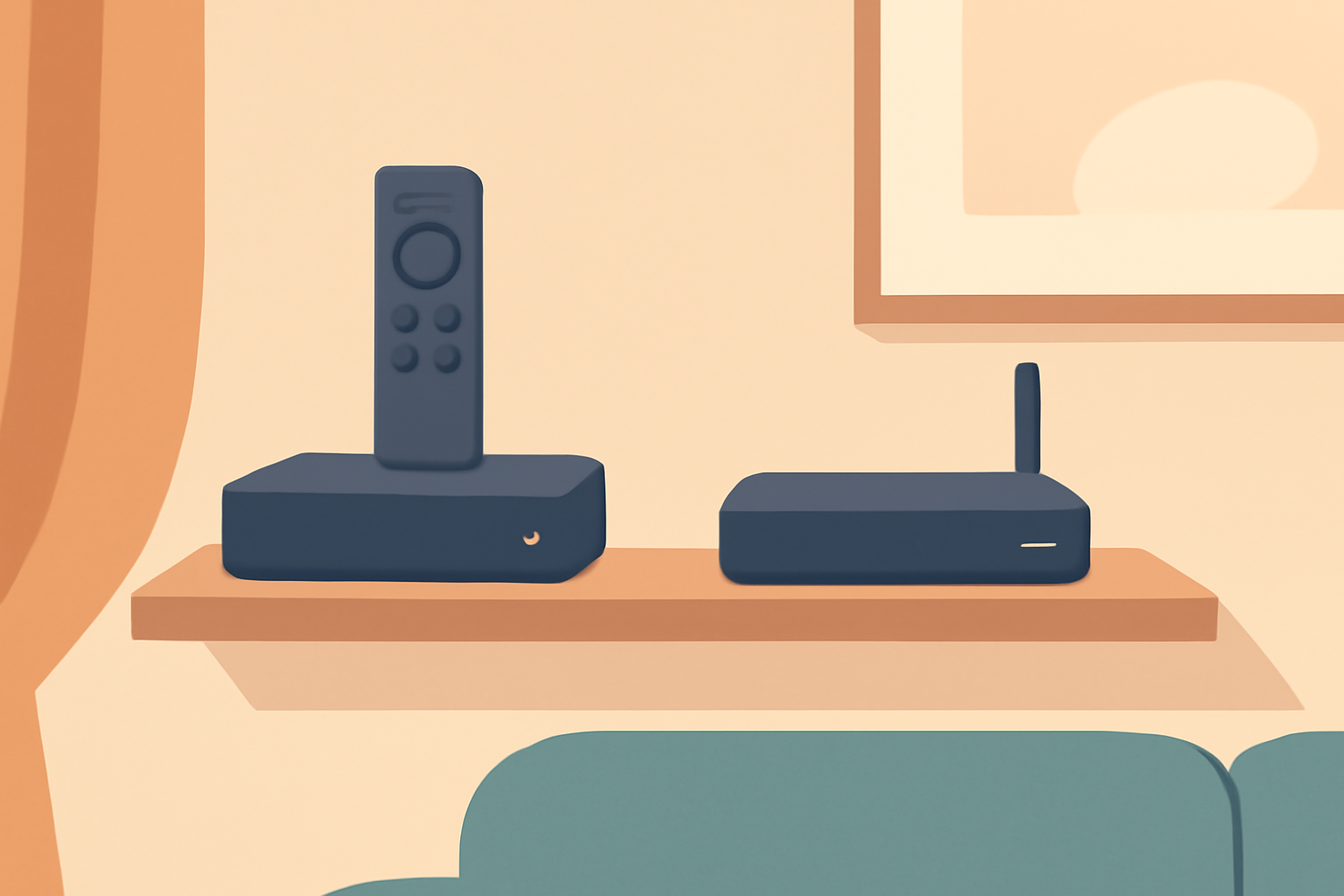
If you are shopping for a standalone streaming device, you will likely compare Roku and Firestick side by side. The right choice depends on your priorities like UI experience, price, app support, and ecosystem. In this guide we focus on practical differences, how each device fits different needs, and what to expect in daily use. We will also connect the guidance with official product pages and reliable setup resources to keep you oriented from unboxing to everyday watching. For hands on setup tips, you can check our Roku Setup for Streaming: Simple Device, Smart Settings and if you want to read about Fire TV details, see Fire TV Stick Setup for Streaming: The 10-Minute Complete Guide. For a broader view on streaming hardware, you might also find our Chromecast with Google TV: Setup and Casting, Explained helpful.
What you get with a Roku in brief
- Brand focus on a clean home screen and broad channel support. Roku devices run a simple interface with a dedicated Channel Store where free and paid apps appear in familiar categories. The core design emphasizes easy search and stable streaming across many apps.
- A familiar remote and menu structure that many users find easy to navigate. The platform tends to be more forgiving for new users who want to install a handful of popular apps quickly.
- Consistent performance in HD and 4K depending on the model. If you want a device with a straightforward setup and reliable performance for basic streaming, Roku remains a strong option.
- The ecosystem is broad but largely hardware agnostic. You can easily pair a Roku box or stick with most TVs and audio gear, and you’ll find an extensive lineup of official and licensed apps.
What you get with a Firestick in brief
- Brand integration with Amazon’s streaming ecosystem. The Firestick is built around Alexa voice control and tight integration with Prime Video, but it also supports many other services through the Amazon Appstore.
- The remote and interface can feel feature rich, especially for those who use Alexa routines or want quick access to Amazon services. It can be a good fit if you already use Amazon devices or Prime Video heavily.
- A strong software update cadence and a focus on performance improvements with newer Fire TV models. The platform includes features like hands-free voice control and optional pairing with Fire TV remotes or game controllers.
- App availability is broad but there can be differences from Roku in how some apps are presented or updated. If you rely on specific channels, verify their presence on the Fire TV platform before buying.
Price and hardware options
- Roku typically offers affordable streaming sticks and boxes with various outputs including 1080p and 4K. When you compare prices, the basic models can be a good entry point while 4K models add more horsepower for faster navigation and smoother playback.
- Firestick prices vary by generation, with 4K capable sticks commonly available. Some bundles include extra accessories or a voice remote, which can influence total cost. It is worth verifying the latest pricing on official pages before deciding.
App support and performance
- Both platforms support the most common streaming apps for movies, TV shows, sports, and live TV. The exact catalog can vary by region, but you will find streaming services like major networks, popular apps, and live TV options on both devices through official channels.
- If you want a device that shines with a broad app set and fast search, both platforms perform well. The quick navigation experience on Roku can feel more straightforward, while Firestick users may notice benefits from Amazon’s content ecosystem and voice features.
Ecosystem and compatibility
- Roku shines when you want a neutral, platform-agnostic experience. It works well with many display types, soundbars, and home theater setups, and it doesn’t push a single content ecosystem too aggressively.
- Firestick is a strong pick if you are invested in Amazon services or want deeper voice integration with Alexa. If you already have Echo devices, Firestick can be a convenient control point in a larger smart home.
- If you want to use a streaming device with other smart TV features in a single ecosystem, it is worth considering which services you use most and how well they are integrated on each platform. For setup specifics, see our guides on Fire TV Stick Setup for Streaming: The 10-Minute Complete Guide and Roku Setup for Streaming: Simple Device, Smart Settings.
Feature deep dive: UI, price, app support, performance, ecosystem
User interface and navigation
- Roku offers a simple, grid-based home screen with a prominent search function. The navigation is consistent across models, which reduces the learning curve if you switch between Roku devices.
- Firestick emphasizes a more feature rich interface with a focus on voice control and personalized recommendations tied to your Amazon account. The screen can feel busier, but many users appreciate the quick access to Prime Video and Alexa features.
Price and value
- Evaluate price points for the model you need. If you only want basic streaming, a Roku entry model is often sufficient and may be cheaper upfront. For users who want tight Prime Video access and Alexa features, a Firestick can justify its price through convenience.
App ecosystem and availability
- Both platforms offer thousands of apps. The exact catalog varies by country and device, so check your region. If you rely on a specific channel, verify its availability on the device you choose by looking at the official app list for Roku or Fire TV.
Performance and reliability
- For 1080p streaming and basic 4K streaming, both devices perform well. If you stream many apps at once or use higher bitrates, look for a more capable Roku or Firestick model with enough RAM and processing power. See user reviews and official performance notes on the product pages.
Ecosystem integration
- Roku’s ecosystem is neutral and flexible, making it a good fit for mixed devices and multiple TVs. Firestick integrates smoothly with other Amazon devices and services, which can be a benefit if you use Alexa or Prime Video extensively.
Choosing by need
- If you want a low friction setup with a clean interface and neutral app store, Roku is a good choice. Its setup is straightforward and you can quickly begin watching without managing a lot of services. For setup how tos see Roku Setup for Streaming: Simple Device, Smart Settings.
- If you prefer a device that deeply ties into your Amazon account and voice control, Firestick makes sense. For a quick start guide, check Fire TV Stick Setup for Streaming: The 10-Minute Complete Guide.
- If you are comparing streaming sticks for casual living room use and you want to keep costs reasonable while ensuring broad app coverage, both platforms will cover the essentials. For broader context about 4K streaming and what it takes to get the best picture, see 4K Streaming Explained: What You Need and When It’s Worth It.
Spec table: Roku vs Firestick at a glance
| feature | Roku model range | Firestick model range |
|---|---|---|
| Native 4K support | Yes on select models | Yes on newer 4K sticks |
| Voice control | TV remote with search, some integrations | Built in with Alexa, voice commands |
| App store approach | Roku Channel Store with broad channel catalog | Amazon Appstore with Prime integration |
| Remote included | Simple, feature focused remotes | Voice remote with Alexa integration |
| Setup time | Quick, orientation based on a few steps | Quick, but can be influenced by Amazon account sign in |
| Price range (typical) | Low to mid depending on model | Low to mid depending on model |
Practical tips for deciding
- If you are new to streaming and want the most straightforward setup, start with Roku. It is typically easier to navigate for families and guests who are not tech-savvy.
- If you rely on Prime Video, use Alexa routines, or want deeper integration with your existing Amazon devices, Firestick may feel more natural.
- Consider your TV compatibility. If your TV supports HDMI ARC and you want a compact remote, both devices work well, but the Firestick often pairs nicely with other Amazon devices in a living room setup.
- Always verify app availability in your region. Some apps may be live in one ecosystem but not in another.
Where to read more and stay updated
- For additional details on device setup and troubleshooting, explore our Fire TV Stick resources like Fire TV Stick Buffering: 9 Fixes That Actually Work and the streaming setup guide for Fire TV sticks.
- If you want more general streaming tips and comparisons, our guides include a broad look at how to cut the cord with live TV streaming and how to watch local channels without cable. See how to cut the cord with live TV streaming for context.
External sources for background
- Learn about the broader streaming platform landscape and official product pages at Roku official site and Amazon Fire TV official page.
Bottom line
- Both Roku and Firestick are capable, affordable ways to turn a TV into a smart TV without a traditional cable subscription. Your best choice depends on how you value simplicity, ecosystem, and voice controls. If you want a neutral, easy to use interface with broad app availability, pick Roku. If you want tighter integration with Amazon services and strong voice features, pick Firestick. The right device will match your viewing habits and your existing tech setup.
Bottom line: Start with Roku if you want a simple, straightforward experience and broad app access; choose Firestick if you want deeper Amazon integration and strong voice control. For setup guidance, consult our Roku and Firestick setup resources mentioned above and always confirm app availability in your region before purchasing.
Frequently Asked Questions
Which is easier for beginners, Roku or Firestick?
Both are straightforward, but Roku tends to have a simpler home screen and easier app search.
Do Roku and Firestick support the same apps?
Most major streaming apps are available on both, but some channels may vary by device and region.
Can I use either device without the internet?
Both rely on internet for streaming, but some local content apps may offer offline features. Verify app availability in your region.
This is an independent editorial site. We do not host, sell, or distribute any streams or subscriptions. Always verify that a service is properly licensed in your country. Some links may earn us a commission at no cost to you.