how to cut the cord with live TV streaming
How to cut the cord: a beginner’s guide
Cutting the cord means ditching the old cable or satellite bill and watching live TV over the internet instead. This guide walks you through the basics in plain language, focusing on a simple three step process: get a solid internet connection, pick a device to stream on, and choose services that fit how you watch. You’ll learn what to look for so you can start watching your favorite channels without the long contracts and surprise fees.
Understand the internet needs before you start
A reliable internet connection is the foundation for good streaming. If your home internet is slow or unstable, your shows will buffer and your sports streams may lag. The main idea is to have enough speed for the number of simultaneous streams you want and the quality you expect. For most households using streaming video, a basic rule of thumb is around 15-25 Mbps per 4K stream, and less for HD. If you have multiple people using the network at the same time, you’ll want more headroom.
When shopping for internet plans, look for a service that offers peak performance at the speeds you need. Check real world speeds in your area and compare those to the plan advertised by the provider. A good starting point is to test your current connection and then compare your results with typical streaming requirements. For a clearer picture of what speed means for streaming, see resources like Internet Speed for Streaming: How Much You Really Need and the general guidance on streaming data usage. You can also read about data limits and how they apply to streaming so you don’t hit a surprise cap mid binge What Is Live Streaming? How It Works, Explained Simply.
A modern router can improve performance. If you have an older router calling home from your living room, consider upgrading to a dual band or tri-band model that supports higher throughput and better wireless range. For extra privacy and security while you stream, you may want to review VPN and privacy practices as part of your setup VPN & Privacy (section). If you’re unsure about what speed you actually need, consult guides that break down speed by use case and device, such as Internet Speed for Streaming: How Much You Really Need.
Pick a streaming device or method that fits your setup
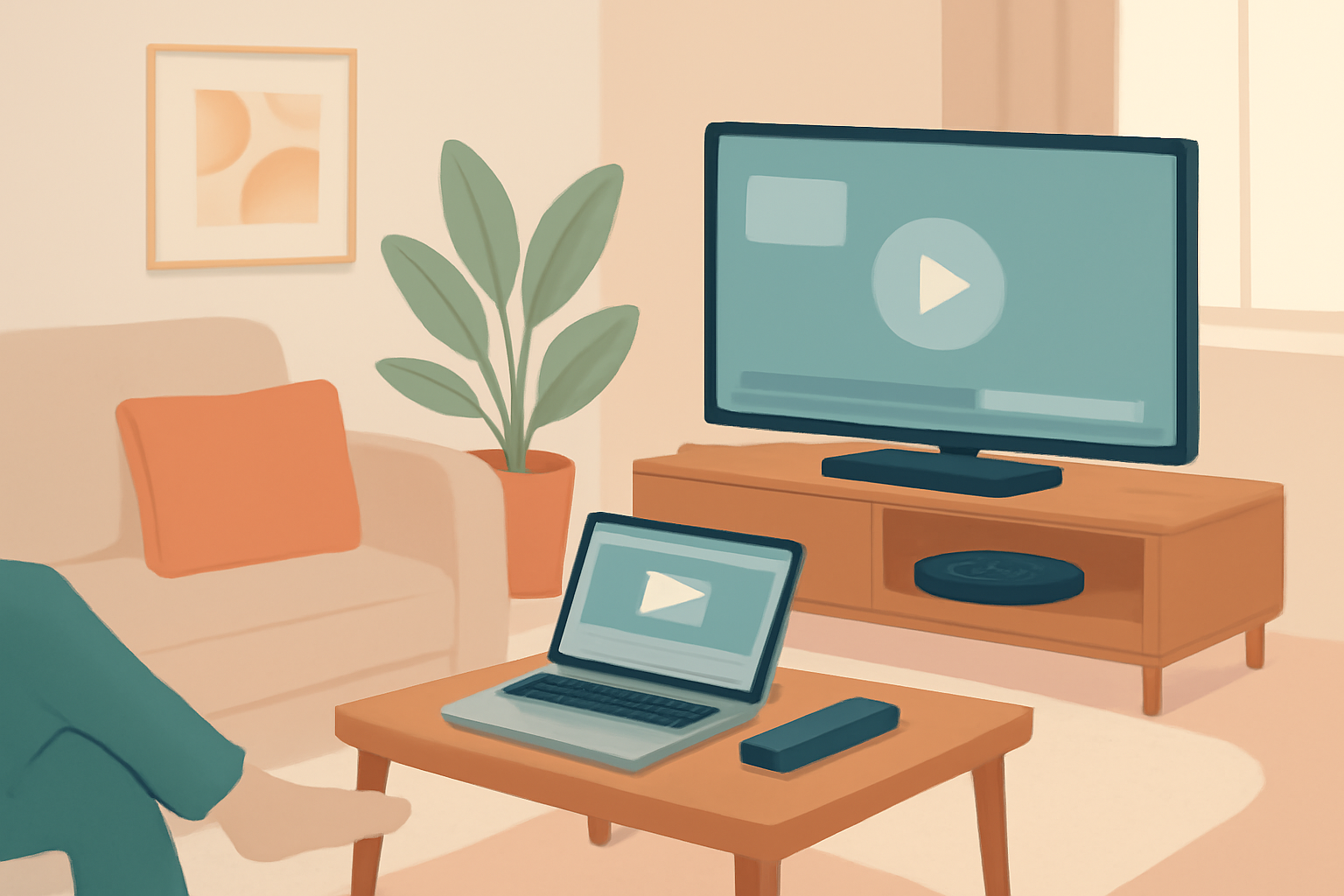
You do not have to buy a fancy box to start streaming. The simplest approach for many people is to use a streaming device or a smart TV that supports apps from your preferred services. A streaming device plugs into an HDMI port and turns an ordinary TV into a smart TV with access to apps. Common options include well known devices from recognized brands. If you already own a streaming device or a computer, you can often stream directly from your browser or app without additional hardware.
Choosing a device comes down to a few practical questions:
- Do you want 4K streaming? If so, verify that the device supports 4K and HDR and that your internet can handle it.
- How many apps do you want to install? Some devices have more app options than others.
- Do you need mobility? A mobile phone or tablet can be a good backup for watching on the go.
For beginners, starting with a commonly used streaming device can minimize friction. If you want to learn more about the differences between devices, explore our device guides in the Device Guides (section). The official specifications pages of major devices will give you exact supported formats, storage options, and app availability. You can also check our broader Streaming Terminology: 25 Terms Explained in Plain English to avoid confusion over common terms you’ll see during setup.
If you want to learn about latency and why live streams can be a little behind linear TV at times, read our explainer Streaming Latency Explained: Why Your Stream Is Behind Live TV. If you want to stay within a strictly legal framework for the services you use, you’ll also want to understand the basics of legality and licensing Is Streaming Legal? The Rules, Plainly Explained.
Pick services that fit what you watch and how you watch it
The core idea of cord cutting is to subscription pick up only the channels and content you want, without paying for channels you never watch. There are official, licensed services across a range of price points that offer live TV, on demand, or a combination of both. When you start choosing services, consider:
- Live TV packages versus on demand only. If you watch sports or live events, a live TV option tends to be essential.
- Availability of your local networks. Some services carry major networks in large markets while others offer a broader national mix.
- The interface and reliability. A clean app and a stable streaming experience make a big difference in daily use.
- The data usage and speed limits. Some services may measure data differently or throttle streaming under certain conditions.
A practical way to begin is to select two or three services that cover your must-have channels and then try a free trial if available. If you want to avoid long term commitments, look for options with clear month to month terms and no hidden fees. For those who want to think ahead about costs, a comparison of streaming versus traditional cable can be revealing. See Streaming vs Cable Cost: The Real Math in 2026 for a balanced view.
If you’re curious about free options that are legally offered, there are channels and platforms that provide ad supported streams or free trial periods, which can be a good way to test the waters before committing to a paid plan. Our guide on Free Legal Streaming options outlines what’s available by type and by platform Free Legal Streaming: What You Can Watch Without Paying. Keep in mind that most channels operate under licensing rules and can vary by region, so it helps to verify availability in your location.
When you choose services, remember to verify the licensing and legality of each platform you use. You should avoid unlicensed IPTV bundles or free streams that might violate copyright. A quick primer on legality and best practices is available in Is Streaming Legal? The Rules, Plainly Explained. For a broader context on how live streaming works and where it fits within the landscape of television, read What Is Live Streaming? How It Works, Explained Simply.
A simple, concrete setup plan you can follow
To help you move from plan to watching without getting overwhelmed, here is a straightforward setup you can adapt:
- Step 1: Test your internet. Use a speed test to confirm you have enough bandwidth for the number of streams you expect. If you find you need more speed, consider upgrading your plan or optimizing your home network. For guidance on the speeds needed for streaming, see Internet Speed for Streaming: How Much You Really Need.
- Step 2: Choose a streaming device and connect it. A device with 4K support and a solid app ecosystem can serve as the central hub for your home entertainment. If you want to compare typical devices and their features, check our Device Guides (section) for context on what to look for when choosing hardware.
- Step 3: Pick a couple of services to start. Start with a primary live TV service that carries your must-have channels and add a second service for on demand content or a sports package if you watch a lot of live sports. Keep an eye on price and terms so there are no surprises on renewal.
- Step 4: Fine tune quality and privacy. If you want higher picture quality, enable 4K on compatible devices and services when available. At the same time, consider privacy options such as limiting data sharing and understanding what data streaming services collect. For privacy oriented readers, see the VPN & Privacy section.
To help you compare basic device specs and streaming capabilities at a glance, here is a quick table you can reference. It shows a few typical characteristics to consider when you’re evaluating devices for a cord cutting setup.
| Device type | 4K support | Apps available | Local apps | Audio support |
|---|---|---|---|---|
| Streaming device A | Yes | Wide range | Local control through HDMI-CEC | Dolby Digital Plus, DTS X compatible |
| Smart TV built-in | Varies by model | Good but sometimes limited | Native on TV | Dolby Atmos where supported |
| Computer or laptop | Yes with browser or app | Vast if apps are supported | Not required | Depends on system and browser |
| Mobile phone / tablet | Yes | Full access via apps | Not typically used as primary living room option | Surround sound if supported by device |
If you want a more in depth breakdown of different options and how they compare on price and features, you can read a broader comparison like Streaming vs Cable Cost and related guides for context Streaming vs Cable Cost: The Real Math in 2026.
Practical tips for beginners
- Start with one live TV service and one on demand option. As you get comfortable, you can add more channels or services only when you feel you need them.
- Use free trials when available to test user experience. Make sure you cancel before the trial ends if you don’t want to be charged.
- Check your home network. If streaming is choppy, a wired ethernet connection can be more reliable than Wi Fi in some rooms.
- Don’t forget about data usage. Streaming can consume significant data, especially with 4K. If you are on a capped plan or worried about data, review how much data streaming uses for your typical activities. A practical overview is available in What Is Live Streaming? How It Works, Explained Simply and How Much Data Does Streaming Use? (With a Cap Survival Guide).
Troubleshooting common cord cutting problems
- Buffering during live sports: Check internet speed first and then monitor your device for software updates. If the issue persists, consider lowering the streaming quality or testing another device.
- App not found in store: Ensure you are using a supported device and that the app is available in your region. If needed, consult the device guides for setup help.
- Incomplete channel lineups: Confirm you are using the correct regional package and check for any blackout restrictions that might apply to live events.
- Latency between live events and streaming: This is common with some services due to encoding or network conditions. If latency is excessive, explore latency explanations and potential fixes in our guide Streaming Latency Explained: Why Your Stream Is Behind Live TV.
The privacy angle
Cutting the cord often makes privacy management more straightforward because you can limit data sharing by choosing services with clear privacy policies and by using network level protections like a VPN. Always review privacy settings in each streaming app and consider a privacy oriented approach if you share a home network. For additional guidance on privacy while streaming, see the VPN & Privacy (section). Understanding the broader landscape of streaming legality and licensing can also help you stay within legal boundaries and avoid risky or illegal streams Is Streaming Legal? The Rules, Plainly Explained.
Putting it together: your three step plan
- Step 1: Make sure you have reliable internet. Run a speed test, know your needs, and consider an upgrade if your current plan is insufficient for the amount of streaming you want to do.
- Step 2: Pick a device that fits your living room and your budget. Remember that you do not need the latest tech to get started; a solid streaming device or a smart TV with a strong app ecosystem will cover most needs.
- Step 3: Choose two services to start. Look for live TV coverage plus on demand content to fill gaps. If you want to explore free options, read our guide on Free Legal Streaming options and see what fits your viewing habits.
The overall process is simple and approachable. By focusing on a good internet connection, a solid streaming device, and the right mix of licensed services, you can replace a traditional pay TV subscription with a modern streaming setup that keeps you in control. For broader context on live streaming and how it works, revisit our basics on What Is Live Streaming? How It Works, Explained Simply and the section on Live TV Streaming for practical reading.
Closing thoughts: how to cut the cord
If you are new to streaming, start with a calm plan and one or two services. You can always adjust as you go, adding or dropping services based on what you watch. The goal is to reduce waste, keep costs predictable, and stay within legal licensing rules while enjoying the content you love. For a quick refresher on how to choose a legal IPTV service, see How to Choose a Legal IPTV Service: A Buyer’s Checklist. If you want to compare streaming costs against traditional cable to make an informed decision, the cost guide is a good starting point Streaming vs Cable Cost: The Real Math in 2026.
Bottom line
Cutting the cord is about simplifying how you watch TV while keeping everything you enjoy within a legal and straightforward framework. Start with solid internet, pick a practical streaming device, and assemble a small set of trusted services that cover the channels and shows you love. You can grow from there, but the core idea remains the same: a focused, legal, and flexible streaming setup beats a rigid and expensive cable plan every time. For more on the basics of streaming and related topics, see our Live TV Streaming section and the linked guides throughout this article.
Frequently Asked Questions
Do I need a smart TV to cut the cord?
Not necessarily. You can use a streaming device or a computer to access services.
Are there legal options for free streaming?
Yes, there are free legal streaming options, including ad supported services and trials.
What about data usage and internet speed?
Streaming uses data. Check your plan and speed to ensure smooth playback.
This is an independent editorial site. We do not host, sell, or distribute any streams or subscriptions. Always verify that a service is properly licensed in your country. Some links may earn us a commission at no cost to you.