IPTV Multiple Connections: Streaming on More than One Device
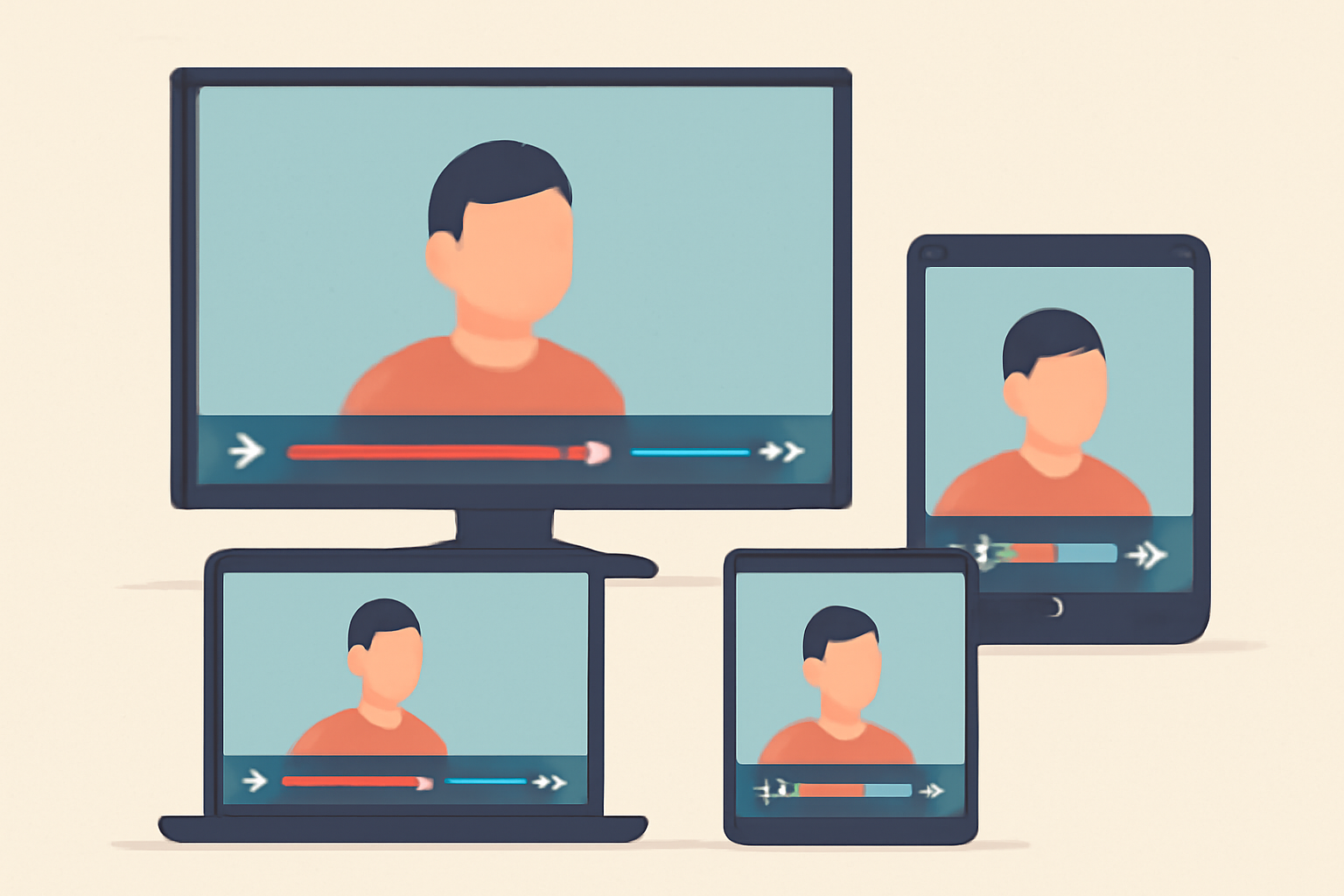
IPTV multiple connections is a real world consideration for households that want to watch live TV on several screens at once. If you subscribe to a licensed IPTV service, you will likely see a limit on how many streams can be active at the same time. This article explains why those limits exist, how multi screen apps work, and what legitimate services allow for household sharing. You will also find practical guidance on choosing a legal IPTV service and how to set up devices to stay within the rules.
Why IPTV services set connection limits
Licensed IPTV providers negotiate content licenses with networks and studios. Those agreements often include terms about how many simultaneous streams can be delivered under a single account. The main reasons for limits are:
- Licensing fairness: Broadcasters want to ensure content is not distributed to more people than allowed per household or per subscription plan.
- Network load management: Streaming video, especially high definition or 4K, consumes bandwidth. Limiting concurrent connections helps protect stream quality for paying customers.
- Revenue and tier structure: Different plans offer different numbers of simultaneous connections. This makes it easier for providers to price services fairly and transparently.
The practical effect for a user is that you may be able to watch on a phone while someone else watches on a smart TV, but if a third person tries to start a stream on another device, the service may either block it or require you to stop an existing stream first. To avoid surprises, check the service’s policy on multiple connections before signing up. A good starting point is to read our Best IPTV Service: Buyer Checklist Guide for typical limits and terms, and to compare with other options using our IPTV App Roundup: Best IPTV Apps for Android, Firestick and Smart TV.
How many connections are typical
There is no single universal rule because providers set their own limits. However, most legitimate services commonly offer:
- 2 simultaneous streams on basic plans
- 4 simultaneous streams on mid tier plans
- 6 to 8 streams on higher tier plans or for enterprise use
Some services label these limits as “screens, ” “devices, ” or “streams.” In practice the limit is the number of devices that can be actively watching at the same time. If you want to know where a particular service stands, the best approach is to review the provider’s official terms and plan details. For guidance, you can compare options using our buyer resources and product reviews on the site.
How multi screen apps handle simultaneous viewing
Most licensed IPTV services use an authentication method tied to a user account and the devices that sign in with that account. When you start watching on a new device, the provider checks:
- Whether the maximum number of concurrent streams has been reached
- Whether the device is allowed under the account’s current plan or policy
- If the device has been associated with the account before, or if a fresh login is required
Some apps use device management that limits a user to certain devices registered to the account. Examples of commonly used apps are popular IPTV players that support licensed providers. When you find an app you like, you should verify compatibility with the provider and read the app’s terms of service. For a practical sense of how different apps perform, see our Best IPTV Player Review: Comparing TiviMate Smarters and XCIPTV and our IPTV App Roundup.
Household sharing rules on licensed services
Household sharing is legitimate when it fits the provider’s terms. The phrase “household” generally means the people living at the same physical address and using a single subscription to watch on multiple screens, subject to the stated limits. Here are practical tips:
- Read the policy: Look for terms like “simultaneous streams, ” “concurrent devices, ” and “family plan” in the service terms or FAQ. This helps you understand what is allowed and what is not.
- Use common devices within a household: It is typical to watch on a TV in the living room and a tablet in the bedroom, or a phone while traveling. If all members are under one roof, you are more likely to stay within a standard household policy.
- Avoid cross location sharing: Some services prohibit streaming while you are outside the household location or on devices that are not registered to the account. If in doubt, contact customer support for clarification.
- Upgrade if needed: If your household has multiple people who want to watch at the same time, upgrading to a higher tier or multi-user plan if offered is usually the simplest route. This is often easier than balancing who gets to watch when.
For more on finding legal options and avoiding risky free services, consider our Free IPTV: What Is Legal and What Is Not article and our buyer guides on choosing a legal IPTV service.
How to plan for a multi-screen setup
If you want to maximize your IPTV experience within the limits, a little planning can go a long way. Here are practical steps:
- Map out your devices: List every device that could be used for viewing, including smart TVs, streaming boxes, mobile devices, and game consoles.
- Check the limit per plan: Before you subscribe, confirm the number of concurrent streams offered. If your household has more devices than the limit, you may need to schedule viewing times or rotate streams.
- Use official apps: Install only official apps provided or approved by the service. This reduces the risk of access problems or policy violations.
- Manage logout and sign-ins: When someone finishes watching, sign out to free up a slot for another user. Some apps sign out sessions automatically after a period of inactivity, which can help.
- Consider a hardware approach: If you have a streaming device with a strong processor and reliable app support, place it in the main viewing areas. This can reduce the number of devices actively streaming at once.
For deeper guidance on choosing devices and apps, you can consult our [IPTV App Roundup] and our sections on device guides in Device Guides (section) and IPTV (section).
A closer look at legal restrictions and best practices
Legal IPTV services publish their policy details openly. It is important to stay within those boundaries to avoid service interruptions or account suspensions. Some services have stricter terms about simultaneous streams than others, and some offer family or multi-user plans designed for households. Always rely on official service pages for exact numbers.
- When evaluating options, read the plan features and terms on the provider’s site rather than depending on third party summaries. Our Best IPTV Service: Buyer Checklist Guide is designed to highlight what to look for in these terms and helps you compare across providers.
- If you want to ensure you are using a legitimate option, consult resources on how to choose a legal IPTV service. Our recommendations include looking for official licensing details and clear terms of service. See our guides in this area, such as How to Choose a Legal IPTV Service and How to Choose a Legal IPTV Service: A Buyer’s Checklist.
External knowledge sources you may find helpful include the Wi-Fi Alliance for general guidance on wireless connections and reliability, and Wikipedia for a broad overview of IPTV concepts and history. These sources help frame how home networks interact with streaming services and why connection limits matter.
Practical setup tips for reducing disruption
Even with a legal limit in place, you can optimize your home network to minimize buffering and ensure smoother viewing when multiple people are streaming. Here are practical steps:
- Improve Wi-Fi coverage: Place the router centrally, away from obstructions, and consider mesh Wi-Fi for large homes. A stable wireless connection reduces disconnects and failed logins when everyone tries to watch at once.
- Prioritize streaming devices: Some routers offer quality of service QOS options that prioritize video traffic. If your router supports it, assign higher priority to IPTV devices during peak hours.
- Check your internet plan: Ensure your plan provides adequate bandwidth for the number of concurrent streams you expect, especially if you plan to watch high definition or 4K content on several devices at once.
- Use Ethernet where possible: A wired connection is generally more reliable than Wi-Fi for televisions and streaming boxes. If your layout allows, run a simple Ethernet cable to critical devices.
- Manage app permissions: Some devices allow you to manage which apps are allowed to run in the background. Limiting background activity can improve streaming stability.
For related issues like buffering or connection quality, see our guide on IPTV Buffering: Why It Happens and How to Fix It. If you want more context on device compatibility, our [Best IPTV Player Review] page often covers how different apps handle multiple streams on various hardware platforms.
Comparison table: common limits and features for legal IPTV plans
| Plan tier | Simultaneous streams | Typical support notes | Common device types supported |
|---|---|---|---|
| Basic | 2 | Suitable for small households; watch on two devices at once | TV, phone, tablet, computer |
| Standard | 4 | Good balance for families; often includes access to multiple apps | Smart TV, streaming boxes, mobile devices |
| Premium | 6-8 | Best for larger households or shared spaces; may include cloud DVR | TV apps, mobile apps, web player, sometimes game consoles |
| Enterprise / family add-on | 6-8+ | For bigger households or shared living environments; terms vary by provider | Wide range of devices with approved apps |
This table helps you compare what you might expect from typical licensed services. The exact numbers will vary by provider, so check the official plan details before subscribing. If you want to dig deeper into factors that affect choice, see our [Best IPTV Service: Buyer Checklist Guide] and our [How to Choose a Legal IPTV Service] guide.
Common pitfalls and how to avoid them
- Relying on unlicensed services: Avoid free or low-cost options that promise “hundreds of channels.” These often operate outside licensing terms and can expose you to malware or legal risk. Our coverage on [Free IPTV: What Is Legal and What Is Not] explains the differences between legal options and risky alternatives.
- Not accounting for future needs: If your household grows or you anticipate more simultaneous streams, start with a plan that offers more concurrent streams or check if multi-user options exist.
- Ignoring regional licensing: Some channels are licensed only for certain territories. When shopping for services, verify that the provider has rights for your location and the channels you want.
- Skipping trial periods: If available, use trial periods to test simultaneous streams and app compatibility before committing to a longer plan.
How to choose a legal IPTV service that fits multi connection needs
- Start with licensing clarity: Look for explicit statements about simultaneous streams per account and per location. This helps you avoid surprises later.
- Compare device support: Some services list the exact apps and devices supported. This is particularly important if you want to watch on a smart TV, a streaming stick, and a mobile device simultaneously.
- Evaluate regional content: Ensure the service carries the channels you want to watch in your region. If you depend on local broadcasting, confirm availability.
- Check the interface and app quality: A well designed app experience across devices can make managing multiple streams easier. Our comparison articles and app roundups can help you decide which platform feels most reliable to you.
- Review customer support: When you run into limit issues or sign in problems, accessible support can save time. Our practical guides emphasize finding providers with clear help channels and responsive support.
For more on evaluation criteria, read our [Best IPTV Service: Buyer Checklist Guide] and [How to Choose a Legal IPTV Service: A Buyer’s Checklist]. These resources provide structured steps to compare plans, terms, and device support.
Real world examples and practical outcomes
- A family with two adults and two children might choose a standard plan that offers four simultaneous streams. They can have the living room TV and a tablet watch one program while a phone or another TV in a bedroom watches a different program. If the plan allows, adding a third device during peak hours could require logging out someone who is not actively watching.
- In a small apartment with one living space and a bedroom, a basic two stream plan could work. If there is a party with guests coming over, you could switch to a higher tier for the evening or manage the viewing schedule to avoid hitting the limit.
Internal resources you can consult as you plan include our IPTV (section) and our Device Guides (section). For broader browsing on privacy and network considerations as you stream, see our VPN & Privacy (section), which covers how to protect your data on public networks or at home.
Frequently asked questions about iptv multiple connections
- How many connections are standard on licensed IPTV services? There is no single standard; most widely used plans offer 2 to 4 concurrent streams, with higher tiers offering more. Always verify the exact limit on the provider’s official page.
- Can I use two different devices in different rooms at the same time? Many providers permit this within the stated limit, but it depends on the plan. If you need more streams, consider upgrading or selecting a plan that explicitly allows more concurrent viewing.
- Are there ways to work around the limit legally? The right approach is to choose a plan that matches your household needs or use features like cloud DVR where supported. Some providers offer family or multi-user options designed for this purpose rather than trying to bypass limits.
Closing thoughts
IPTV multiple connections is a real and manageable consideration for most households. By choosing a legal IPTV service with a clear policy on simultaneous streams, planning your device usage, and ensuring your home network can support multiple high quality streams, you can enjoy reliable live TV across several screens. Remember to verify the plan details and use the official resources provided by the service you choose. If you are still unsure about what’s best for your household, start with a comprehensive buyer guide and compare plans side by side. Your setup should align with the license terms and deliver a smooth viewing experience for everyone in the home.
Bottom line
Licensed IPTV services set connection limits to match licensing, fairness, and network considerations. Plan for your household, use official apps, and choose a tier that fits your concurrent viewing needs. With careful selection and a solid home network, IPTV multiple connections can work well for a multi screen family viewing experience.
Frequently Asked Questions
What does IPTV multiple connections mean on licensed services?
It refers to how many devices can receive an authenticated stream at the same time from a single subscription.
Are there legal limitations on number of devices?
Yes. Licensed IPTV services set limits to protect licensing agreements and ensure fair use.
Can I still watch on multiple devices if the limit is reached?
You may need to sign out another device or upgrade to a higher tier if offered by the service.
This is an independent editorial site. We do not host, sell, or distribute any streams or subscriptions. Always verify that a service is properly licensed in your country. Some links may earn us a commission at no cost to you.