Free IPTV: What Is Legal and What Is Not
Free iptv versus unlicensed lists
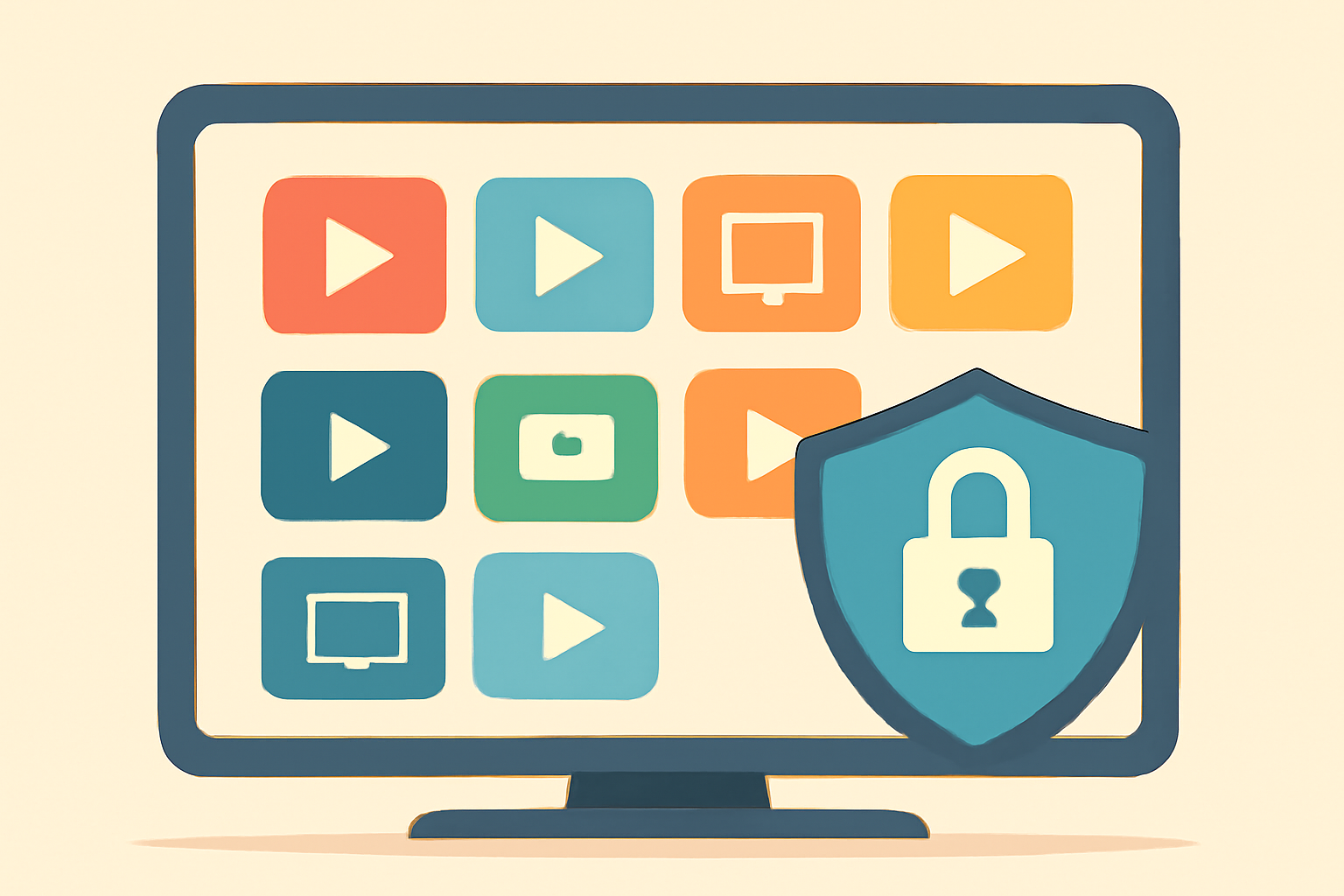
When people search for free iptv, they often bump into two very different realities. On one side are legitimate, free to use options that come from official apps or broadcasters. Think Pluto TV, Tubi, Samsung TV Plus, and Plex. These services are supported by advertising or the platform itself and offer a catalog of channels and on demand shows without a subscription. On the other side are unlicensed free iptv lists and streams that promise a lot with little or no licensing behind them. Those can put you at risk of malware, copyright infringement, and potential legal trouble. The key is to separate the legitimate free options from the unlicensed feeds. This article walks you through the lines you should not cross and points you to reputable, licensed paths.
Pluto TV and Samsung TV Plus offer curated lineups that update regularly. They are official products from recognized companies and do not require you to enter payment details to access a broad range of content. Tubi provides free on demand movies and TV shows with ads, and Plex has a free ad supported streaming library alongside its paid tiers. These services are designed to run on a wide range of devices, from smart TVs to streaming sticks and mobile devices. If you want a simple start, check our Best IPTV Service: Buyer Checklist Guide to understand how to compare free and paid options. For general guidance on choosing a legal service, you can also read How to choose a legal IPTV service.
The risk of unlicensed feeds
When a site or list claims to offer “free iptv” without mentioning licensing, it is almost a guarantee that the streams are unlicensed. These feeds can be unstable, hosted on gray market infrastructure, and carry malware risks through malicious ads. They may also vary by region, meaning some streams work only in certain countries and others may disappear without notice. If an offer sounds too good to be true, it probably is. A safer approach is to use official apps or services that publish their content openly and maintain transparency about what is free and what is paid.
How to identify legitimate free options
There is a clear line between legitimate free iptv options and unlicensed streams. The legitimate category includes services that have distribution rights for channels or content and support themselves through advertising or a freemium model. The unlicensed category includes streams that do not provide clear rights information.
Common legitimate options you can rely on
- Pluto TV: A free, ad-supported streaming service with a growing channel lineup.
- Tubi: An on demand library with advertisers and no subscription required for basic access.
- Samsung TV Plus: Built into many Samsung smart TVs and some streaming devices, offering free channels.
- Plex: A free, ad supported library alongside its paid tiers.
If you want to gauge the trustworthiness of a service, consider looking at the service’s licensing statements, app store listings, and official support pages. For practical guidance on choosing a legal IPTV service, see How to Choose a Legal IPTV Service: A Buyer’s Checklist. Also, our comparative guidance touches on the best options in a current context in Best IPTV Player Review: Comparing TiviMate Smarters and XCIPTV.
Distinguishing free channels and free-to-air streams from unlicensed feeds
Free channels you can trust usually come from well known broadcasters or platforms. Free-to-air streams are widely available on devices that support those apps, and they do not require you to pay beyond the device cost or a one-time setup. To verify you are using a legitimate feed, look for official app availability, licensing mentions, and clear terms of service. If you are unsure about a provider, you can consult our guide on choosing a legal service, or read about IPTV server hosting risks to understand what infrastructure underpins legitimate streams.
A practical setup guide
- Use a supported streaming device and install official apps from the app store for Pluto TV, Tubi, Samsung TV Plus, or Plex.
- If you use IPTV apps for live streams, pair them with official, licensed playlists and practice safe browsing.
- Keep your device software up to date and enable basic privacy features to reduce exposure to risky feeds.
For more on how IPTV programs are organized and how program guides work, see EPG Explained: How IPTV Program Guides Work (and How to Fix Them). And if your goal is a smoother experience, you may want to review IPTV Buffering: Why It Happens and How to Fix It.
A quick comparison of free options
Below is a simple snapshot of widely available legitimate free options and what you can expect from them. The table highlights the typical content approach, platform availability, and whether ads are part of the experience.
| Service | Content model | Platform availability | Ads | Notes |
|---|---|---|---|---|
| Pluto TV | Free ad supported | Android, iOS, web, smart TVs | Yes | Broad channel lineup with categories like news, entertainment, and sports |
| Tubi | Free ad supported on demand | Android, iOS, web, some smart TVs | Yes | Great for movies and TV shows, with new titles added regularly |
| Samsung TV Plus | Free ad supported channels | Samsung smart TVs, some devices | Yes | Channels curated by Samsung, easy to access from home screen |
| Plex | Free with ads library | Android, iOS, web, some devices | Yes | Ad supported library plus optional paid options for streaming movies |
This snapshot shows how each service typically operates. If you want a deeper dive on choosing a legal IPTV service, you can read Best IPTV Service: Buyer Checklist Guide or How to Choose a Legal IPTV Service: A Buyer’s Checklist.
Avoiding unlicensed free iptv lists
Unlicensed free iptv lists often present themselves as a shortcut to hundreds of channels. In reality they can be a door to malware or privacy risks. The safe approach is to avoid lists that make no licensing statements or rely on streaming links that do not clearly disclose their source. If you encounter a site that claims to offer free iptv with little information about licensing or rights holders, exit and look for licensed sources instead.
How to verify a streaming link or playlist
- Check the source domain for a clear rights statement or licensing agreement.
- Look for official app support or a publisher’s page that explicitly mentions a channel lineup.
- Avoid clicking through to download installers or browser extensions that require unusual permissions.
For a broader discussion on red flags from unlicensed sellers, see our guide on IPTV Provider Red Flags to Avoid Unlicensed Sellers. It explains what to watch for in provider pages and how to recognize suspicious claims.
How to set up a safe, legal free iptv experience
- Start with trusted names like Pluto TV, Tubi, Samsung TV Plus, or Plex. They offer reliable apps and clear licensing.
- Use a reputable device and keep all software updated to minimize risk.
- If you ever consider a paid upgrade, choose a service with a known set of channels and transparent pricing. For guidance on selecting a legal option, check How to Choose a Legal IPTV Service and Best IPTV Player Review: Comparing TiviMate Smarters and XCIPTV.
External resources can help you understand the broader landscape. For a standards perspective on wireless connections when streaming, see Wi-Fi Alliance. For quick background on streaming history and licensing, Wikipedia offers a concise overview.
What readers should know about free iptv and privacy
Streaming can be convenient, but privacy matters too. When you use official apps, you generally benefit from better privacy controls and clearer data practices than on unlicensed streams. A best practice is to review the privacy policy of any app you install and to enable the device’s privacy features. When you want practical privacy steps for streaming, see our VPN & Privacy section for guidance on protecting yourself online while watching content.
If you want more technical insight into program guides and how content is organized, our article EPG Explained: How IPTV Program Guides Work (and How to Fix Them) is a good read. And for practical viewing performance, you might find the tips in IPTV Buffering: Why It Happens and How to Fix It useful.
Realistic expectations for free iptv
Free iptv does not always mean a single universal catalog. The catalog and availability can differ by region, device, and app. Legitimate services typically provide a stable, ad supported experience with regular content refreshes. If your aim is to watch live sports, news, or a mix of programming without a subscription, look first to established free options and then consider legitimate paid services if you want more channels or premium features. For a quick starting point on evaluating options, see our Best IPTV Service: Buyer Checklist Guide and our guidance on choosing legally compliant services.
Real-world considerations and device compatibility
- Most modern smart TVs from major brands include built in access to Pluto TV or Samsung TV Plus. If your device does not, you can often install the official apps on streaming devices such as Roku, Amazon Fire TV, or Android TV based platforms.
- If you use third party IPTV players, pair them with licensed playlists and configure them according to the provider’s recommendations. Our comparison guide Best IPTV Player Review: Comparing TiviMate Smarters and XCIPTV includes practical tips on app features and reliability.
- If you encounter buffering or reliability issues with a legal service, our article IPTV Buffering: Why It Happens and How to Fix It can help you troubleshoot.
Bottom line
If you are looking for free iptv, start with legitimate, licensed options that are supported by the platform or content owners. Pluto TV, Tubi, Samsung TV Plus, and Plex offer free ad supported streams and libraries without the risks associated with unlicensed feeds. Remember to verify licensing, use official apps, and protect your privacy as you watch. For a structured approach to evaluating offerings, refer to our buyer checklists and comparison guides. By sticking to licensed sources and reputable apps, you can enjoy a wide range of free content without stepping into questionable feeds.
Bottom line: choose legitimate free iptv sources first, stay clear of unlicensed lists, and use trusted guides to navigate the landscape. For more on choosing a legal option, see our How to Choose a Legal IPTV Service: A Buyer’s Checklist and the Best IPTV Service: Buyer Checklist Guide. For practical viewing tips and device compatibility, explore Best IPTV Player Review: Comparing TiviMate Smarters and XCIPTV and our broader IPTV section.
Frequently Asked Questions
What counts as free iptv
Free iptv refers to channels or services you can watch without paying a subscription, typically through licensed free channels or apps.
Are all free iptv services legal
No. Some lists promote unlicensed streams. Stick to licensed, official services and free channels.
How can I verify legality
Check official app stores or publisher websites and look for licensing or announcements from the content owners.
This is an independent editorial site. We do not host, sell, or distribute any streams or subscriptions. Always verify that a service is properly licensed in your country. Some links may earn us a commission at no cost to you.