IPTV Boxes and Devices Guide to Buy Safely
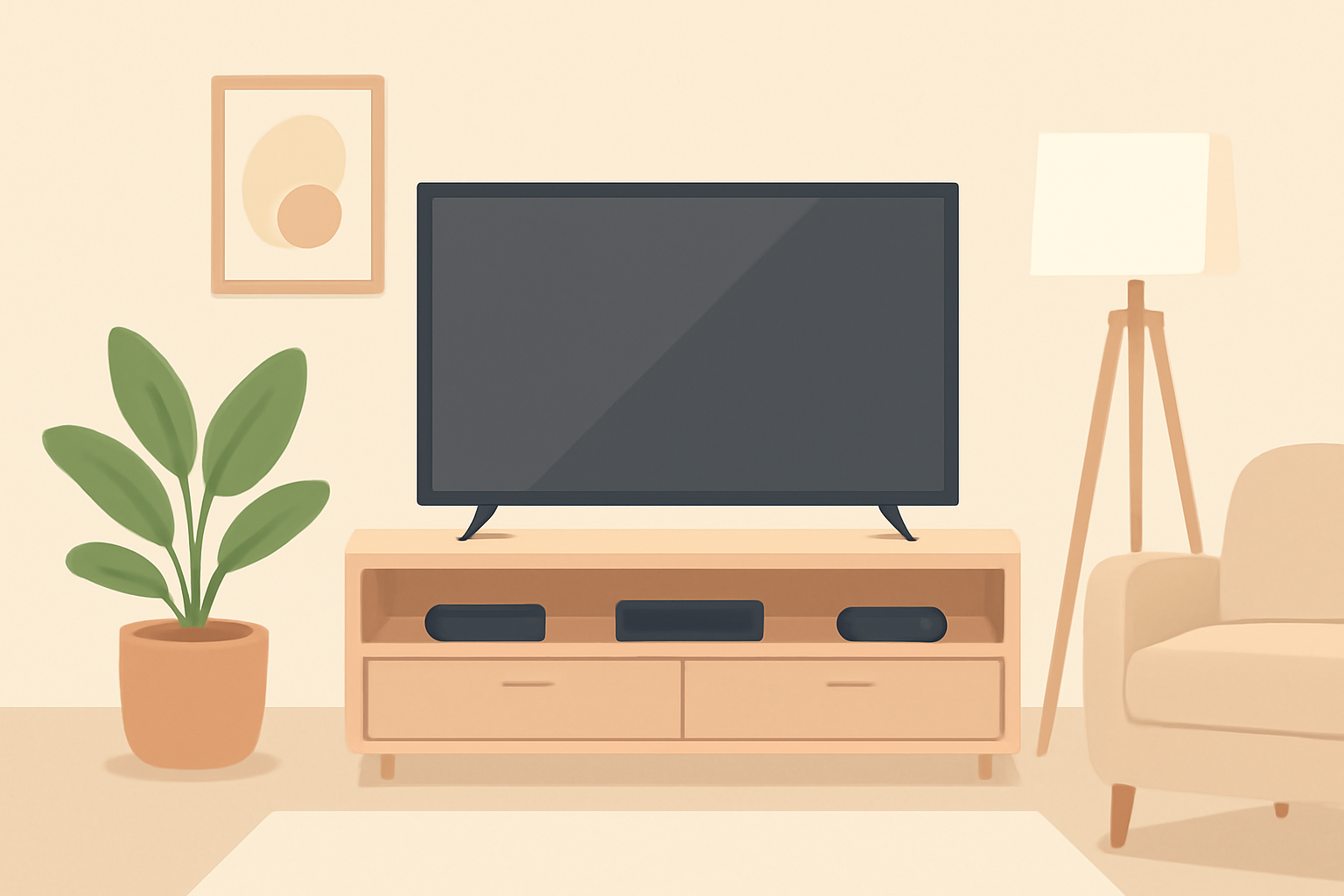
A practical guide for choosing an iptv box is essential for anyone building a reliable home setup. This piece compares Android TV boxes, the Firestick line, and the Nvidia Shield, and it flags a common pitfall: preloaded fully loaded boxes sold with unlicensed subscriptions. If you want a straightforward path to legitimate, licensed streaming, you are in the right place. We focus on devices you can buy from official channels, how to set them up, and how to avoid illegal addons that can land you in hot water or expose you to malware.
What counts as an iptv box and why people buy them
An iptv box is a compact streaming device that runs apps to access live TV streams, on demand video, and sometimes user created playlists. The top choices generally fall into three camps: Android TV boxes, media sticks like the Fire TV line, and dedicated streaming devices such as the Nvidia Shield TV. Each option has strengths and drawbacks, depending on your needs for performance, app availability, and privacy controls. When you shop, you should look for official app stores and support from the manufacturer. Avoid devices with third party app stores or promises of free premium channels. Those are often tied to illegal services or unsafe software.
If you thrive on a clean setup with minimal tinkering, you may prefer a device with a polished user interface and strong official app support. If you want the most powerful hardware for gaming or heavy media tasks, a device like the Nvidia Shield may be worth the extra investment. For many users, an affordable Fire TV Stick remains a solid choice for basic streaming, especially when you pair it with official apps and a privacy aware network setup. To keep things on the right track, always verify you are using licensed services and avoid devices advertised as fully loaded with subscriptions.
Android TV boxes versus Firestick and Nvidia Shield
Android TV boxes
Android TV boxes come from a range of manufacturers. They typically run a version of Google’s Android TV OS, which means a broad app library and flexible navigation. You can install official apps from the Google Play store, customize the home screen, and often sideload apps with care. Some boxes are sold as barebone systems with removable storage or a choice of RAM. When you compare Android TV boxes, pay attention to CPU performance, memory, and cooling. A device with 4K support and HDR formats is a baseline expectation for a modern box. If you want more control and an easier pairing with other Android devices, this family is hard to beat.
Firestick and Fire TV devices
The Fire TV Stick line from Amazon is compact, inexpensive, and easy to use. The Fire TV Stick 4K remains a popular option for many households because it combines affordability with strong app support and a proven remote experience. You can run most major streaming apps, including official live TV apps from reputable networks and providers. When shopping for a Fire TV stick, ensure you’re buying from Amazon or an authorized retailer, and keep the software up to date. The Fire TV ecosystem also supports voice control via Alexa, which can be a real convenience if you value hands free navigation. For many users, the Fire TV Stick 4K offers a great balance of price and performance, but be mindful of using only licensed sources.
Nvidia Shield
Nvidia Shield TV devices are known for high performance and great streaming quality. They usually provide solid hardware, quicker app launching, and strong 4K HDR capabilities. The Shield tends to excel in gaming performance, Dolby Vision support, and a smooth overall experience. It is often favored by power users who want a premium, future ready box with a long software life cycle. If you want the best possible streaming experience and you already use Nvidia ecosystems or plan to game occasionally, the Shield is worth considering.
A word about fully loaded iptv boxes sold with unlicensed subscriptions
There is a persistent market for boxes advertised as fully loaded with unlicensed subscriptions. These devices come with preinstalled apps and lists that bypass official app stores and payment channels. They pose several risks:
- Legal risk: Using or distributing pirated streams can violate copyright laws in many jurisdictions.
- Security risk: Preinstalled apps of uncertain origin can introduce malware or questionable code.
- Reliability risk: Unlicensed streams often suffer from outages or poor quality, with no legitimate support channel.
- Privacy risk: Some unlicensed services may log data or mislead users about what is being collected.
The safest path is to avoid any device that markets itself as a fully loaded box with subscriptions. Instead, stick to devices with official app stores and use licensed streaming services. That approach offers clearer terms of service, proper updates, and a safer streaming environment.
How to pick the right iptv box for you
- Content has to be licensed: Confirm the device supports official apps from the Google Play Store, Amazon Appstore, or the manufacturer’s app store. You should see streaming apps from major networks and legitimate services listed there.
- Performance matters: Look for appropriate RAM and a recent processor. If you want 4K streaming with minimal buffering, prioritize a device with a capable GPU and ample memory.
- User experience: A clean, responsive interface and solid remote control can drastically improve everyday use. Consider whether you prefer a voice assistant integrated into the remote.
- Privacy and updates: Favor devices with regular software updates and clear privacy settings. Regular firmware patches help reduce exposure to security flaws.
- Official support: Prefer devices with clear official support channels and a documented setup path. This includes detailed setup guides and troubleshooting resources.
For practical steps, you can start by reading our in depth guides like Android TV Setup for Streaming: The Complete Guide and our detailed comparison pieces in the site’s device section. If you are weighing the Fire TV Stick against other options, you may also want to read Fire TV Stick 4K Review: Still the Best Streaming Stick for Most People and Chromecast vs Firestick: Which Should You Buy. These internal resources help you make an informed choice without relying on unlicensed sources. For broader context about choosing devices, our 2026 guide to top options is also a solid starting point: Best Streaming Device 2026 guide to top options.
What to expect from each major device category
Android TV boxes
- App variety: Access to Google Play and many official streaming apps.
- Customization: Moderate; you can tailor the home screen and settings without going off the rails.
- Upsides: Good value for money, flexible hardware choices, reasonable performance for most streaming tasks.
- Tradeoffs: Some lower end boxes may struggle with heavy 4K content or long term updates.
Fire TV Sticks
- Convenience: Small form factor, simple setup, excellent remote experience with voice control.
- App compatibility: Strong support for major streaming apps from official stores.
- Upsides: Excellent value, good performance for most users, broad ecosystem.
- Tradeoffs: Some advanced Android apps are less accessible than on a true Android TV box; privacy controls are user dependent.
Nvidia Shield TV
- Performance: Elite handling for 4K, HDR10, Dolby Vision, and gaming.
- Longevity: Longer software support and consistent updates.
- Upsides: Smooth interface, strong app availability, solid hardware.
- Tradeoffs: Higher price point, which may not be worth it for casual streaming.
How to set up your iptv box securely
- Start with official stores: Install apps only from the Google Play Store, Amazon Appstore, or the official device store.
- Use a reputable VPN when appropriate: A VPN can help protect privacy on the network and prevent tracking by some services. Choose a trusted VPN with clear logging policies and a no logs stance.
- Keep firmware updated: Regular updates patch security flaws and improve compatibility with streaming apps.
- Review privacy settings: Disable unnecessary telemetry and be mindful of permissions requested by apps.
To learn more about setting up popular devices, check our guides like Chromecast with Google TV: Setup and Casting, Explained and Fire TV Stick Setup for Streaming: The 10-Minute Complete Guide. If you want to compare device performance in 4K scenarios, our detailed side by side comparison can help you decide which path to pursue.
Table: quick specs comparison for common iptv box choices
| Device type | OS family | Typical RAM | 4K HDR support | Notable strengths |
|---|---|---|---|---|
| Android TV box | Android TV | 2-4 GB | Yes | Broad app library, flexible customization |
| Fire TV Stick 4K | Fire OS | 2-3 GB | Yes | Compact size, strong remote, good app support |
| Nvidia Shield TV | Android TV (custom) | 3-4 GB | Yes (HDR10, Dolby Vision) | Top tier performance, long support, gaming ready |
This table is a quick snapshot of how the main options stack up. It is not a substitute for hands on testing, but it gives you a sense of where to focus your attention when evaluating models. For deeper comparison, you can read our in depth comparison titled Best Streaming Device for 4K | Detailed 4K Device Comparison. You may also want to review general live TV and streaming context in our Live TV Streaming (section) to understand how these boxes fit with licensed services.
Why you should avoid fully loaded iptv boxes
A quick word of caution about one category of devices you will encounter: fully loaded iptv boxes that advertise preinstalled subscriptions. These devices claim to provide thousands of channels with a single subscription. The reality is that many such services operate outside the law, can lead to unreliable streams, and may expose you to malware or invasive tracking. Even if a seller claims the hardware is legitimate, the bundled subscription itself is often not. The risk is not worth the potential savings. The better approach is to subscribe to licensed live TV services and use official apps on a supported device. If you want a sensible lineup of options, our reviews of licensed services like those in DirecTV Stream Review and Best live tv streaming service: 2026 comparison can provide a solid baseline for budgeting and planning.
Real world setup tips
- For a straightforward experience with Android TV boxes, you might want to pair your device with a simple network setup and a single password trusted network. If you have a guest network, it is a good idea to keep the streaming box on a separate SSID and enable device isolation where available.
- If you use a Fire TV Stick, ensure you sign in with official accounts such as your Amazon account and the accounts for licensed streaming apps. This makes updates simpler and helps maintain compliance with terms of service.
- For Nvidia Shield, enable the automatic updates and check for app updates after major Android OS releases. A Shield setup can be a little more involved than a Fire TV Stick, but it rewards users with a very stable performance.
As you explore device options, you might find yourself bouncing between real world needs such as gaming, live TV, and on demand content. It can help to sketch a quick feature map: 4K support, official app store access, remote usability, and consistent software updates. If you want a guided path, read our comparison of the top options in 2026 and then pair that with a real world test of your preferred Android TV Setup for Streaming: The Complete Guide to confirm it meets your expectations.
Conclusion and recommendations
If you are building a reliable home entertainment system around an iptv box, start with a known, supported device. Android TV boxes and the Nvidia Shield are strong contenders for those who value performance and a solid app ecosystem. The Fire TV Stick 4K offers an excellent value proposition for most households and remains a top pick for many users who want simple, fast access to licensed apps. Regardless of your choice, avoid devices that promise unlicensed subscriptions or preloaded channels. Those products risk legal trouble, malware, and unstable service.
For a practical decision path, consider your priorities: do you want top end performance or a compact stick that slots into a secondary room? Do you want gaming capability or a simple streaming focus? The answers will guide you toward either a high end Nvidia Shield setup or a well performing Android TV box or Fire TV Stick. If you want to compare options head to our long form guides like Best Streaming Device 2026 guide to top options and Chromecast with Google TV: Setup and Casting, Explained to complement your research with additional official resources. For broader privacy and network considerations, see our VPN and Privacy section and the Live TV and sports content overviews to ensure you stay within legal boundaries while enjoying quality IPTV experiences with a confirmed license.
Bottom line An iptv box can be a great addition to your living room when you choose a licensed, well supported device and avoid preloaded fully loaded boxes. The winner for you depends on your appetite for power, size, and ecosystem. Whether you settle on an Android TV box, Fire TV Stick, or Nvidia Shield, you should prioritize official app stores, regular updates, and reliable privacy controls. The right choice will give you stable, legal streaming and a smooth user experience that stands the test of time. Bottom line: pick a legit, supported iptv box and skip the unlicensed preloaded options.
Frequently Asked Questions
Do I need a VPN with IPTV boxes?
Using a VPN can help protect privacy and access geo restricted content. Pair it with legitimate services.
Are fully loaded IPTV boxes legal?
Fully loaded boxes with unlicensed subscriptions are illegal in many regions and can expose you to penalties and malware.
What should I buy if I want 4K streaming?
Look for devices with 4K HDR support, solid app support from official stores, and reliable streaming performance.
This is an independent editorial site. We do not host, sell, or distribute any streams or subscriptions. Always verify that a service is properly licensed in your country. Some links may earn us a commission at no cost to you.