Best streaming device 2026 guide to top options
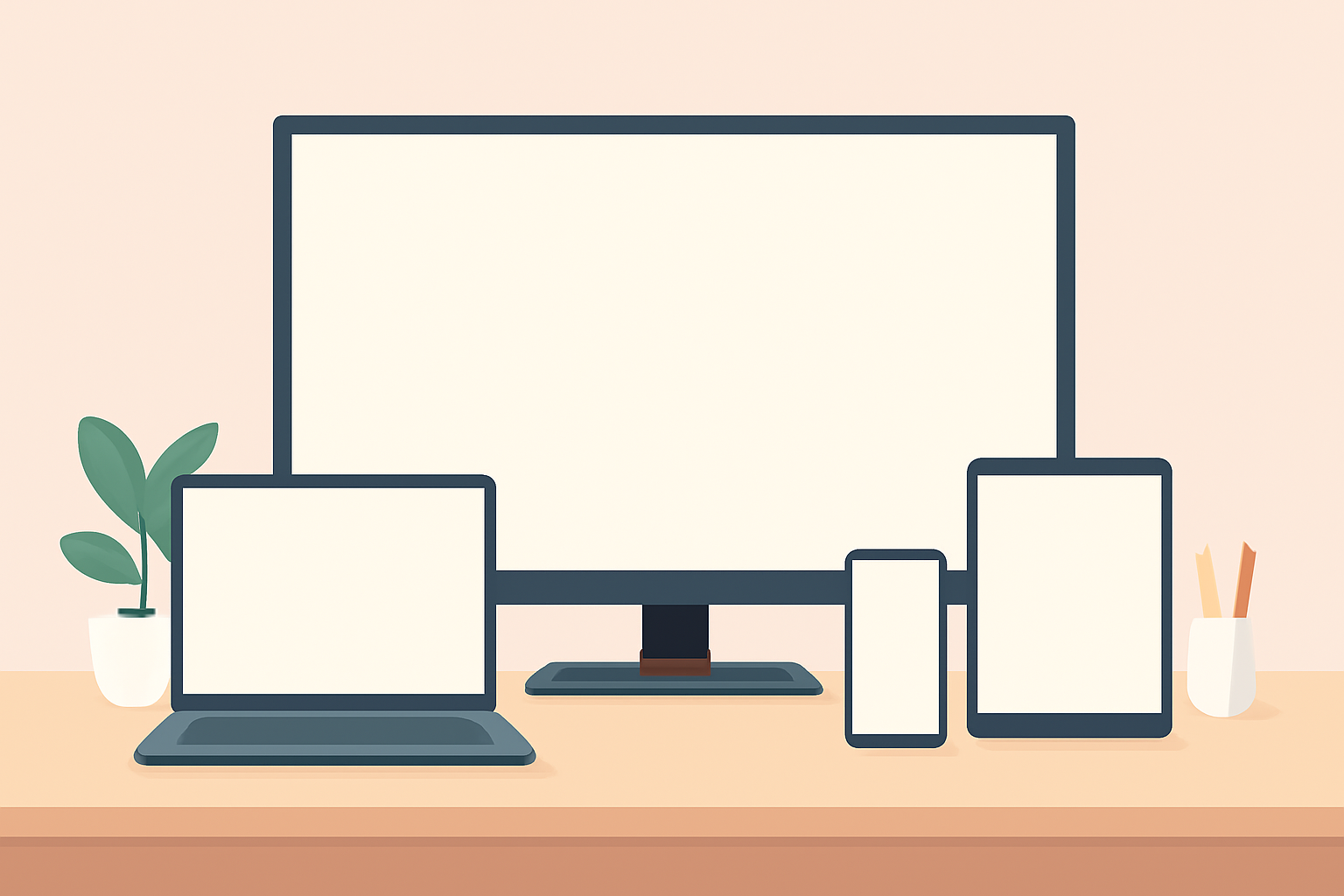
If you want the best streaming device 2026, you are weighing price, performance and the apps you actually use every day. This guide looks at the four major players most households consider: Fire TV from Amazon, Roku, Apple TV, and Chromecast with Google TV. Each platform has its strengths and tradeoffs, and the right pick depends on how you watch TV, which apps you rely on, and how much you want to spend upfront. You will also see practical tips, like how to speed up a lagging device and where to find official setup guides. For readers who care about privacy and user controls, there is also guidance on default settings and what to adjust after the box is plugged in. To help you compare side by side, a comparison table follows the narrative with the key numbers you want at a glance.
Price and value across the most popular options
Price matters a lot when choosing a streaming device. The base price, bundled services, and recurring subs can influence the break-even point. The Fire TV Stick 4K is frequently praised for its balance of cost and capability. The Roku Ultra tends to skew a little higher on price but offers remote with a predictive search and a strong channel mix. Apple TV 4K sits at the premium end and appeals to existing Apple ecosystem users or those who value a polished navigation experience and tight integration with iPhone and iPad. Chromecast with Google TV commonly sits in the midrange and is notable for a simple interface and solid Google app integration.
When you look at value, consider these practical questions: Do you already own other devices from the same company? Do you want a voice assistant that works well across your smart home? Are you planning to use a certain streaming service that has a preferred app on one platform? The answers shape whether you save money upfront or gain long-term convenience.
Performance benchmarks you should care about
Performance on a streaming device is about responsiveness, the smoothness of the home screen, and how reliably it handle 4K or 1080p streaming with HDR. In a typical living room, you want a device that boots quickly, loads apps in a couple of seconds, and keeps up with high motion scenes in sports and action movies. Several real-world factors influence performance including Wi-Fi quality, the TV’s HDMI standards, and the background activity of other smart devices in your home. The latest Fire TV and Chromecast devices have improved processor speed and better memory management, which translates to snappier navigation and fewer buffering events under normal home network conditions. A strong Wi-Fi signal remains essential; if your network is congested, consider a wired Ethernet adapter when available or setting up a dedicated 5 GHz channel for your streaming devices.
If you travel often with streaming hardware, you may also want to consider how a device handles guest profiles and parental controls. Apple TV 4K, for instance, is known for its solid privacy settings and integrated parental controls, while Roku emphasizes straightforward navigation and a broad app catalog. Chromecast with Google TV emphasizes Google’s ecosystem and voice search, which some users find speeds up the process of finding content.
App ecosystems and what you can watch
App availability is a decisive factor for most buyers. Fire TV and Roku each boast broad catalogs, including major services like Netflix, Prime Video, Hulu, Disney+, and YouTube. Apple TV has a strong lineup of apps as well and, importantly, ties into Apple’s Services. Chromecast with Google TV uses the Google Play Store style approach to apps and often favors apps with strong casting and smart home integration.
When you are assessing apps, consider:
- How easy it is to search for content across apps
- The availability of key services you already subscribe to
- The quality of casting and mobile-to-TV streaming features
- Whether the device supports 4K with HDR formats you care about
For a quick read on the typical services across devices, you can check our Best live TV streaming service: 2026 comparison to see which platforms align with your viewing habits. If you want a deeper dive into setting up a specific device, see our guides like Fire TV Stick Setup for Streaming: The 10-Minute Complete Guide and Apple TV 4K Setup for Streaming: Settings That Actually Matter.
Practical setup guidance for each platform
Fire TV Stick 4K and Fire TV 4K Max
The Fire TV ecosystem remains popular for its lower price and broad app support. The Fire TV Stick 4K is a common entry point, combining a compact form with strong performance. If you ever run into buffering or slow app launches, a quick refresher like Fire TV Stick Buffering: 9 Fixes That Actually Work can help you avoid a return or a support call. For everyday setup, the official steps are straightforward, and the platform has a solid troubleshooting guide if you need it. If you want a deeper sense of current performance, consider reading our Fire TV Stick 4K Review: Still the Best Streaming Stick for Most People.
For an overall sense of how to connect and optimize a Fire TV device in a modern home, also check Firestick not connecting to wifi: practical fixes and Fire TV Stick Setup for Streaming: The 10-Minute Complete Guide.
Roku devices
Roku devices emphasize straightforward navigation and a broad app catalog. They are often praised for their user interface and the simplicity of channel management. If you are curious about how Roku fits into a modern household with smart home devices, keep in mind that Roku works well with many TVs and does not require you to own a phone from a specific brand to feel comfortable with the interface.
Apple TV 4K
Apple TV is a premium option designed for people who are invested in the Apple ecosystem. The interface feels polished, and the device integrates well with iCloud and Apple services such as Apple TV+, Music, and Photos. If you already own an iPhone or Mac, Apple TV can feel particularly cohesive. For setup specifics and best practices, see our Apple TV 4K Setup for Streaming: Settings That Actually Matter.
Chromecast with Google TV
Chromecast with Google TV offers a distinct approach by combining a streaming device with a flexible interface and deep Google assistant integration. If you value search across multiple apps with a single query and prefer casting from Android devices, Chromecast can be a compelling choice. For setup tips and troubleshooting, consult our guide on Chromecast with Google TV: Setup and Casting, Explained.
A practical side-by-side table for quick reference
| Feature | Fire TV Stick 4K | Roku Streaming Stick 4K | Apple TV 4K | Chromecast with Google TV |
|---|---|---|---|---|
| Official price typical range | Low to mid-range | Mid-range to high | High | Mid-range |
| 4K HDR support | Yes | Yes | Yes | Yes |
| App ecosystem breadth | Very broad | Broad | Strong and tight with Apple services | Strong, Google-centric |
| Voice assistant integration | Alexa built in | Roku voice / remote | Siri via Apple devices | Google Assistant |
| Remote type | Voice remote with AC control options | Standard remote with channel search | Siri remote | Remote with Google assistant |
| UI design emphasis | Fast navigation, app-centric | Simplicity and breadth | Polished, ecosystem integration | Google search across apps |
| Best for | Fire TV users and Prime members | Budget or feature balance seekers | Apple ecosystem users | Google ecosystem users and casting fans |
Real world setup tips to maximize 2026 performance
- Ensure your TV supports HDMI 2.0 or higher if you want the full 4K HDR experience. If your TV is older, you might still get excellent 1080p performance even on a newer streaming device.
- Use a 5 GHz Wi-Fi network for best results. If your home network is crowded, consider minimizing interference by moving the router closer to the streaming device or using wired Ethernet where possible on devices that offer an Ethernet port or an adapter.
- Keep firmware up to date. The official setup guides include update steps that help fix performance issues after a new feature release.
- For privacy minded users, adjust the default data sharing settings on first boot and review the privacy settings frequently. Each platform has toggles you can adjust to limit data collection while still enjoying a rich app catalog.
- If you plan to cut the cord, explore how each platform supports apps from major streaming services. The 2026 landscape includes a variety of legal streaming options you can rely on for regular viewing.
For further context on 4K and streaming choices, read our explainer 4K Streaming Explained: What You Need and When It’s Worth It. If you want a broader comparison of live TV streaming options in 2026, our guide Best live tv streaming service: 2026 comparison is a helpful companion piece.
How to decide what to buy in 2026
- If you are deeply invested in Apple services and own multiple Apple devices, Apple TV 4K is an appealing top-tier choice. Its integration can simplify your family’s media experience and maintain strong privacy controls. For setup specifics, see the Apple TV setup guide linked above.
- If you want a solid app library, easy navigation, and excellent value, Fire TV Stick 4K remains a strong pick. After you buy, if you see buffering or slow starts, our Fire TV specific fixes page is a useful reference.
- If you prefer a neutral experience with a broad app lineup and straightforward remote control, Roku commonly serves as a dependable choice across a wide range of prices. It often appeals to users who want a simple interface with quick access to channels.
- If you value Google integration and strong search across apps, Chromecast with Google TV is compelling. The setup and casting article can help you maximize its strengths in your home ecosystem.
For practical setup walkthroughs and troubleshooting, you can explore our device guides section and relevant articles as you finalize your purchase. If you are exploring more about privacy and how to stay secure while streaming, you can consult our VPN and Privacy section to understand how to protect your streaming habits online.
The bottom line on the best streaming device 2026
The best streaming device 2026 is not a single winner for every household. The Fire TV Stick 4K provides standout value and broad app support at a lower price. Apple TV 4K satisfies users who want a premium feel and tight Apple ecosystem integration. Chromecast with Google TV offers strong Google search and casting, which can streamline how you find and play content. Roku remains a steady choice for a simple, broad app catalog and straightforward navigation. Your final pick should align with your budget, the apps you use most, and how deeply you want to integrate with a particular ecosystem.
In practice, most households benefit from once deciding which ecosystem aligns with their current devices, then choosing the device that matches that ecosystem. For ongoing updates and practical setup help, consider bookmarking our device guides page and the specific setup guides for Fire TV, Apple TV, Chromecast, and Roku. You may also want to review related sections about live TV streaming, IPTV options, and privacy considerations to ensure you have a complete understanding of how to watch what you love on the new hardware.
Bottom line: pick the device that best matches your use case and your existing devices, and use our setup and troubleshooting guides to get the most from your investment. Remember to keep firmware up to date and review app availability in your region to avoid surprises.
Bottom line section complete.
Frequently Asked Questions
What is the best all around streaming device in 2026?
The best all around choice tends to be the Fire TV Stick 4K for most people because of a strong app library, solid performance and low price.
Do I need 4K to enjoy streaming today?
Not always. If your TV is 1080p, a 1080p streaming device can still provide excellent picture quality and faster navigation.
Are there security concerns with streaming devices?
Like any connected device, keep firmware updated and use trusted apps from official stores to minimize risk.
This is an independent editorial site. We do not host, sell, or distribute any streams or subscriptions. Always verify that a service is properly licensed in your country. Some links may earn us a commission at no cost to you.