Google TV vs Android TV: What’s the Difference?
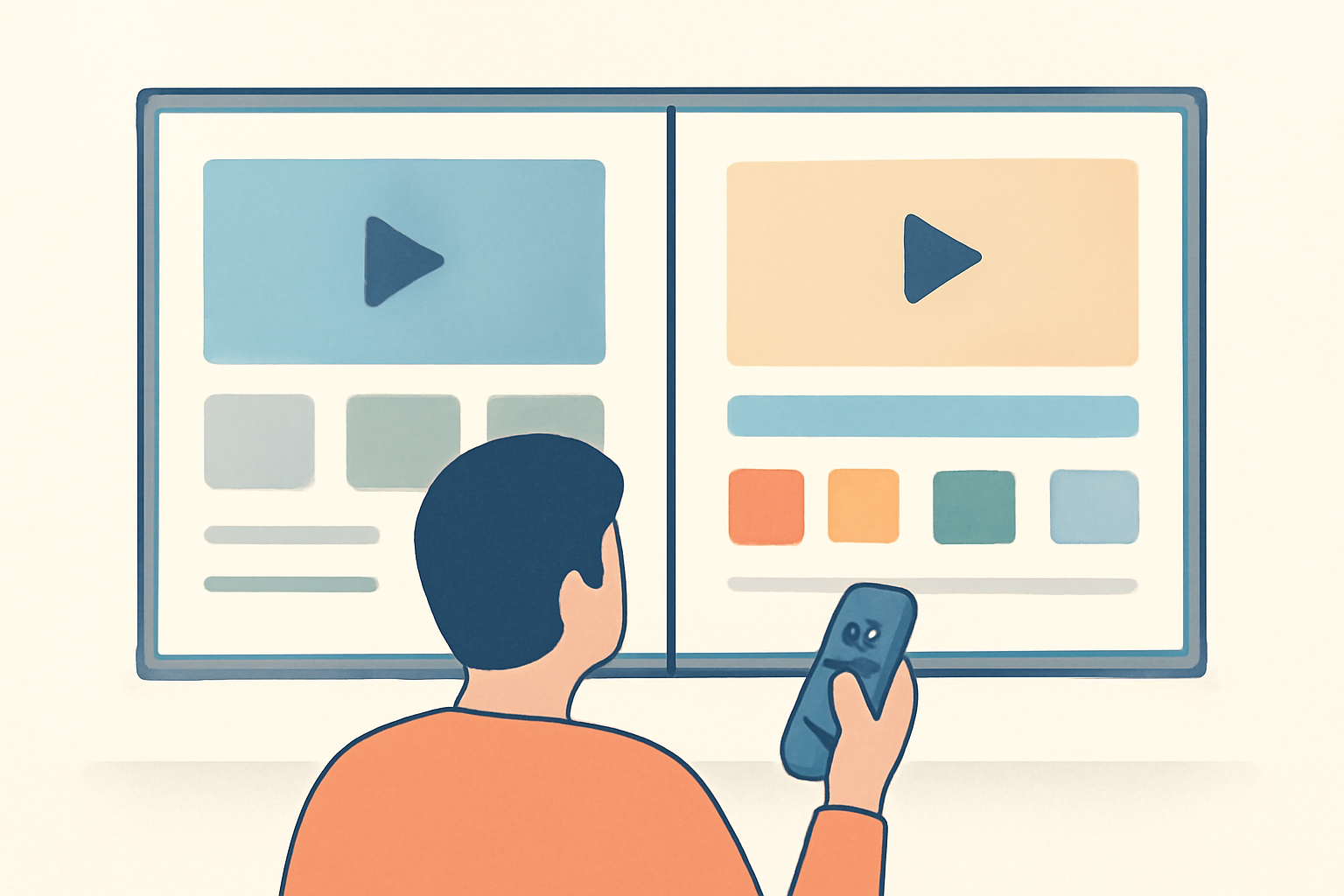
Google TV vs Android TV is a question many buyers ask as they shop for a streaming setup. Google TV is the newer interface layered on the existing Android TV OS, and it quietly changed how homes discover and watch content. The choice often comes down to what your hardware supports and how you prefer to browse, search, and get recommendations.
What the two platforms are at a glance
Android TV is the underlying operating system developed by Google for smart TVs, streaming boxes, and some streaming sticks. Google TV sits on top of that OS as a refreshed user interface with an updated home screen, longer content previews, and a focus on personalized recommendations. In practical terms, if you own a Chromecast with Google TV, you are using Google TV. If you own an Android TV device that predates Google TV, you are likely using the older Android TV interface. For more on setup and features you can check our Chromecast with Google TV: Setup and Casting, Explained and our Android TV Setup for Streaming: The Complete Guide.
UI differences and how they affect everyday use
Home screen layout and navigation
- Google TV presents a continuous scroll of programs and apps with rows tailored to your viewing history. It surfaces live and on demand content from a broader set of apps, aiming to keep you watching without unnecessary taps.
- Android TV keeps a more traditional grid focused on installed apps, with recommendations appearing but not as aggressively personalized as Google TV.
Search and discovery
- Google TV uses a more proactive recommendations engine. It blends movies, TV shows, and live streams, and it often surfaces content from services you own or are likely to subscribe to.
- Android TV presents search results that are generally more app-centric. You may see great results, but they are usually tied to specific apps rather than a universal mix.
Settings and privacy controls
- Both platforms share core Google privacy controls since Android TV is built by Google. Users should routinely review app permissions, ad personalization, and activity controls in Google accounts. See official product pages for the most current privacy features at Google TV product page and Android TV overview.
- If you are concerned about what data is collected through streaming devices, you can adjust privacy settings on the device and in your Google account.
App compatibility and store access
- Google TV devices still run compatible Android apps, but the Home screen prioritizes apps and content found within Google’s ecosystem.
- Android TV devices rely on the Google Play Store for apps and games, and you can install a vast library of Android apps, including many streaming apps.
To see concrete examples of how these differences feel in practice, you can compare hardware like Chromecast with Google TV to a high end Android TV box or a smart TV that uses the older Android TV interface. For more on device choices, see our guide on the best streaming devices in 2026.
What you can expect in terms of recommendations and search results
The core difference between Google TV and Android TV in everyday usage comes down to how recommendations are tailored and how search results surface across apps. Google TV tends to reduce friction by suggesting titles it thinks you might enjoy across multiple apps, not just within one service. Android TV offers strong search across installed apps, which is still powerful but may feel less fused across partners.
If you want an independent comparison of how these platforms recommend content and how that translates to live TV and sports, you can explore our Best live tv streaming service: 2026 comparison and our Fubo TV Review: Is It Worth It for Sports Fans?. For an overall picture of how to pick a streaming device in 2026, check our Best streaming device 2026 guide to top options.
Device compatibility and which devices run which interface
Below is a quick guide to help you map devices to the expected interface. Keep in mind that the same hardware can update over time, and some TV brands ship with Google TV or Android TV based on the model year.
- Chromecast with Google TV: Google TV interface, built in Google Assistant voice control, access to Google Play and a broad app catalog.
- Android TV boxes and smart TVs that were released before Google TV’s refresh: Android TV interface, strong app assortment via Google Play, older design language.
If you are evaluating a device today, you should confirm whether the box or TV ships with Google TV or Android TV at the time of purchase. Our comparative guides can help you decide if you should lean toward Google TV for discovery or Android TV for a classic, app-centric feel. See how Chromecast devices compare to other options in our Chromecast vs Firestick comparison to understand platform tradeoffs across ecosystems. You can also read about the setup specifics in our Chromecast with Google TV: Setup and Casting, Explained.
Feature table: Google TV vs Android TV at a glance
| Feature | Google TV | Android TV |
|---|---|---|
| Home screen | Fresh, personalized recommendations across services | Apps-centric layout with content from installed apps |
| Content discovery | Broad integration across streaming services | Search results tied closely to apps you have installed |
| Voice control | Google Assistant integrated into the experience | Voice search available, often through the remote or device integration |
| App library | Play Store apps and a broad content mix from partners | Play Store apps; strong support for apps on big screens |
| Updates | Frequent updates tied to Google TV experience | OS updates tied to Android TV release cycles |
This table gives a snapshot of what tends to differ in day to day use. For hands on setup steps, you can refer to our Android TV setup guide or the Chromecast setup resource.
Practical tips for choosing and using the right interface
- If you value discovery and a modern look with dynamic recommendations and you own a Chromecast or an all in one TV that ships with Google TV, lean toward Google TV. It shines when you want one place to find movies, shows, and live streams across services.
- If you prefer a traditional app-first experience with direct access to many installed apps and a familiar layout, Android TV may feel more comfortable, especially on devices released before Google refined the interface.
- Consider your other devices and ecosystem. If you are deeply invested in Google services, Google TV integrates smoothly with Google accounts and assistants. If you lean toward a broad app catalog and prefer non Google content choices, ensure your chosen device has the apps you rely on.
For hands on setup specifics you can check our related setup guides such as Chromecast with Google TV: Setup and Casting, Explained and Android TV Setup for Streaming: The Complete Guide. If you are evaluating which device to buy right now, our Best streaming device 2026 guide to top options is a good starting point, and you might also want to compare with a Fire TV option using Chromecast vs Firestick: Which Should You Buy.
Common questions about google tv vs android tv
- Do all apps work the same on Google TV and Android TV? Most apps available on Android TV also run on Google TV, but the discovery and navigation differ. You may notice a more integrated search across apps with Google TV.
- Can I switch interfaces on a single device? Usually not. Some devices may offer features or modes that resemble the other interface, but you cannot simply flip a switch to convert Google TV into Android TV or vice versa on the same hardware.
- What about live TV and IPTV apps? Live TV and IPTV apps run inside the same Android Play Store and should be available on devices with either interface, but live content discovery will be shaped by the interface you are using.
For a broader view on streaming options including live TV services, see our Live TV Streaming section and our IPTV overview in the related guide sections.
How to maximize performance on either platform
- Keep software up to date. Both platforms benefit from the latest firmware and app updates, which include security and performance improvements.
- Manage storage and apps. Uninstall unused apps to reduce background activity and free up space for new content.
- Network matters. A solid home network helps both interfaces render content smoothly, especially for high resolution streams. If you encounter buffering, consult our Fire TV related performance guides or Wi Fi optimization resources from reputable sources such as Wi Fi Alliance.
Bottom line
Google TV and Android TV are closely related, with Google TV serving as the modern, discovery focused face of the older Android TV OS. The choice between them often comes down to how you prioritize content discovery and app navigation. If you want a fresher home screen and stronger cross service recommendations, Google TV is worth considering. If you prefer a more traditional app driven layout and direct control over installed apps, Android TV remains a solid option. When deciding, look at the actual device you plan to buy and verify which interface it ships with today. For additional guidance on device choices and setup, review our setup guides and product comparisons across our site.
Bottom line resources and related reads can help you compare more devices and keep your streaming setup aligned with your privacy and performance preferences. For broader context on device choices and to see side by side hardware options, explore our Best streaming device 2026 guide to top options and Fire TV Stick 4K Review: Still the Best Streaming Stick for Most People. And for practical difference testing between similar ecosystems, you might also compare Chromecast vs Firestick: Which Should You Buy.
Bottom line: Google TV vs Android TV is about interface design and how you want to discover content, not about a completely separate product line. Make your choice based on the actual device you plan to use and the kind of browsing experience you prefer.
Frequently Asked Questions
Is Google TV the same as Android TV?
Google TV is a newer interface layered on top of the Android TV OS. Devices can run Android TV, and Google TV adds a refreshed home screen and new recommendations.
Which devices use Google TV versus Android TV?
Devices like Chromecast with Google TV run Google TV. Most TVs and set top boxes that advertise Android TV use the Android TV interface, though some hardware supports the Google TV experience.
Can I switch from Google TV to Android TV on my box?
In most cases you cannot switch interfaces on a single device. Some devices ship with one interface and may enable features from the other through updates or apps, but it is not a user switch like changing apps.
This is an independent editorial site. We do not host, sell, or distribute any streams or subscriptions. Always verify that a service is properly licensed in your country. Some links may earn us a commission at no cost to you.