Best Streaming Device for 4K You Can Buy Today
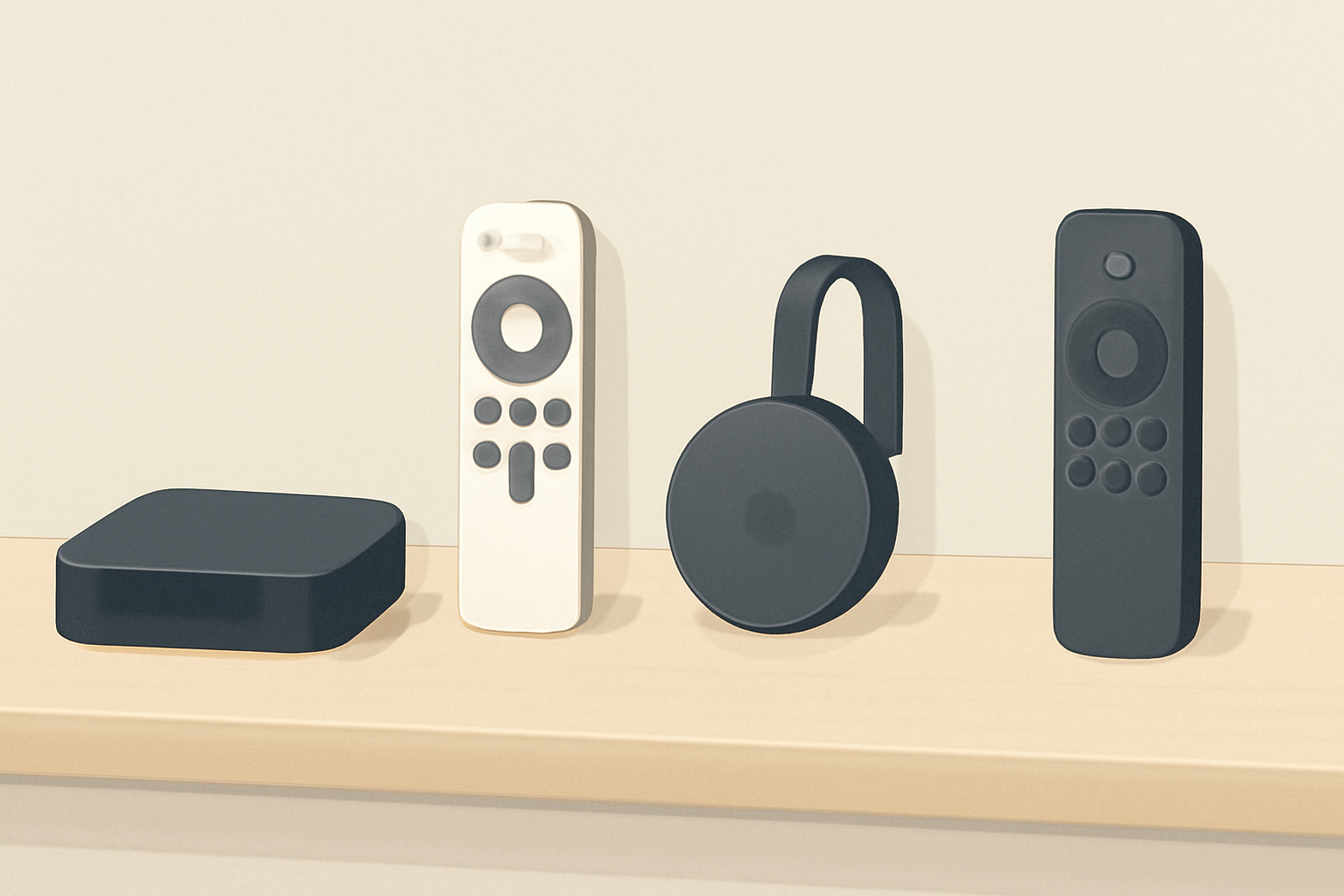
If you are shopping for the best streaming device for 4k, you want something that handles 4K HDR smoothly, has a strong app library, and stays within a reasonable price range. This guide compares the Fire TV Stick 4K Max, Apple TV 4K, Nvidia Shield, Roku Ultra, and Chromecast with Google TV 4K across HDR formats, speed, apps, and overall value. You will also find practical guidance on how to choose based on budget and how to set up each option. For context on broader 4K streaming choices, you can check our Best streaming device 2026 guide to top options and see how these devices stack up against the Chromecast and Fire TV sticks in real-world use. If you need setup specifics for Android TV based devices, our Android TV Setup for Streaming: The Complete Guide is a solid companion read.
HDR formats and video quality
Understanding HDR support
HDR formats determine how color and brightness are displayed. In practice, most 4K streaming devices support a mix of HDR10, HDR10+, Dolby Vision, and HLG. The Apple TV 4K and Nvidia Shield tend to show strong Dolby Vision performance on many apps, while Chromecast with Google TV 4K and the Fire TV lineup also handle HDR10 and HDR10+ well where the apps support them. Always confirm that the streaming app you use supports the HDR format you want, since some apps vary by device.
Device by device HDR notes
- Apple TV 4K: Excellent Dolby Vision support on standard streaming apps; smooth color grading for films and sports where Dolby Vision is available. Official product pages discuss HDR capabilities in depth, and you can compare more details in our Apple TV 4K Review: Is the Premium Worth It.
- Nvidia Shield: Strong HDR support across most apps, including Dolby Vision on many titles, plus solid upscaling. Learn more in the Nvidia Shield product materials and independent reviews.
- Fire TV Stick 4K Max: Solid HDR10 and HDR10+ support, with HDR performance tuned for Prime Video and other major services. See Fire TV Stick 4K Review for current performance notes.
- Roku Ultra: Good HDR support across major services, though HDR formats can vary by app.
- Chromecast with Google TV 4K: Solid HDR handling with a clean HDR experience for apps on Google TV.
Speed and performance
Why speed matters
A good 4K streaming device should boot quickly, load apps without long delays, and handle navigation without stuttering. CPU and memory differences matter more when you are loading large apps or gaming, or when you switch between apps often.
Quick take per device
- Apple TV 4K: Generally the most responsive experience among mainstream devices, particularly with the tvOS environment, and it benefits from a tightly integrated hardware and software stack.
- Nvidia Shield: Among the most capable for local media playback and streaming, with strong performance in streaming apps and advanced settings for power users.
- Fire TV Stick 4K Max: Fast enough for most users, with an emphasis on a broad app library and smooth integration with Amazon services.
- Roku Ultra: Smooth navigation and quick app launching; the remote and interface are friendly for casual viewers.
- Chromecast with Google TV 4K: Quick startup and a UI designed to surface content suggestions; performance is solid for most streaming tasks.
If you want a broader view on how these devices compare in real world tests, you can read Chromecast vs Firestick: Which Should You Buy and our Fire TV Stick 4K review notes.
App ecosystems and content availability
App library breadth and app quality
App availability matters a lot for 4K streaming. Some platforms have deeper catalogs for live TV and sports or better support for niche apps. The Apple TV 4K leans into the Apple ecosystem with AirPlay and strong third party app support. Nvidia Shield emphasizes local playback and wide app compatibility. Fire TV and Chromecast offer broad app catalogs and easy discovery via voice search. Roku tends to focus on a straightforward channel lineup with reliable streaming.
How to choose by content needs
If your house runs Google services, Chromecast with Google TV 4K can be a natural fit because it surfaces Google apps and uses the Google ecosystem to search across services. If you value Apple’s ecosystem and AirPlay compatibility, the Apple TV 4K might be worth the premium for many viewers. For those who prefer a neutral platform with strong performance and a wide range of apps, Nvidia Shield and Roku Ultra are solid all around options.
For deeper platform specifics and setup pointers, see our Apple TV 4K Setup for Streaming: Settings That Actually Matter and the Chromecast setup article Chromecast with Google TV: Setup and Casting, Explained. You can also compare streaming devices in our Best streaming device for 4K | Detailed 4K Device Comparison.
Device-by-device comparison and practical notes
Below is a concise snapshot of HDR formats, typical performance cues, and how each device stacks up in real life use. This table uses broad, practical guidance rather than exact prices.
| Device | HDR formats supported | Typical speed/response notes | App ecosystem and content | Typical price range descriptor |
|---|---|---|---|---|
| Apple TV 4K | Dolby Vision, HDR10, HDR10+ (varies by app) | Very responsive interface, smooth navigation | Strong app library, excellent apps for iOS/macOS users | Premium price tier |
| Nvidia Shield | Dolby Vision, HDR10, HDR10+ (where supported) | Very fast, solid for power users, great upscaling | Wide app support, strong local playback features | Mid to premium depending on model |
| Fire TV Stick 4K Max | HDR10, HDR10+, Dolby Vision where supported | Quick boot and app load times, good overall experience | Large app catalog, good Prime Video integration | Mid price tier |
| Roku Ultra | HDR10, HDR10+ when available | Snappy, user friendly remote, reliable performance | Broad channel lineup, strong streaming core | Mid price tier |
| Chromecast with Google TV 4K | HDR10, HDR10+, Dolby Vision across supported apps | Fast enough for daily use, strong content discovery | Google TV interface with broad app support | Mid price tier |
Price and value considerations
- Budget minded: If you want solid 4K streaming without paying a premium, the Fire TV Stick 4K Max and Chromecast with Google TV 4K offer strong value with broad app access and straightforward setup. For many households, these devices deliver the best balance of cost and capability.
- Mid range: Nvidia Shield and Roku Ultra are frequently recommended when you want a little more control over output, better upscaling, or a cleaner interface. They offer more advanced settings and a slightly larger feature set compared to the entry level sticks.
- Premium: Apple TV 4K is often considered the premium option due to the refined user experience, strong performance, and tight integration with Apple devices. If you already rely heavily on Apple products or use AirPlay regularly, this device earns its keep.
For deeper price and availability details, see our Best streaming device 2026 guide to top options. If you want to see how Chromecast and Fire TV devices compare on a range of common tasks, our Chromecast vs Firestick: Which Should You Buy article offers additional context.
HDR formats explained and when to pick what
- If your source material is Dolby Vision heavy, devices with solid Dolby Vision support typically deliver the best perceived color depth and highlight detail. Apple TV 4K and Nvidia Shield are good bets in this area.
- For broad compatibility, HDR10 remains the most widely supported format across streaming services and devices. Most devices in this guide handle HDR10 well.
- HDR10+ is less universal than Dolby Vision in some apps, but it is supported by a large portion of content on newer streaming catalogs. Check your preferred streaming apps for HDR10+ compatibility.
Setup tips and common pitfalls
General setup tips
- Ensure your TV firmware is up to date before pairing with a streaming device. That helps avoid compatibility issues with HDR formats and video pass-through.
- If you use a smart home setup, align the streaming device with your preferred voice assistant. Most devices offer Google Assistant or Alexa integration.
- Keep your streaming device updated with the latest firmware to access new features and security improvements.
Common issues and quick fixes
- If you experience buffering on 4K, verify your internet connection speed and router placement. You may see improvements by connecting the streaming device via ethernet where possible.
- If HDR looks washed out or off, check the HDMI cable quality and try a different HDMI port on your TV. Some TVs have specific HDMI ports recommended for 4K HDR input.
- If apps are not loading or crashing, restarting the device and clearing cache within the app can help. See our Fire TV Stick Setup for Streaming: The 10-Minute Complete Guide for step by step.
Practical setup references
- For iOS and Apple ecosystem users, see the Apple TV 4K Setup for Streaming: Settings That Actually Matter. This covers configuration steps that optimize AirPlay and app behavior.
- For Android TV based devices or devices that support Google TV, our Android TV setup material can be a solid starting point Android TV Setup for Streaming: The Complete Guide.
- If you want to compare Chromecast direct setup with Fire TV stick options, the Chromecast with Google TV: Setup and Casting article provides a practical walkthrough.
- For broader context about 4K streaming and the value of 4K upgrades, see 4K Streaming Explained: What You Need and When It’s Worth It.
Recommendations by budget
- Under 100 USD equivalent: Chromecast with Google TV 4K or Fire TV Stick 4K Max typically offer the best value in this tier with a solid HDR experience and broad app access.
- Mid range: Roku Ultra or Nvidia Shield provide a helpful balance of speed, app choices, and optional features, while still fitting a reasonable budget for most households.
- Premium: Apple TV 4K is the standout for those who want the most polished interface and deep Apple ecosystem integration, especially if you already own Apple products.
Real-world setup paths
- If you gravitate toward Google services and a live video search experience, start with Chromecast and then explore using the Google TV home screen to surface content across apps. See Chromecast with Google TV: Setup and Casting, Explained for practical steps.
- If you want a neutral platform that works well across many streaming apps, consider Fire TV Stick 4K Max and Roku Ultra. For comparisons with Fire TV devices, read Fire TV Stick 4K Review: Still the Best Streaming Stick for Most People.
Summary and choosing the best streaming device for 4k
Choosing the best streaming device for 4k hinges on HDR format support, speed, app ecosystem, and price. Apple TV 4K offers a premium, highly polished experience with excellent Dolby Vision support and strong ecosystem ties. Nvidia Shield stands out for power users who want solid local playback and deep settings. Fire TV Stick 4K Max delivers a fast, affordable option with extensive app access. Roku Ultra presents a straightforward, reliable experience with a broad channel lineup, and Chromecast with Google TV 4K combines fast content discovery with solid 4K output at a mid price.
The best approach is to map your priorities: if you want top end performance and safety with iOS devices, pick Apple TV 4K. If you want flexible setup and solid casting across apps, Chromecast with Google TV 4K is compelling. If you want a balanced mix of speed and app breadth at a moderate price, Fire TV Stick 4K Max or Roku Ultra is a great fit. If you value maximum control over advanced video settings and you enjoy local playback features, Nvidia Shield is worth considering. For many homes, the best streaming device for 4k is the one that fits smoothly into your existing setup and your preferred content sources.
Bottom line The best streaming device for 4k is the one that matches your content habits and budget. Apple fans may prefer the premium Apple TV 4K, while Google or Android TV lovers might lean toward Chromecast with Google TV 4K. If you want a balance of price and performance, Fire TV Stick 4K Max or Roku Ultra are solid bets. For those who demand advanced playback options and a bit more versatility, Nvidia Shield remains a strong contender. Whichever option you choose, ensure it supports the HDR formats you care about and that your home network can sustain 4K streaming without frequent buffering. For further context and a broader comparison of top choices, see our guide to the best streaming devices in 2026 and read up on specific setups like the Fire TV Stick streaming guide and the Apple TV 4K setup guide.
Frequently Asked Questions
Which device is best for HDR formats like HDR10+ and Dolby Vision?
All four major options support common HDR formats, but the Chromecast with Google TV 4K and Apple TV 4K deliver strong Dolby Vision support for many streaming apps.
Do these devices require a fast internet connection?
Yes, 4K streaming typically performs best with a reliable 25-50 Mbps connection per stream.
Are there privacy considerations with streaming devices?
Yes, it helps to review privacy settings and update firmware regularly on any streaming box.
This is an independent editorial site. We do not host, sell, or distribute any streams or subscriptions. Always verify that a service is properly licensed in your country. Some links may earn us a commission at no cost to you.