TV Antenna Channels You Can Get Free Over the Air
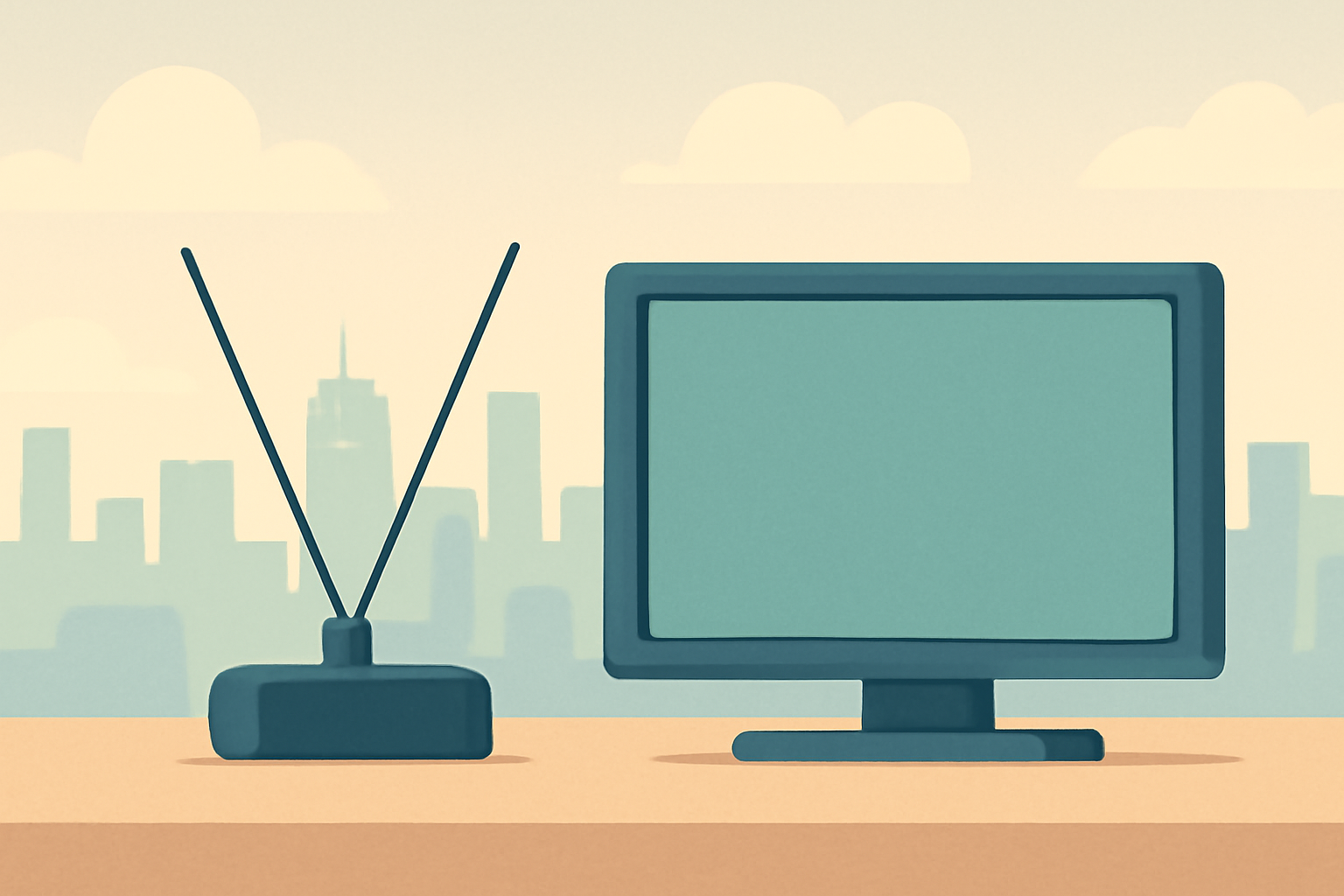
Discover how TV antenna channels work and what you can realistically pull in free over the air. A good antenna can pick up major network stations plus subchannels without a monthly bill, and the setup path is straightforward if you know what to expect from your area. This guide covers how OTA antennas work, typical channels you can receive, the choice between indoor and outdoor antennas, how to check coverage in your area, and the basics of ATSC 3.0.
How OTA antennas work
Over the air television uses broadcast towers to transmit signals that your antenna then receives and sends to a tuner in your TV or a separate set top box. The process is simple in concept: a broadcaster sends digital signals on a frequency, your antenna captures those signals, and your tuner converts them into a picture and sound. The beauty of this system is that it is free after the initial hardware purchase, with no ongoing fees for the channels themselves.
Television signals are encoded in frames and carried in multiplexed streams. In many markets you will encounter multiple subchannels on the same broadcast frequency, which means you might see a main network channel and one or more additional networks on the same channel number. For most households, the practical takeaway is that you can access a core mix of national networks plus several subchannels that expand your options. For broader context on how modern broadcast standards have evolved, you can read about ATSC 3.0 and how it differs from older formats at sources like ATSC 3.0 and the FCC’s broadcast information pages.
In terms of equipment, you will want a tuner that can handle the digital signals your area broadcasts. Most modern TVs include built in ATSC tuners, but if yours is older you might need a dedicated digital tuner or a converter box. When you set up, you will typically run a channel scan so the tuner maps all the available over the air channels in your location. The number of channels you receive can vary by location and terrain, so checking your local lineup is an essential step.
For practical guidance on how OTA fits with other entertainment options, you can explore how OTA complements streaming bundles and how to balance a budget by exploring legal, free options like some of the streaming guides we publish. If you want to compare different ways to fill out your viewing, our guide to cutting the cord and staying legal can help you plan a balanced setup that includes OTA where it makes sense how-to-cut-the-cord-with-live-tv-streaming and cheapest way to watch tv without cable and stay legal.
What channels are typical with an OTA antenna
In most markets you will see the big four network affiliates ABC, CBS, NBC and FOX, plus PBS and a handful of independent or family channels. In many areas you will also receive a range of subchannels like MeTV, PTV, Comet, Heroes & Icons, or market specific networks. The exact mix depends on the regional broadcast plan and what towers serve your neighborhood. If you want a sense of what to expect in a given area, start with a local channel search once you install your antenna and scan for channels.
A practical way to frame expectations is to know that the core broadcast networks and their subchannels are designed to serve broad audiences with a mix of news, sports, sitcoms, dramas and children’s programming. You may also see weather and local public safety channels depending on the market. For a broader view of how OTA is structured and how many channels you might see, you can read about the general landscape and how to compare it with streaming options in our broader Live TV Streaming coverage and guides Live TV Streaming (section) and the article about finding local channels without cable [how-to-watch-local-channels-without-cable/].
If you want to evaluate whether OTA is right for you, consider the typical channel set in your area and combine that with a streaming plan. This helps you decide if you will rely on free over the air channels for core viewing while using streaming services for the rest of your entertainment needs. For a broader look at current recommendations for streaming options, see our reviews and comparisons such as Best live tv streaming service: 2026 comparison and DirecTV Stream Review: Price, Channels, Verdict.
Indoor versus outdoor antennas
Indoor antennas are compact, easy to install, and best for apartments or rooms with windows facing the broadcast towers. They tend to be affordable and are suitable when you receive a strong signal from the towers serving your area. Outdoor antennas are larger and typically mounted on a rooftop or a high pole. They can deliver stronger reception in areas with weaker signals or when terrain reduces line of sight to broadcasters. The decision often comes down to your living situation, signal strength, and how much you are willing to invest in a more permanent setup.
When choosing between indoor and outdoor options, think about placement flexibility, noise pickup, and wind exposure. Indoor antennas work well near windows and in higher rooms, while outdoor antennas benefit from elevation and a clear line of sight to towers. If you want practical placement tips and a step by step setup guide, we have related notes in our device and setup guides such as how to cut the cord with live TV streaming, how to watch local channels without cable, and our device guides for antennas Device Guides (section) and how-to-cut-the-cord-with-live-tv-streaming/.
How to check coverage in your area
Your best starting point is the local signal map provided by federal and industry bodies. The FCC maintains information about broadcast towers and coverage areas, and many markets have online tools that show tower locations and typical reception quality. Checking coverage helps you choose an antenna size and type that aligns with your real world reception rather than best case scenarios. In addition to official maps, you can read user reports and technical notes on Wikipedia pages or industry summaries that explain how signal propagation changes with terrain, weather, and building materials. See for example FCC TV antenna guidance and ATSC 3.0 overview for broader context.
If you want a real world starting point, consider performing a simple antenna test: place the antenna near a window with a direct line to the broadcast direction, perform a channel scan on your TV, and note the number of channels and signal strength. You can compare results across different placements and antenna types to decide what works best for your home. For a practical path to building a flexible setup that minimizes cost while maximizing channels, see how others have approached it in our guides on cutting the cord and staying legal while using OTA as a backbone how to watch local channels without cable and cheapest way to watch tv without cable and stay legal.
ATSC 3.0 and your options
ATSC 3.0, also known as Next Gen TV, is the new broadcast standard that enables higher resolution, enhanced audio, improved reception, and more flexible data services. Some markets have already migrated part of their stations to ATSC 3.0, which means you may need a compatible tuner or TV to take full advantage of features like 4K HDR signals or advanced emergency alerts. If your device does not support ATSC 3.0, it can still receive legacy ATSC 1.0 broadcasts where available, and you will generally see good reception for the channels that still broadcast in that standard. To understand the status and what to expect in your area, see reliable sources on ATSC developments at ATSC 3.0 overview and FCC broadcast information pages.
For many households, OTA remains a complementary source of free channels alongside streaming services. If you are curious about how OTA fits into a modern viewing plan and how it compares to streaming options, you can explore our broader comparisons like 4K Streaming Explained: What You Need and When It’s Worth It and Best live tv streaming service: 2026 comparison.
Quick comparison table: common antenna types and what they reach
| Antenna Type | Typical Use Case | Pros | Cons | Typical Channel Reach (range) |
|---|---|---|---|---|
| Indoor compact | Small rooms, urban areas | Easy to install, low cost | Limited reception, sensitive to placement | Core networks plus several subchannels in strong markets |
| Indoor multi room | Apartments with multiple TVs | Better gain, multiroom flexibility | Requires power or splitters, can still be weather dependent | Strong markets often deliver a solid core plus subchannels |
| Outdoor roof or mast | Rural to suburban with weaker signals | Best reception, wide range | Installation effort, weather exposure | Wide coverage including distant stations with good line of sight |
| VHF/UHF combination | Markets with tall towers | Versatility across bands | Needs proper matching and placement | Broad set of network channels where towers are tall |
This table gives a quick snapshot of what to expect when you choose between indoor and outdoor antennas. If you want to see how this maps to your home, check our cheapest way to watch tv without cable and stay legal and how to watch local channels without cable guides for practical planning.
Bottom line
TV antenna channels provide a real, legal path to free local viewing without a subscription. With the right antenna and proper placement, you can pull in ABC, CBS, NBC, FOX, PBS and a selection of subchannels in many markets. The exact mix depends on your location and the broadcast towers serving your area, but most households can enjoy core networks and a handful of extra networks at no monthly cost. For a well rounded viewing setup, pair OTA reception with selective streaming services that cover national channels or niche programming you enjoy. Keeping your antenna in good shape and staying updated on ATSC 3.0 developments will help you get the most out of free over the air channels over the long term.
Bottom line: if you want reliable, zero-fee broadcasts, a properly chosen OTA antenna can deliver a solid slate of tv antenna channels without infringing on licensing or paying ongoing fees. Pair it with a legal, affordable streaming plan if you want to round out your options while still staying within a budget.
Frequently Asked Questions
Do I need internet to get OTA channels?
No. Over the air TV uses terrestrial broadcasts and does not require an internet connection.
Can I watch local channels without cable?
Yes. An antenna can pick up local channels in many areas, often including network affiliates.
What is ATSC 3.0 and should I care?
ATSC 3.0 is the latest broadcast standard that enables higher quality signals and more flexible viewing. Some markets have this already and some TVs or tuners support it.
This is an independent editorial site. We do not host, sell, or distribute any streams or subscriptions. Always verify that a service is properly licensed in your country. Some links may earn us a commission at no cost to you.