cheapest way to watch tv without cable and stay legal
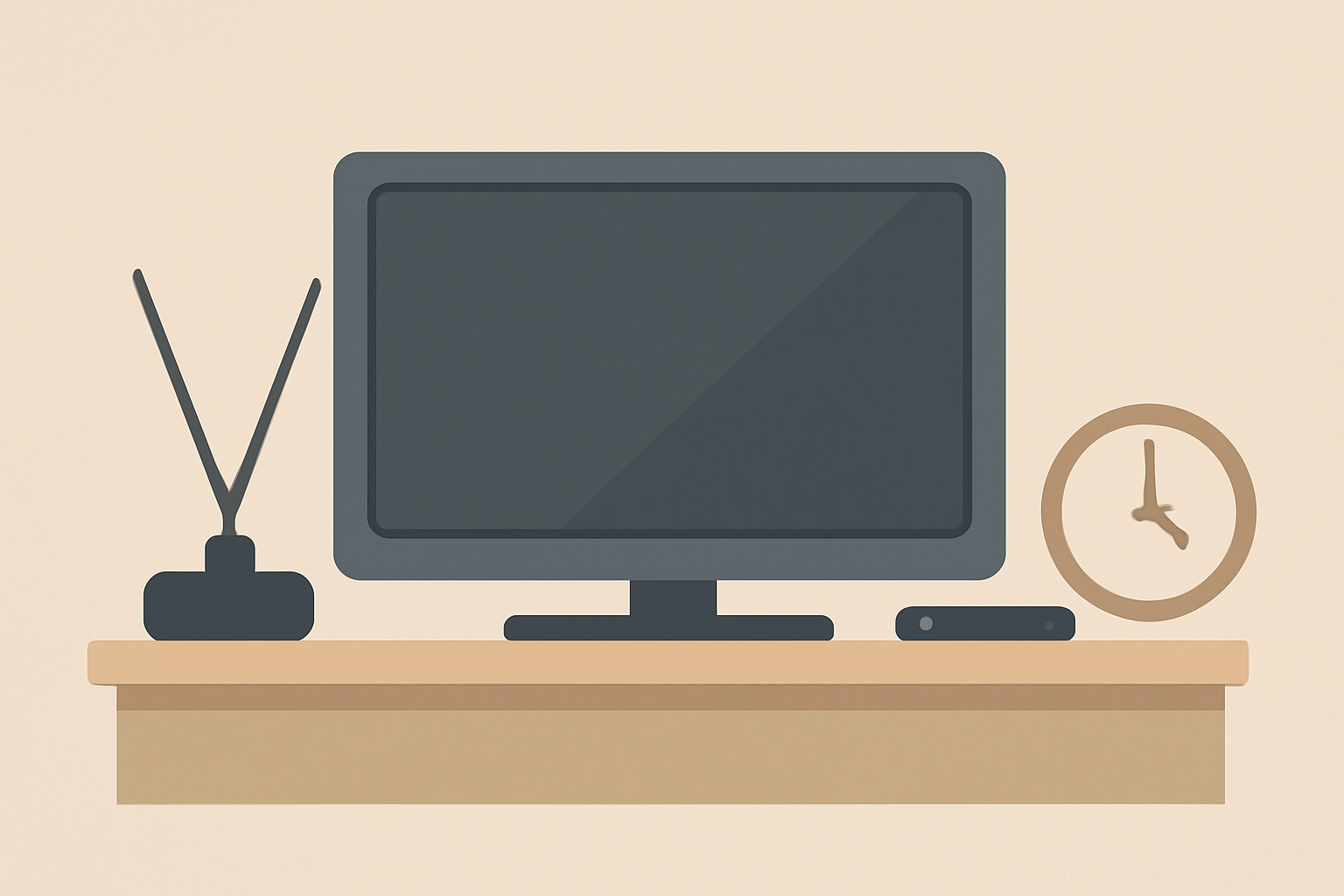
You want to know the cheapest way to watch tv without cable, and you want options that are legal, straightforward, and reliable. This guide focuses on free fast services, over the air TV reception, and budget live TV options that keep monthly costs low while still letting you watch popular channels and live sports where possible. You’ll also find practical tips to gauge costs and avoid common pitfalls so you can mix and match the best options for your home.
Why OTA and Free Streaming Can Be Cheaper
Over the air TV, or OTA, uses broadcast signals that channels send out for free. An antenna can pull in local channels such as NBC, ABC, CBS, FOX, PBS, and some subchannels without paying a monthly fee. This is especially appealing for households that want to cut or completely drop cable while still getting local news and weather. If you want to learn more about the basics of live streaming and how it compares to traditional cable, check our What Is Live Streaming? How It Works, Explained Simply and Streaming vs Cable Cost: The Real Math in 2026.
Free ad-supported streaming services offer another route. They do not require a subscription, but you will see commercials and may need to tolerate a smaller selection of channels. These services frequently carry on-demand libraries as well as curated live streams. Not every network participates in every free platform, so you might need a few apps to cover the channels you want. For a broader look at what is legally available without paying, see Free Legal Streaming: What You Can Watch Without Paying.
Budget live TV services are the third leg of the stool. They sit between OTA and premium paid options, offering a set of channels for a low monthly fee. The difference between budget live TV services and traditional cable is the price and flexibility. You generally pay monthly with no long-term commitments, and you can cancel any time. To understand how these options stack up against traditional cable, you can read our comparison of costs at Streaming vs Cable Cost: The Real Math in 2026.
How to build a low-cost viewing setup
A smart approach is to combine OTA reception with a small set of streaming apps. Here is a practical blueprint you can follow:
Pick an antenna that fits your space and needs
- Indoor antennas work well in many apartments and smaller homes. You can receive major networks and several subchannels depending on your location.
- Outdoor antennas often deliver stronger signals and more channels if you have a clear line of sight to broadcast towers.
- Positioning matters. Try high shelves or window placements, and if you lose channels after storms or seasonal changes, re-scan your TV to refresh the channel lineup.
Choose a streaming device if you already own one
- Many smart TVs have built-in apps for free streaming services. If you need an external device, affordable streaming sticks or set-top boxes are widely available.
- When evaluating devices, consider compatibility with 4K streaming and the ability to handle the apps you want. If you want more context on 4K capabilities and when they are worth it, look at 4K Streaming Explained: What You Need and When It’s Worth It.
Add only the apps you need
- Start with a core bundle of channels or content you actually watch and avoid duplicating services that offer similar lineups.
- If your aim is to watch local news and primetime programming, ensure the OTA channels you receive cover those shows. For additional information about data usage and streaming behavior, see What Is Live Streaming? How It Works, Explained Simply.
Check live sports options carefully
Sports are often a sticking point for cord cutters. Some free streams or budget services carry major league games, but coverage can be spotty. If sports are a priority, review each service’s channel lineups before committing. For sport specific guidance, you might explore how to watch certain leagues and events, using articles like How to Watch NFL Games: Every Legal Option Explained and How to Watch UFC: Fight Nights, Numbered Events & the New Home for context on streaming rights and options.
Budget math: real monthly costs to expect
A realistic budget mix for cutting the cord might look like this:
- OTA antenna: one-time purchase of a basic antenna, then free local channels.
- Free ad-supported streaming: zero monthly cost, with occasional ads.
- One or two budget live TV services: typically under $40 per month, depending on promotions and add-ons.
- Optional add-ons for premium networks or sports: if you need them, they push total monthly cost higher, but you can opt out after a trial or during special offers.
To gauge how much data and bandwidth you’ll need for streaming while using a mix of OTA and free services, you can review Internet Speed for Streaming: How Much You Really Need and What Is Live Streaming? How It Works, Explained Simply. These guides help you avoid overpaying for bandwidth you won’t use.
Realistic cost comparisons in a compact view
The following table compares common routes to cheap television without cable. Prices reflect typical entry-level options and are subject to promotions and regional differences. Always verify current prices with official providers.
| Option | Typical monthly cost | Channel coverage notes | Devices commonly used |
|---|---|---|---|
| OTA antenna only | $0 upfront after purchase; $0 monthly | Local broadcast networks only; weather and news | TV with built-in tuner or separate tuner box |
| Free ad-supported streaming services | $0 | Limited live streams and on-demand libraries | Smart TV, streaming stick, or set-top box |
| Budget live TV service (entry plan) | $25-40 | A curated channel list including local networks in many areas | Streaming device, smart TV, or web browser |
| Premium add-on channels | varies by provider | Optional extras are not required for basic viewing | Any compatible device |
| Combined OTA + budget streaming | $0-40 | Best blend for local channels and limited live content | OTA antenna plus streaming devices |
If you want to understand how these costs compare against traditional cable, check our detailed breakdown at Streaming vs Cable Cost: The Real Math in 2026. For a broader sense of how streaming costs trend over time, you can read about the economics of streaming in general on the site.
Practical tips to maximize value
- Audit your viewing habits for a couple of weeks before canceling any service. You might discover you watch only a handful of channels, which can save money by keeping OTA and a single budget streaming option.
- Take advantage of free trials offered by budget live TV services if you want to test before committing. Just set a reminder to cancel before any trial expires to avoid charges.
- If you use a streaming device, keep it updated. Firmware and app updates can improve performance and security.
- Be mindful of data usage if you rely on mobile connections for streaming. See How Much Data Does Streaming Use? (With a Cap Survival Guide) to plan effectively.
- For privacy and legality, make sure you understand the rules about streaming in your jurisdiction. A good primer is Is Streaming Legal? The Rules, Plainly Explained.
How to optimize for reliability and speed
A stable internet connection is essential for streaming, even when you rely on OTA. To prevent buffering and interruptions, ensure your home network can handle the load. A typical HD stream may require about 5-8 Mbps, while 4K streams require significantly more. If you share your network across many devices, consider upgrading to a faster plan or upgrading your router to one with better performance. For guidance on speeds and hardware, you can read Internet Speed for Streaming: How Much You Really Need and 4K Streaming Explained: What You Need and When It’s Worth It.
Security and privacy while cord cutting
Even when you are not paying for every service, you still want to protect your privacy. Always use trusted apps and avoid third party sites that might misuse data. If you want to learn about general privacy considerations for streaming and how to stay safe online, check out VPN & Privacy (section) for practical tips and best practices. You should also confirm that any service you use is properly licensed and compliant with local rules. Our guide Is Streaming Legal? The Rules, Plainly Explained offers a straightforward overview of legality questions.
Real-world scenarios: what people actually do
- A small apartment with strong local broadcast signals relies mainly on an OTA antenna to capture the major networks. They supplement with a single budget live TV service to access cable channels that aren’t broadcast locally.
- A family with a large viewing list uses a combination of free streaming apps for kids and on-demand movies plus a low-cost live service for primetime news and sports.
- A single adult on a tight budget blends OTA and a free streaming service to watch news, weather, and occasional live events when they appear on free platforms.
If you want to learn more about how streaming works in practical terms and what options exist for buying or renting devices, our device guides and buying checklists can help. For device related context, see Device Guides (section) and for how to choose a legal IPTV service, see How to Choose a Legal IPTV Service: A Buyer’s Checklist.
Some common questions people have
- Do I need a smart TV to cut the cord effectively? Not necessarily. A basic OTA setup can work with a standard TV that has a built-in tuner. If you want streaming apps, a budget streaming device can be a good addition.
- Can I watch local channels with an antenna and still stream shows online? Yes. OTA provides local channels, and many networks offer online access to selected content. If you want a breakdown of how streaming works and what to consider, see What Is Live Streaming? How It Works, Explained Simply.
- What about sports fans? Some budget live TV services carry local and national sports networks, while OTA may not. For sports specific options, review guides like How to Watch NFL Games: Every Legal Option Explained and How to Watch UFC: Fight Nights, Numbered Events & the New Home.
How to evaluate what to keep
- After a trial period, tally the channels you actually watch. If several of your favorites are available only on one paid service, that may be worth it, but stick to your budget.
- Reassess every few months. Promotions change, channel lineups shift, and new free options can appear. Keeping a flexible setup helps you stay cheap without losing essential programming.
Final notes on legality and best practices
All the channels and services discussed here are legitimate and licensed. It is important to avoid unlicensed streams or services that do not have rights to broadcast content. If you want to keep your streaming experience within legal boundaries, you can consult reputable sources and stay aligned with current rules and practices. For a broader discussion about privacy and legality in streaming, you can refer to Is Streaming Legal? The Rules, Plainly Explained.
Bottom line
Cutting the cord does not have to mean sacrificing access to the channels you want. A thoughtful mix of OTA antennas, free ad supported streams, and budget live TV services can deliver a steady stream of local channels, news, sports, and entertainment at a fraction of the cost of traditional cable. Start with OTA to cover the essentials, add a couple of free or inexpensive streaming options to fill gaps, and monitor your viewing habits to keep costs low. For more on the balance between cost and capability, also review our guides on streaming costs and how to compare with cable. If you want more background on streaming basics and the justification for using certain approaches, see our reference guides on 4K, data usage, and speed requirements. The cheapest way to watch tv without cable is often a tailored mix rather than a single service, so build a setup that matches what you actually watch, not what you think you should watch.
Frequently Asked Questions
Do I need an internet connection for OTA antennas?
OTA antennas do not require internet to receive broadcast channels, but streaming the same channels online will need internet.
Are there legal free options with sports channels?
Yes, some networks offer free ad supported streams or trials that can cover major events.
What about device costs
You can use affordable devices or smart TVs you already own to access free streams and apps.
This is an independent editorial site. We do not host, sell, or distribute any streams or subscriptions. Always verify that a service is properly licensed in your country. Some links may earn us a commission at no cost to you.