Sling TV vs YouTube TV: full comparison
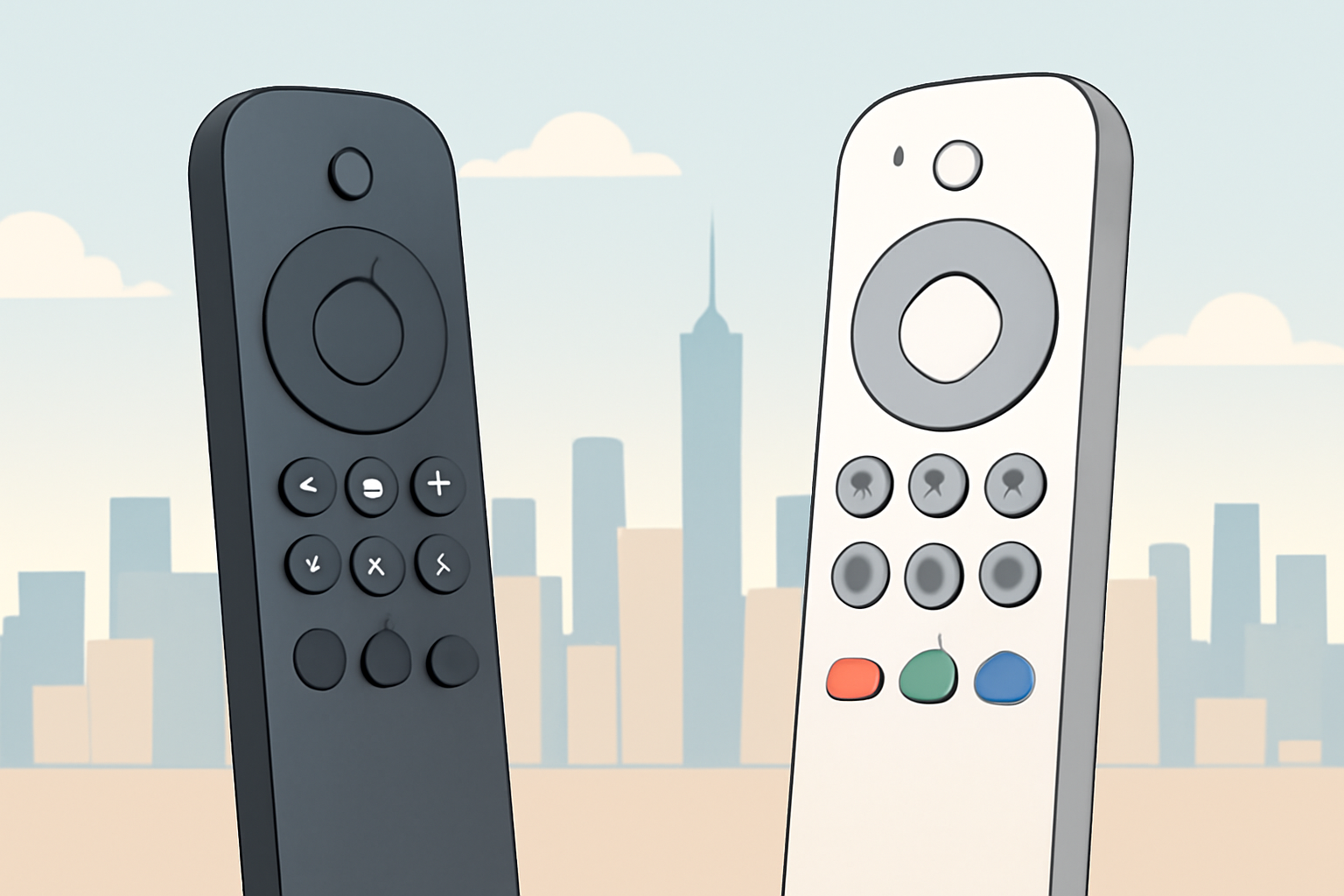
Sling TV and YouTube TV are two of the most popular live TV streaming services, but they target different viewers. Sling TV has historically focused on affordability and modular channel packs, while YouTube TV emphasizes a broad channel lineup and a straightforward, all-in-one price. If you want a quick snapshot, think of Sling TV as a flexible, budget friendly option with a couple of add ons, and YouTube TV as a comprehensive, user friendly service with a larger core channel set. For anyone trying to decide between them, it helps to look at actual price points, channel lineups, DVR capabilities, sports coverage and how locals are handled. You can also compare them side by side with our guide to the best live tv streaming service in 2026 Best live tv streaming service: 2026 comparison to see where each stands.
Price and plans: what you’ll pay month to month
Pricing is one of the first questions most viewers ask. Sling TV offers a couple of base bundles that you can mix and match with add ons. YouTube TV uses a single, all inclusive price that bundles a wide range of channels with the cloud DVR and a generous number of simultaneous streams. Prices can change, and promotions exist from time to time, so it’s best to check the official pages for the current numbers. When you compare Sling TV vs YouTube TV, remember to factor in any taxes or regional fees that may apply in your area. For a broader view of cost structure across live tv options, see our guide cheapest way to watch tv without cable and stay legal.
| Feature | Sling TV | YouTube TV |
|---|---|---|
| Base price (typical) | Typically lower starting bundles with a la carte addons | All in one price with channel lineup included |
| Add ons | Numerous optional packs including news, sports, comedy, and regional packs | Mostly included; some channels can be added via premium options |
| Taxes and fees | May apply depending on location | Taxes and fees may apply depending on location |
When you add in local sports packages or premium add ons, the total monthly cost can shift. If you want a quick estimated comparison for a typical scenario, think about how many channels you actually watch and whether you prefer a single streamlined package or the flexibility to pick channels a la carte. For context on how data usage and streaming quality can affect cost and experience, see our piece on Internet Speed for Streaming: How Much You Really Need and 4K Streaming Explained: What You Need and When It’s Worth It.
Channel lineups and what you get with each service
Sling TV uses a two tier approach with a base service and optional add-ons. The base service includes core channels, while premium and sports packs add more live coverage. YouTube TV presents a broad slate of mainstream networks within its single plan, and adds premium networks via optional add ons. The key difference is control over the base package: Sling lets you pay less up front and add channels as you go, while YouTube TV gives you a large channel library out of the box. If you want to learn how to evaluate channels and packages in depth, check our comparison article Best live tv streaming service: 2026 comparison.
For sports fans, the picture matters. Sling TV’s sports offerings come in packages that you can buy separately, such as the Sports add-on, which can be more affordable if you don’t watch a lot of games. YouTube TV includes many national sports channels in the base plan, with some sport specific channels available as add ons. If you want detailed coverage of sports streaming options and how to watch specific leagues, see How to Watch NFL Without Cable in 2026 and How to watch Premier League in the USA.
DVR capability and how you record your favorites
DVR is a major factor for many households. YouTube TV offers solid cloud DVR with virtually unlimited storage, and a generous limit on recordings that you can access from any device. Sling TV provides cloud DVR with a variable storage allotment depending on the plan, and certain add ons can increase the capacity. In practice this means YouTube TV is a better fit for people who want to keep a large library of recorded shows and games, while Sling TV is fine if you mostly watch live content and can plan ahead with timely recordings. If you want to compare how DVR stacks up against other services, see our article on Streaming Latency Explained: Why Your Stream Is Behind Live TV to understand how latency and DVR interplay during big sports events.
Local channels: how each service handles locals
Locals vary by market. YouTube TV has a strong footprint for local channels in many metro areas, but not every ZIP code is covered, and some regions have limited access to certain networks. Sling TV is typically more selective about local channel availability and often relies on add ons or third party integrations to round out a local lineup in specific markets. If local coverage matters, use the official coverage maps on each provider’s site and cross reference with our practical guides on watching local channels without cable how to watch local channels without cable.
Devices, apps and how easy it is to use
Both Sling TV and YouTube TV support a wide range of devices including Roku, Fire TV, Chromecast, iOS, and Android. YouTube TV is known for its smooth, integrated experience across devices and for easy casting to a TV. Sling TV can feel a bit more modular, especially if you are mixing a few add ons or using legacy hardware. If you’re evaluating devices and setup complexity, you might want to review our device guides at Device Guides (section) and read about how to cut the cord with live TV streaming how-to-cut-the-cord-with-live-tv-streaming.
Sports coverage and sports specific options
Sports are often the deciding factor. YouTube TV carries a broad set of national sports networks within the base plan and includes regional networks via the standard channel lineup, making it attractive for fans who want a single monthly bill. Sling TV can be more cost effective if you only want specific leagues or events and are willing to add packs. If you want to understand how to access certain leagues legally, check How to Watch NFL Games: Every Legal Option Explained and How to Watch Premier League: US, UK & Worldwide Options. For a broader look at sports streaming options and the limits on sports rights, consult external resources such as Wikipedia on Sports broadcasting.
The policy angle: legality, privacy and how to stay safe
Both services operate under licensing agreements with content owners and offer legal ways to view TV content without a traditional cable subscription. If you are curious about streaming legality and how to stay within the rules, see our explainers on Is Streaming Legal? The Rules, Plainly Explained and VPN & Privacy (section). It is important to verify you are using licensed services and not third party unsanctioned streams, which can carry risks and legal concerns.
Real world usage: how to decide based on your routine
Consider your typical weekly schedule. If you mostly watch on demand or have a preferred set of channels that are mostly local and regional, Sling TV’s modular approach can be cost effective. If you want a single monthly bill with a large core lineup including many national networks and broad sports coverage, YouTube TV makes this easier to manage. A practical way to gauge your setup is to measure your actual internet speed, as streaming quality and reliability depend heavily on bandwidth. You can use our guide Internet Speed for Streaming: How Much You Really Need to set expectations for your home network. For a broader sense of how to choose between live TV streaming services, see our comparison article and related resources like Best live tv streaming service: 2026 comparison.
Practical tips to optimize your choice
- List your must have channels and check which ones appear in each plan.
- Consider how much DVR storage you need and whether you want to keep a long archive of shows and games.
- Look at device compatibility and how easy it is to switch between devices while traveling or on a different TV.
- Review any available promotions or bundles that might apply to your household, then compare the ongoing price against the value you get from channels, sports coverage and DVR.
If you want to research more about price and plan differences across the landscape, our guide on the current best live TV options has a structured, apples to apples approach Best live tv streaming service: 2026 comparison. You can also explore how to watch local channels without cable as part of a broader strategy to stay legal while streaming how to watch local channels without cable.
Who should pick Sling TV
- Budget conscious households that want to pay for only the channels they will actually watch.
- Viewers who enjoy the option to customize with add ons rather than a single all-in-one package.
- People who already use a mix of streaming devices and value a modular approach to channel access and price.
If you want to see where Sling TV fits in a broader ranking of live TV services, take a look at Best live tv streaming service: 2026 comparison and our general guide to cutting the cord with live TV streaming how-to-cut-the-cord-with-live-tv-streaming. For a deeper dive into how 4K streaming fits into the mix when you have a fast connection, read 4K Streaming Explained: What You Need and When It’s Worth It.
Who should pick YouTube TV
- Viewers who want a large, cohesive channel lineup with cloud DVR included.
- Households that want a simple pricing structure with a straightforward monthly bill.
- Subscribers who value strong cross device compatibility and a polished user experience.
If you are weighing YouTube TV against other major services, our comprehensive comparison can help you see where it stands in 2026 Best live tv streaming service: 2026 comparison. For context on watching sports and real time events on streaming platforms, you might find useful information in How to Watch NFL Without Cable in 2026 and How to watch Premier League in the USA.
The final call: which one is best for you in 2026
Sling TV versus YouTube TV comes down to your priorities. If price is the overriding concern and you want to tailor your package with optional add ons, Sling TV is attractive. If a broad, ready to go channel set with strong DVR and a simple user experience matters, YouTube TV is a solid choice. The best approach is to map out your must have channels, compare the official listings for your locale, and estimate the total monthly cost including taxes. For a structured, side by side look at the current landscape, see our guide Best live tv streaming service: 2026 comparison and review the local options in our local channels guide how to watch local channels without cable.
Locating official resources and further reading
- For the official Sling TV details and plan options, you can visit Sling TV’s site. For broader context on streaming legality and best practices, see Is Streaming Legal? The Rules, Plainly Explained and VPN & Privacy (section).
- For YouTube TV specifics and the current channel lineup, you can consult YouTube’s official pages and their help resources, and cross reference with independent guides on streaming services. For a sense of how streaming quality interacts with network speed, see Internet Speed for Streaming: How Much You Really Need and Streaming Latency Explained: Why Your Stream Is Behind Live TV.
Bottom line Sling TV and YouTube TV each have strengths that appeal to different households. If you want flexibility and lower upfront costs, Sling TV is a good option with expandable add ons. If you want a broad base channel lineup and strong built in DVR, YouTube TV is typically more convenient for everyday use. Consider your must have channels, your tolerance for monthly bills, and how important local channels are in your region. Use the linked guides to verify current plan details and to see how these services compare in 2026.
Bottom line links for quick reference:
- Best live tv streaming service: 2026 comparison
- how to watch local channels without cable
- 4K Streaming Explained: What You Need and When It’s Worth It
- Internet Speed for Streaming: How Much You Really Need
Frequently Asked Questions
Do Sling TV and YouTube TV offer local channels
Both services offer local channels in many markets, but availability varies by location and package. Check the official coverage maps for specifics.
Which service has more channels
Channel counts differ by plan. YouTube TV tends to have a broader base of channels in its standard plan, while Sling TV offers tiered options that can be cheaper for fewer channels.
Is recording on Sling TV and YouTube TV unlimited
Both services provide cloud DVR with limits based on the plan. Review current limits on the official sites since offerings can change.
This is an independent editorial site. We do not host, sell, or distribute any streams or subscriptions. Always verify that a service is properly licensed in your country. Some links may earn us a commission at no cost to you.