IPTV Portal: MAC Addresses, Stalker and Xtream Explained
A Quick Reality Check on IPTV Portals
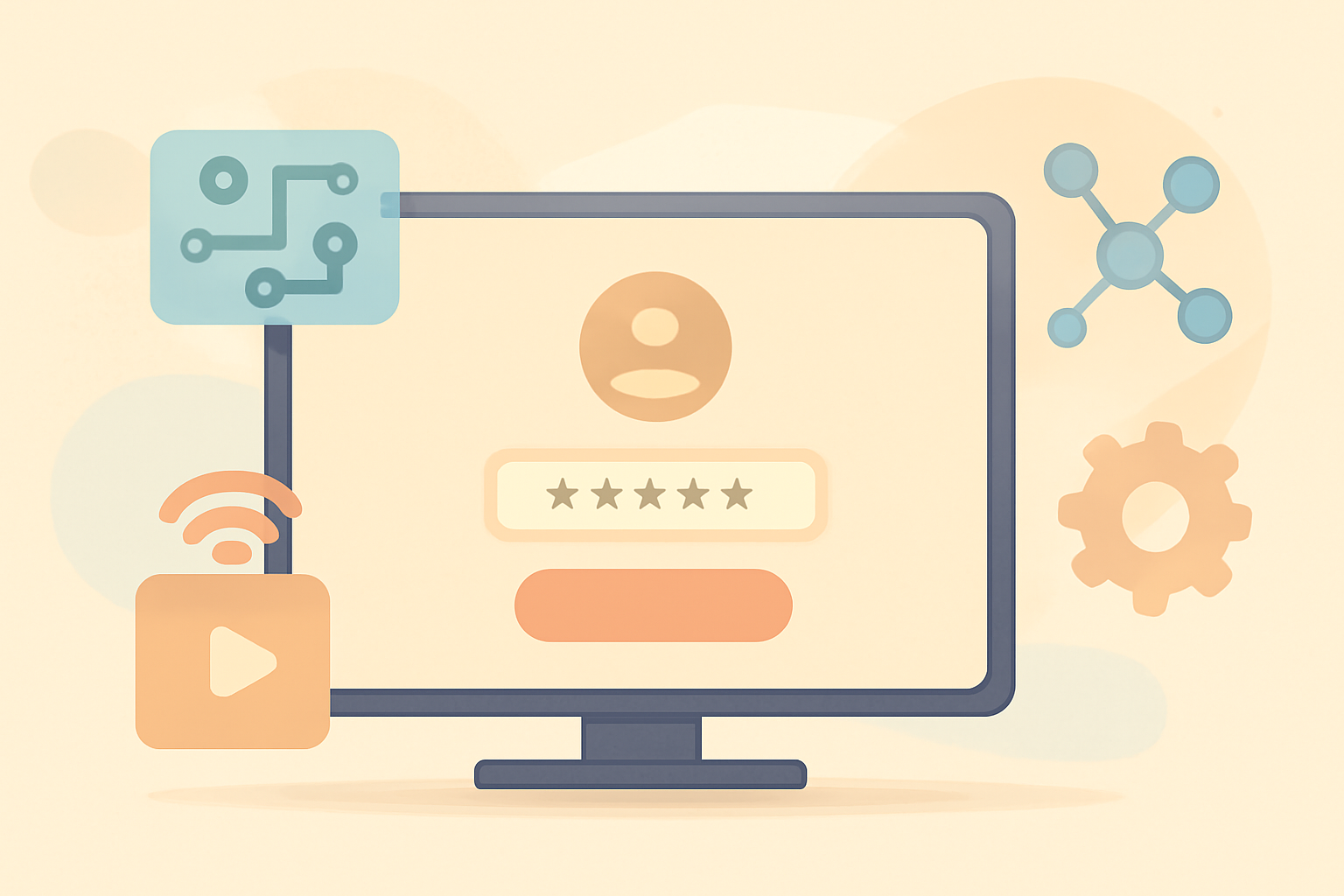
IPTV portals sit at the crossroads of live television streams and user interfaces. If you have ever loaded a streaming app and seen a list of channels, program guides, or a login screen, you have interacted with a portal. In practical terms a portal is the software layer that feeds channel data, electronic program guides or EPG, and authentication details to end user devices. For legitimate providers this layer is tightly integrated with content protection, licensing records, and device management. When people discuss an IPTV portal in the wild they often refer to the front end that sits behind a subscription or a reseller portal. And the term often shows up in conversations about MAC locking, Stalker guided experiences, and Xtream coded back ends.
How MAC locked portals work
MAC addresses are unique identifiers assigned to network interfaces. In the IPTV world a provider can use a MAC based access policy to restrict which devices may pull streams from a portal. Here is how the typical flow works in workable setups:
The device and its identity
- A customer device such as a set top box, streaming stick or smart TV sends a request to the IPTV portal.
- The provider checks a list of allowed MAC addresses. If the device MAC matches the allow list, the portal returns a valid stream and program guide data.
The role of the portal server
- The portal server authenticates the device and verifies the user account status. If the account is in good standing, the portal delivers channel lists and EPG data.
- If the device is not on the allow list, the portal denies access and often returns a generic error.
Common implementation concerns
- Security: With MAC locking it is crucial to understand that MAC addresses can be spoofed. A determined user may spoof a MAC to gain access, which means many operators pair MAC checks with other safeguards like secure tokens or device binding.
- Security best practice: A well managed portal should rely on server side authentication tokens, signed responses, and encrypted streams along with device binding rather than solely relying on MAC filtering.
Real world notes
- If you encounter a portal that asks for a username and password, this is a sign the provider is using a login flow. In contrast, purely MAC locked implementations may require only a device to be on the allowed list for access.
- For readers curious about the legal and safety landscape, checking our Is IPTV Legal and Safe: What You Need to Know guide can help provide context on legitimate services and risks.
Stalker versus Xtream Codes: what changes for users
Stalker and Xtream Codes are two middleware families that IPTV providers have used to deliver channel data, EPG, and user management. Each has unique characteristics in how clients connect, authenticate, and present channels.
Stalker portal basics
- Origin and purpose: Stalker is a middleware solution historically used to deliver IPTV services with a focus on a customizable portal experience and cross-device compatibility.
- Client experience: Many apps and devices support Stalker style portals. The user typically sees a channel list, an EPG, and a login screen that validates the user against the provider’s server.
Xtream Codes basics
- Origin and purpose: Xtream Codes emerged as another middleware path that many providers adopted to manage streams, authentication, and channel lists. It is known for its solid admin panel that operators use to configure channels, categories, and user accounts.
- Client experience: Xtream based portals often present a modern interface and can be integrated with popular IPTV players that support Xtream codes authentication.
Key differences and user implications
- Interface and configuration: Stalker and Xtream portals deliver similar end-user experiences but differ on the back end. Providers choose a system based on their content management needs, scalability, and security preferences.
- Security considerations: Both systems depend on server side authentication and secure streaming. The security posture of a given service depends less on the middleware label and more on how the provider implements access controls, documentation, and encryption.
How this relates to legality and safety
- When evaluating an IPTV service, the legality and safety of the provider matter more than the middleware name. It helps to read about general safety: Is IPTV Legal and Safe: What You Need to Know and compare offerings with a focus on licensing and content rights.
- It is also helpful to understand how program guides are structured and maintained. For a deeper dive into program guides, see our EPG Explained: How IPTV Program Guides Work (and How to Fix Them).
What clients want from a portal
- A consistent, up to date channel list with minimal lag.
- Accurate EPG data so viewers can plan watch times.
- Reliable authentication so legitimate users can access content without repeated prompts.
- Clear error messaging if a device is not authorized or if the service has a temporary service interruption.
Why portals get blocked or restricted
Blocking or disabling access to a portal can occur for several reasons. Providers typically monitor abuse and enforce licensing restrictions. Some of the common triggers include:
- Unpaid accounts or suspended service. A provider may restrict portal access when billing has not been settled.
- Violation of terms. If a user shares credentials or attempts to access streams outside of the license scope, the portal can be blocked.
- Device changes. If a device tries to connect from a new MAC address and the provider has not updated the allow list, access can be blocked until it is provisioned.
- Content protection triggers. Some channels have additional protections that may fail or cause access errors if the request comes from an untrusted source or an attempt is made to bypass the security model.
- Network or DNS issues. In some cases, misconfigured DNS or network blocks can prevent the portal from resolving properly.
Practical rules for staying within legal use
- Choose a legal IPTV service that publishes clear licensing and terms. Our guide on how to choose a legal IPTV service can help you compare offerings and confirm compliance How to choose a legal IPTV service.
- Use only authorized apps and devices that are supported by your provider. A solid, hands-on setup guide can be helpful, such as the Tivimate setup guide for beginners Tivimate setup guide for beginners.
- Review channel lists and EPG data to ensure you are seeing licensed content. For more on how guides work and how to fix them, check our EPG article EPG Explained: How IPTV Program Guides Work (and How to Fix Them).
A practical comparison: Stalker and Xtream Codes at a glance
| Feature | Stalker based portals | Xtream Codes portals |
|---|---|---|
| Main focus | Flexible portal experience for end users | Admin friendly management and scalable backend |
| Typical client support | Widely supported in various apps | Strong integration with Xtream compatible players |
| Common security posture | Relies on server side tokens and device binding | Uses token based auth plus secure streams |
| Common blockers | MAC mismatches, account status, or license issues | Similar issues with authentication and licensing checks |
| Typical user experience | Channel list, EPG, login, and settings | Channel list, EPG, login, and settings with strong admin controls |
This table is a practical sketch to understand how providers may deploy either system. In real life the user experience will depend on the specific app and the provider’s setup. If you want to learn more about how program data and channel lists are structured in legal contexts, see our discussion on M3U playlists and how lists are created M3U Playlists Explained: How IPTV Channel Lists Work.
How to navigate the legal landscape around IPTV portals
- Start with a legitimate service. A reputable provider will be transparent about licensing, territory rights, and what is included in a subscription. Our guide on choosing a legal IPTV service offers practical steps to verify claims and compare options How to Choose a Legal IPTV Service: A Buyer’s Checklist.
- Check for good support and documentation. A provider should offer clear help content and a stable support channel. If you are using popular players or apps, check their setup guides as well. For example the iptv smarters pro setup guide is a common reference point for many users iptv smarters pro setup guide.
- Understand the privacy and security impact. Using a portal does not automatically mean unsafe, but there are risks when content rights are unclear or when streams are obtained outside licensed agreements. Our privacy and safety resources discuss how to protect yourself online while enjoying streaming content VPN & Privacy (section).
The practical path for users new to IPTV portals
- Start with product and service research. Use reputable comparisons and buyer checklists to identify legitimate options. A good starting point is to read about how IPTV channels and program guides work and how they are delivered, so you know what to expect from a portal What is IPTV and how it works with legal options.
- Look for a solid EPG system. A solid EPG reduces confusion and helps you plan viewing. Our EPG explained guide can help you understand how guides are built and how to fix missing data EPG Explained: How IPTV Program Guides Work (and How to Fix Them).
- Compare devices and apps that support legal IPTV. A device focused section can help you pick hardware that works with legitimate services. Check the device and streaming sections for compatibility notes and setup guides Device Guides (section) and Tivimate setup guide for beginners.
How to spot a questionable portal
- Look for licensing disclaimers. A credible portal will clearly state the content rights it holds and the terms of service. If a service cannot explain where the rights come from or relies on dubious content sources, proceed with caution.
- Beware unclear revenue models. If a provider pushes a price or a plan structure that seems inconsistent with typical licensing costs, that is a red flag.
- Test with a reputable guide. If you want to see how typical portals are described and explained for legitimate setups, read our guide on what IPTV is and how it works with legal options What is IPTV and how it works with legal options.
The role of internal resources and how to learn more
- For more detail on program guides and how to fix issues, check our EPG article EPG Explained: How IPTV Program Guides Work (and How to Fix Them).
- If you want to understand how channel lists are constructed, refer to our M3U playlists explainer M3U Playlists Explained: How IPTV Channel Lists Work.
- When you are ready to choose a legitimate option, compare legal providers with our buyer oriented content How to Choose a Legal IPTV Service: A Buyer’s Checklist.
Final thoughts
IPTV portals form the digital doorway to a lot of content. Whether a portal uses Stalker style or Xtream codes backend, the essential parts for a good experience are reliable authentication, accurate and up to date channel data, a clean user interface, and a clear path to owning your viewing rights legally. The best practice for any viewer is to choose licensed services and to verify rights and terms before subscribing. If you want to read more about how IPTV works in a legal context, our guide on what IPTV is and how it works with legal options offers a straightforward overview and useful links What is IPTV and how it works with legal options.
Bottom line
A portal is the entry point into an IPTV service. Understanding MAC locking, and the differences between Stalker and Xtream codes helps you evaluate what is behind the interface. Always favor legitimate providers and use the right setup guides to get a stable, safe viewing experience.
Bottom line
Frequently Asked Questions
What is an IPTV portal?
An IPTV portal is the web interface or middleware used by an IPTV service to manage channel lists, program guides, and account access.
Why would a portal be MAC locked?
MAC locking ties a portal or stream to a specific device MAC address to prevent unauthorized sharing.
Are Stalker and Xtream Codes the same kind of portal?
They are different middleware systems used by IPTV providers to manage streams, guide data, and client apps.
This is an independent editorial site. We do not host, sell, or distribute any streams or subscriptions. Always verify that a service is properly licensed in your country. Some links may earn us a commission at no cost to you.